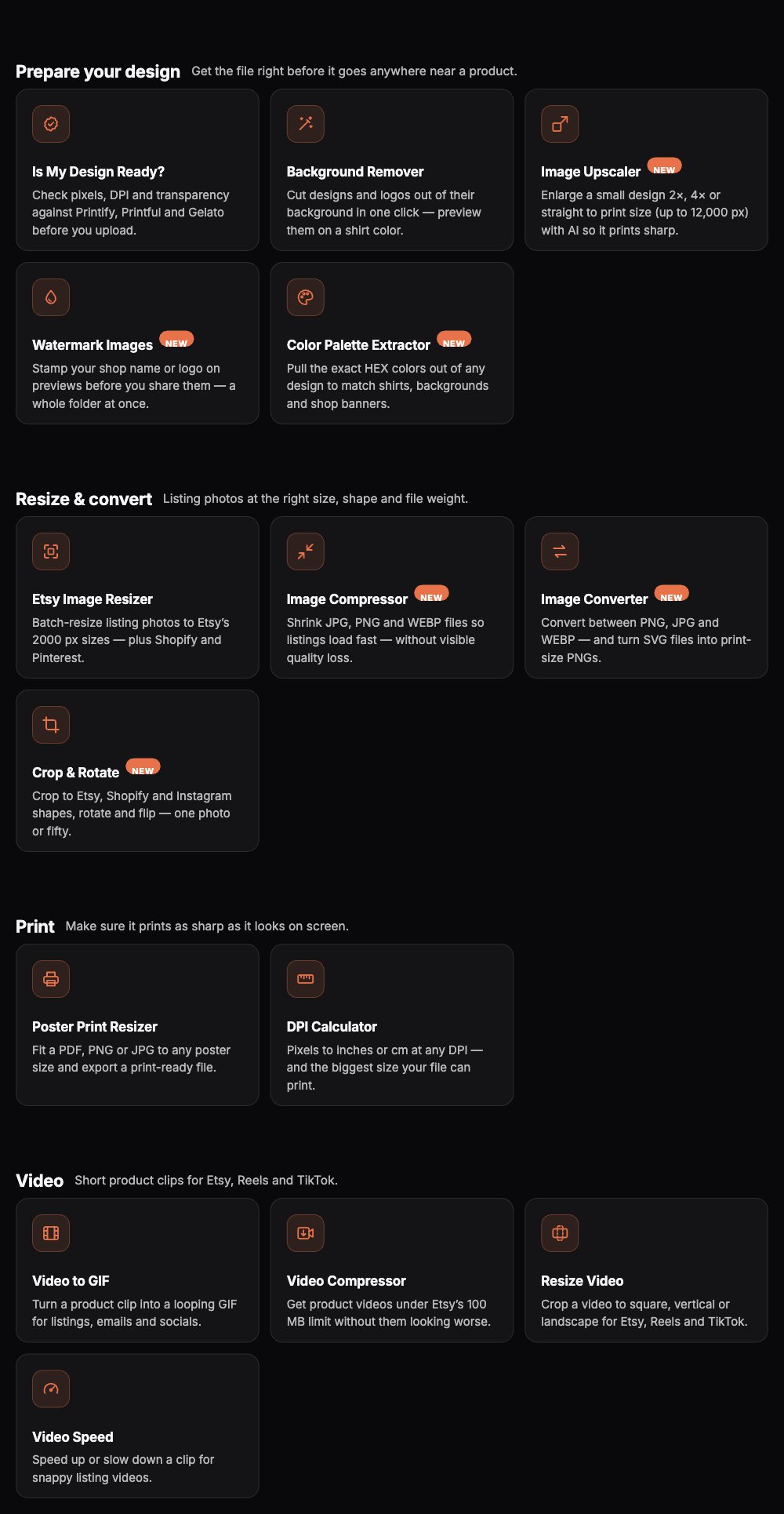
Scaylr's free tools page has 17 tools for Etsy and print-on-demand sellers, grouped into five jobs: mockups, preparing a design, resizing and converting, print sizing, and video. All of them run in the browser, all of them are free, and none of them upload your files anywhere. This is the full list, what each one actually does, and the order most sellers use them in.
Most Etsy and print-on-demand sellers end up with a scattered toolkit: a mockup generator here, a compressor there, a separate site for DPI questions, another for background removal. Scaylr built its own version of each of these because they kept coming up as the same handful of steps between "finished design" and "live listing" — so they all live in one place, free, with nothing to sign up for just to try them.
Why Browser-Based Tools
Most of the tools below (everything except the mockup studio itself) run entirely on your device using your browser's own image and video processing — nothing is sent to a server to be resized, compressed or cut. That's not just a privacy note: it's also why they have no usage limits, no sign-up wall, and no queue. A server-side tool has to ration free usage because every image it processes costs the company running it money; a browser-side tool doesn't, so there's nothing to ration.
The trade-off is that heavier jobs — an AI upscale, an 8-second video render — depend on the power of the device running them rather than a data-centre GPU. On a recent laptop or desktop that's rarely noticeable; on an older phone, it can take longer. See the note on that under each relevant tool.
Mockups
The main event — putting your design on a real-looking product.
| Tool | What it does |
|---|---|
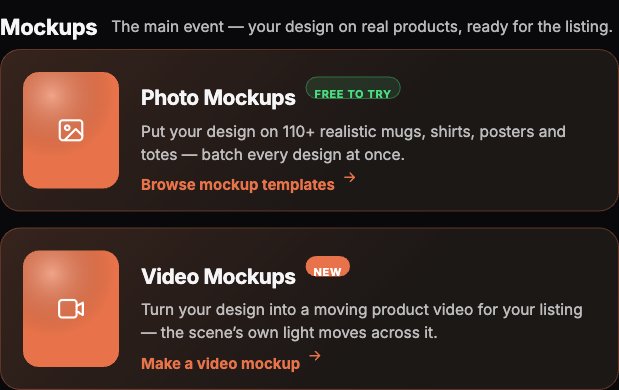
| Photo Mockups | Put your design on 130+ realistic mugs, shirts, posters, totes and more. Batch every design across every template at once. |
| Video Mockups | Turn a design into a short product video — the scene's own light and shadows move across it. See our guide to making an Etsy listing video this way. |
Prepare Your Design
Get the file right before it goes anywhere near a product.
| Tool | What it does |
|---|---|
| Is My Design Ready? | Checks pixels, DPI and transparency against Printify, Printful and Gelato's actual requirements before you upload. |
| Background Remover | Cuts designs and logos out of their background in one click, and lets you preview the cutout on a shirt colour before downloading. Full guide: removing a background for print-on-demand. |
| Image Upscaler | Enlarges a small design 2×, 4× or straight to print size (up to 12,000 px) with AI so it prints sharp instead of blurry. Full guide: upscaling to 300 DPI free. |
| Watermark Images | Stamps your shop name or logo on preview images before you share them anywhere — a whole folder at once. |
| Color Palette Extractor | Pulls the exact HEX colours out of any design, to match shirts, backgrounds and shop banners. |
Resize & Convert
Listing photos at the right size, shape and file weight.
| Tool | What it does |
|---|---|
| Etsy Image Resizer | Batch-resizes listing photos to Etsy's 2000 px sizes, plus Shopify and Pinterest dimensions. See our Etsy image size guide for exact specs. |
| Image Compressor | Shrinks JPG, PNG and WEBP files so listings load fast, without a visible quality hit. |
| Image Converter | Converts between PNG, JPG and WEBP, and turns SVG files into print-size PNGs. |
| Crop & Rotate | Crops to Etsy, Shopify and Instagram shapes, rotates and flips — one photo, or a whole batch. |
Make sure a design prints as sharp as it looks on screen.
| Tool | What it does |
|---|---|
| Poster Print Resizer | Fits a PDF, PNG or JPG to any poster size and exports a print-ready file, cropped or stretched to fit. |
| DPI Calculator | Converts pixels to inches or cm at any DPI, and tells you the biggest size your file can print sharp. |
Video
Short product clips for Etsy, Reels and TikTok.
| Tool | What it does |
|---|---|
| Video to GIF | Turns a product clip into a looping GIF for listings, emails and social. |
| Video Compressor | Gets a product video under Etsy's 100 MB limit without it looking worse. |
| Resize Video | Crops a video to square, vertical or landscape for Etsy, Reels or TikTok. |
| Video Speed | Speeds up or slows down a clip for a snappier (or more cinematic) listing video. |
A Sensible Order to Use Them In
With 17 tools on one page, it helps to know the order sellers actually move through them, design to live listing:
Check and prep the design
Run Is My Design Ready? first — it flags a too-small file or a missing transparent background before you waste time on the next steps. Then remove a background or upscale if either check came back short.
Make the mockups
Photo mockups for the bulk of your listing photos, a video mockup for the one or two video slots Etsy gives each listing.
Resize for the platform
Etsy Image Resizer (or Crop & Rotate, if you need a specific shape) to hit exact listing dimensions, then Image Compressor if any file is heavier than it needs to be.
Finish the video, if you made one
Video Compressor to clear Etsy's 100 MB cap, Video to GIF if you also want a looping preview for social or email.
Bookmark the tools page itself rather than individual tool pages — it has a filter bar (Mockups, Prepare designs, Resize & convert, Print, Video) and a search box, so finding the right tool later takes one click instead of a scroll.
Are These Tools Really Free?
Yes, with two nuances worth being upfront about. The mockup tools (photo and video) are free to try with limits — video mockups carry a watermark on the free tier — and unlock further on a paid plan; that's the core product. The background remover is free too, but you sign in with a free account to download the result. Every other tool on this list (upscaler, resizer, compressor, converter, cropper, watermarker, colour extractor, DPI calculator, poster resizer, and all four video tools) is free with no limits and no watermark, because they run entirely in your browser rather than on a server that costs money per use.
If you're currently bouncing between four or five different sites to compress an image, check a print size, and remove a background, it's worth trying the consolidated version first — same jobs, one tab, nothing uploaded.
See Every Free Tool in One Place
Mockups, design prep, resizing, print sizing and video — filter by what you need.
Browse Free Tools →Frequently Asked Questions
Every tool listed here was checked against the live site on 29 September 2026 to confirm it exists and is publicly accessible.