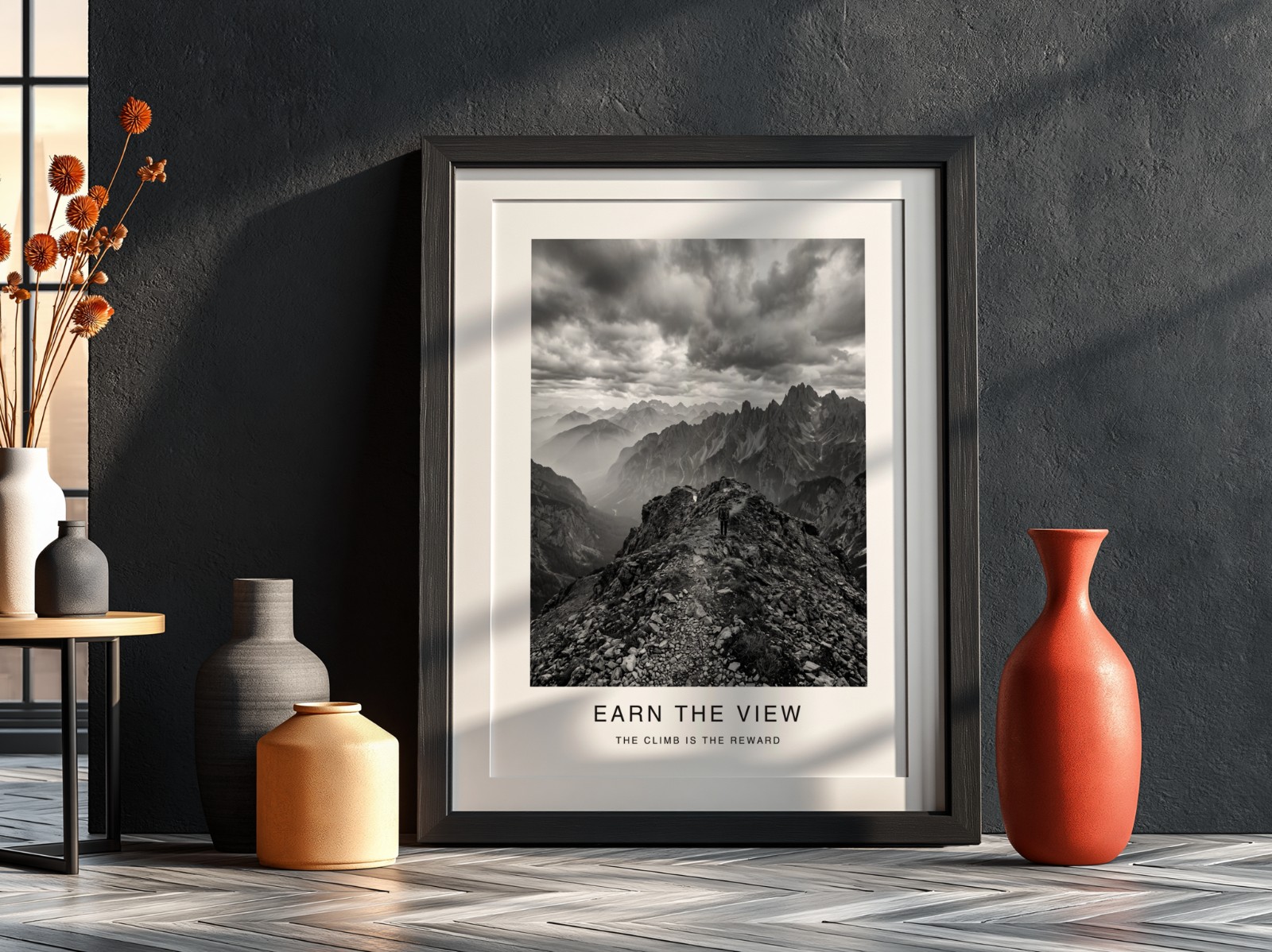
Etsy is testing something printable wall art sellers have wondered about for years: after a buyer purchases an eligible digital file, they may be offered the chance to order it as a physical print, made and shipped by an outside print company. You don't print, pack or ship anything. But your file, and the way your listing presents it, suddenly matters in a new way.
Etsy is testing an option that lets buyers turn eligible digital purchases into printed items, sold and fulfilled by a third-party print provider, Ventur Editions, through a separate checkout. For now it applies to eligible shops based in the US or Canada, shops are included automatically, and you can opt out in Shop Manager. Etsy hasn't said whether the original seller earns anything from the print. Either way, check that your files print well at every size you list, and make your listing photos show both what the buyer downloads and how it looks framed on a wall.
What exactly is Etsy testing?
Etsy announced the test in its Newly Crafted seller updates in September 2026, and explains it in two help articles, one for sellers and one for buyers. The short version:
- After buying an eligible digital file, the buyer may see View print options on pages such as the order confirmation.
- The buyer picks a product and size, adds the file, previews it and checks out separately.
- The printed item is sold and fulfilled by Ventur Editions, a third-party print provider, from its own Etsy shop. It has its own listing and its own reviews, and Ventur Editions handles support if something goes wrong.
- You, the digital seller, are not responsible for producing or shipping the print.
According to Etsy's buyer article, print options may include framed posters, rolled posters, matte canvases, metal signs, wall tapestries, and even mugs, tote bags, greeting cards and crewneck sweatshirts. So your design could end up on more than a wall.
This isn't Etsy's first try. Value Added Resource, which covered the September update, notes that a 2022 test sent buyers off Etsy to Printify or Shutterfly to order prints. The new version keeps the order on Etsy.
Etsy describes this as a test, so who sees it, which products are offered and how it works may change. Everything below is based on Etsy's help pages as of 2 October 2026.
Which shops are included, and can you opt out?
Etsy's seller article says your digital listings may be included if:
- your shop is based in the US or Canada;
- you don't already offer a physical version of the design or use your own print-on-demand integration;
- the file meets the print partner's requirements for high-quality printing.
Eligible shops are included automatically. To opt out, go to Shop Manager → Settings → Options and set Allow buyers to purchase digital prints to Disabled. During the test the opt-out covers your whole shop, not single listings. Etsy also points out that opting out only stops the option appearing after purchase. It doesn't stop a buyer from using Ventur Editions with a file they've downloaded.
What we don't know yet
Some important details aren't public, and it's better to say so than guess:
| Question | What Etsy says |
|---|---|
| Does the original seller earn anything from the print? | Not stated. Value Added Resource notes the update doesn't explain it either. |
| What are the file requirements? | Only "meets the print partner's requirements". No sizes or DPI published. |
| Which countries can buyers order from? | Not stated. Only the shop-location rule (US or Canada) is given. |
| Will the image be cropped? | Possibly. The buyer article says the image "may be cropped slightly" to fit the item. |
Whether to stay in or opt out is your call. Some sellers will welcome the extra convenience for their buyers. Others won't want their art sold as a physical product without a clear share of the sale.
Check your files: sizes, ratios and resolution
If your files may be printed by someone else, quality problems you could get away with on a home printer become visible. A low-resolution file on a large framed poster looks soft, and that reflects on your design. A quick audit:
- Cover the common ratios. Most printable wall art is sold in 2:3, 3:4, 4:5, 11×14 and ISO (A-series) ratios. The free wall art size pack turns one design into all of these at 300 DPI, named and zipped, so the buyer always has a file that fits.
- Check real pixel dimensions. DPI alone doesn't make a file sharp. Pixels do. The DPI calculator shows the largest size you can print at 300 or 150 DPI.
- Fix the DPI tag. If a file has enough pixels but says 72 DPI, the DPI changer rewrites the tag to 300 without touching the pixels.
- Upscale old or small artwork. If the pixels really aren't there, the image upscaler can enlarge it 2×, 4× or straight to poster sizes up to 24 × 36 in at 300 DPI.
- Make exact print sizes. For a specific poster size, the poster print resizer crops or fits a PDF, PNG or JPG to that size and exports a print-ready JPG.
Because the print may be cropped slightly, keep signatures, text and important details away from the very edges. A small safe margin protects your design on any product shape.
For a wider look at file sizes and delivery, see our guide to selling digital downloads on Etsy.
Make your wording crystal clear
A print option shown after checkout could confuse buyers who didn't read carefully. Your listing should leave no doubt about what you deliver:
- Say "digital download" or "instant download" early in the title and the first line of the description.
- State plainly: "No physical item will be shipped from this shop."
- List every file and size included, for example "5 files: 2:3, 3:4, 4:5, 11×14 and A-series".
Listing photos that show the file and the framed print
Buyers of printable art have always pictured their wall, not a JPG. Your photo set should answer two questions: what will I download? and what will it look like on my wall?
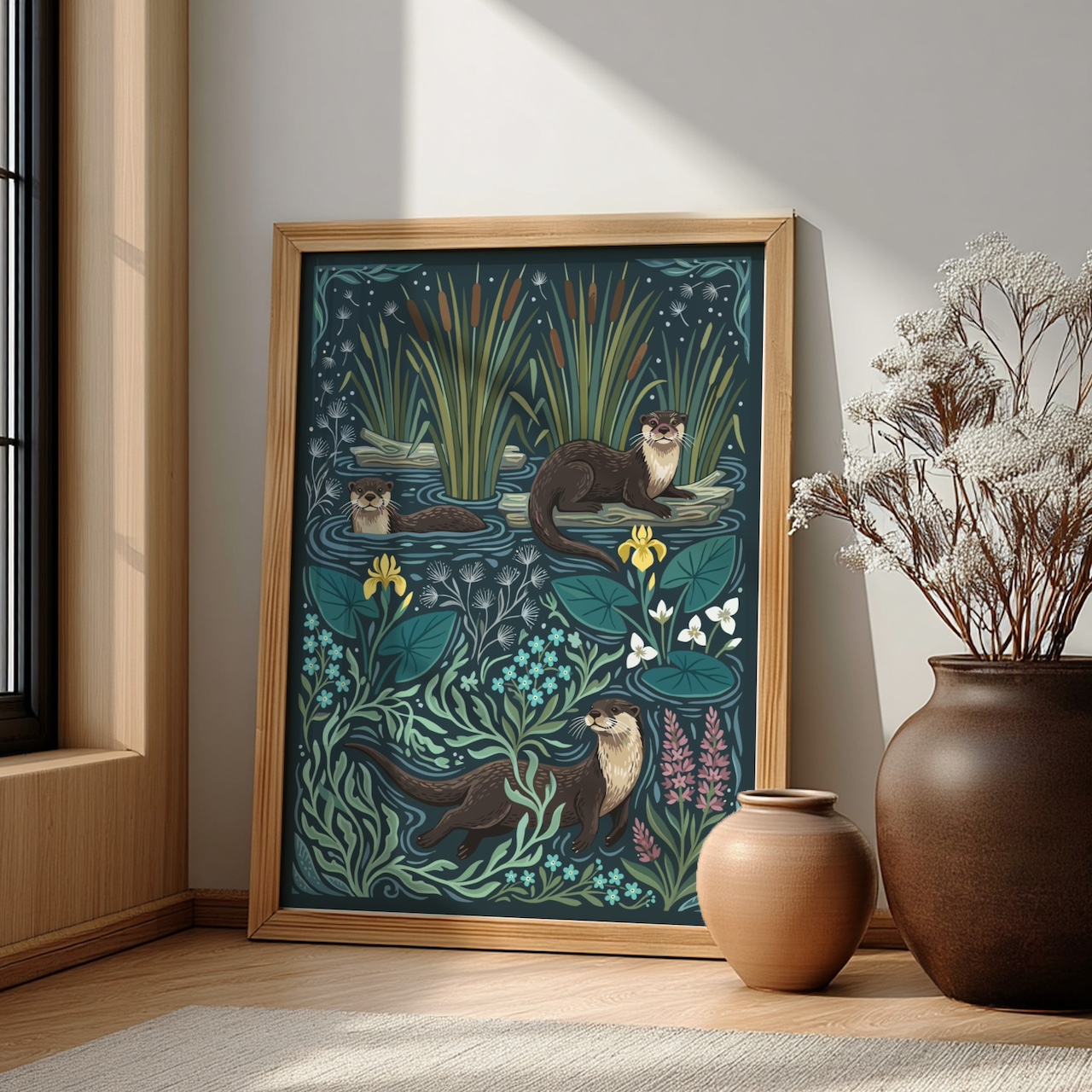
- Hero shot: the art framed in a real-looking room, large in the frame. Our poster mockup guide covers what makes these work.
- A second room or frame colour, such as a bright living room with an oak frame or a black frame with a mat on a dark wall, so buyers can picture it in their own space.
- A size guide image showing your art at several real sizes to scale. The wall art size guide maker builds this from one design.
- A "what's included" image listing the files, ratios and "digital download, no physical item".
- A close-up so buyers can see the detail they'll get in print.
All of these come from the same design, so you can make them in one batch with templates from the mockup template library. Our 10-photo checklist covers the full set.
Video helps too. A short clip of light moving across a framed print shows scale and texture better than a still. The video mockup tool puts your design into a real product scene, and the listing video maker turns your existing photos into a silent video that fits Etsy's 3–15 second limit. There's more in how to make an Etsy listing video without filming.
How to prepare this week
- Check Shop Manager → Settings → Options and decide whether to keep the print option on.
- Open your five best-selling files and check their pixel dimensions against the largest size you list.
- Re-export any file that's too small or missing a common ratio.
- Update titles and descriptions so "digital download" is unmistakable.
- Refresh your first photos with framed, in-room mockups and add a size guide image.
Show every printable as a framed print
Drop in your designs, pick poster and frame templates, and get a full set of listing photos in one batch.
Try Scaylr Free →