A canvas mockup generator puts your artwork on a photo of a real stretched canvas hanging in a real room, so you can list canvas wall art without printing, stretching and photographing every piece. If you sell canvas prints through a print-on-demand provider, Etsy lets you use a mockup as the listing photo (if the mockup's owner has authorised that use), and this is how you get one for each design in minutes. If you print and stretch the canvases yourself, Etsy also asks for at least one unedited photo of the actual item. This guide covers what a canvas mockup generator does, the canvas templates in Scaylr's library, which design ratio to use, how gallery wrap edges fit in, and how to make the whole set in one batch.
A canvas mockup generator places your artwork on photo scenes of stretched canvases so print-on-demand sellers can list canvas prints without photographing them. Scaylr has 15 free canvas print mockups in living rooms, bedrooms, nurseries, offices and a kitchen, in portrait, landscape and square, and puts every design on every scene you pick in one batch. The mockup shows the front of the canvas; for the gallery wrap print file itself, use the free gallery wrap canvas tool.
What Is a Canvas Mockup Generator?
A canvas mockup is a photo of a blank canvas with a "smart object" where the artwork goes. A canvas mockup generator swaps your design into that spot and keeps the scene's perspective, light and shadows, so the result looks like a photo of your print on the wall.
Most canvas mockups are PSD files you open in Photoshop one design at a time. Scaylr does the same in your browser for many designs at once, with no Photoshop.
Which Canvas Print Mockups Are in the Library?
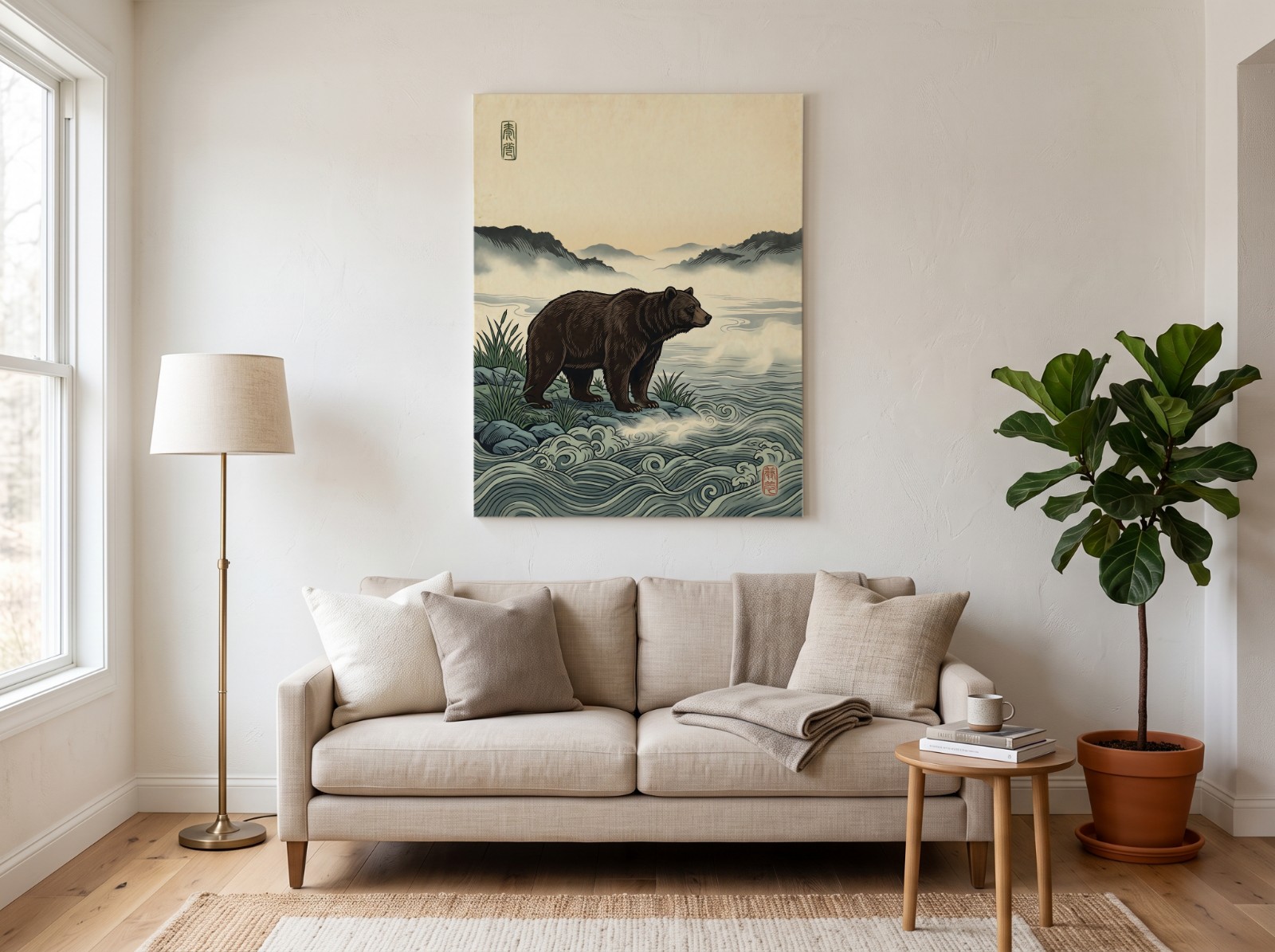
Here is every canvas template on the canvas mockup page as of October 21, 2026, with the room and the design size each template page recommends:
| Template | Room | Design area |
|---|---|---|
| Above a linen sofa | Living room | 3:4 portrait, 1800 × 2400 px |
| Leaning on an oak sideboard | Living room | 3:4 portrait |
| Square canvas on an oak console | Living room | 1:1, 2000 × 2000 px |
| Boho sofa, terracotta | Living room | 4:3 landscape, 3600 × 2700 px |
| Landscape above a bed | Bedroom | 4:3 landscape, 2400 × 1800 px |
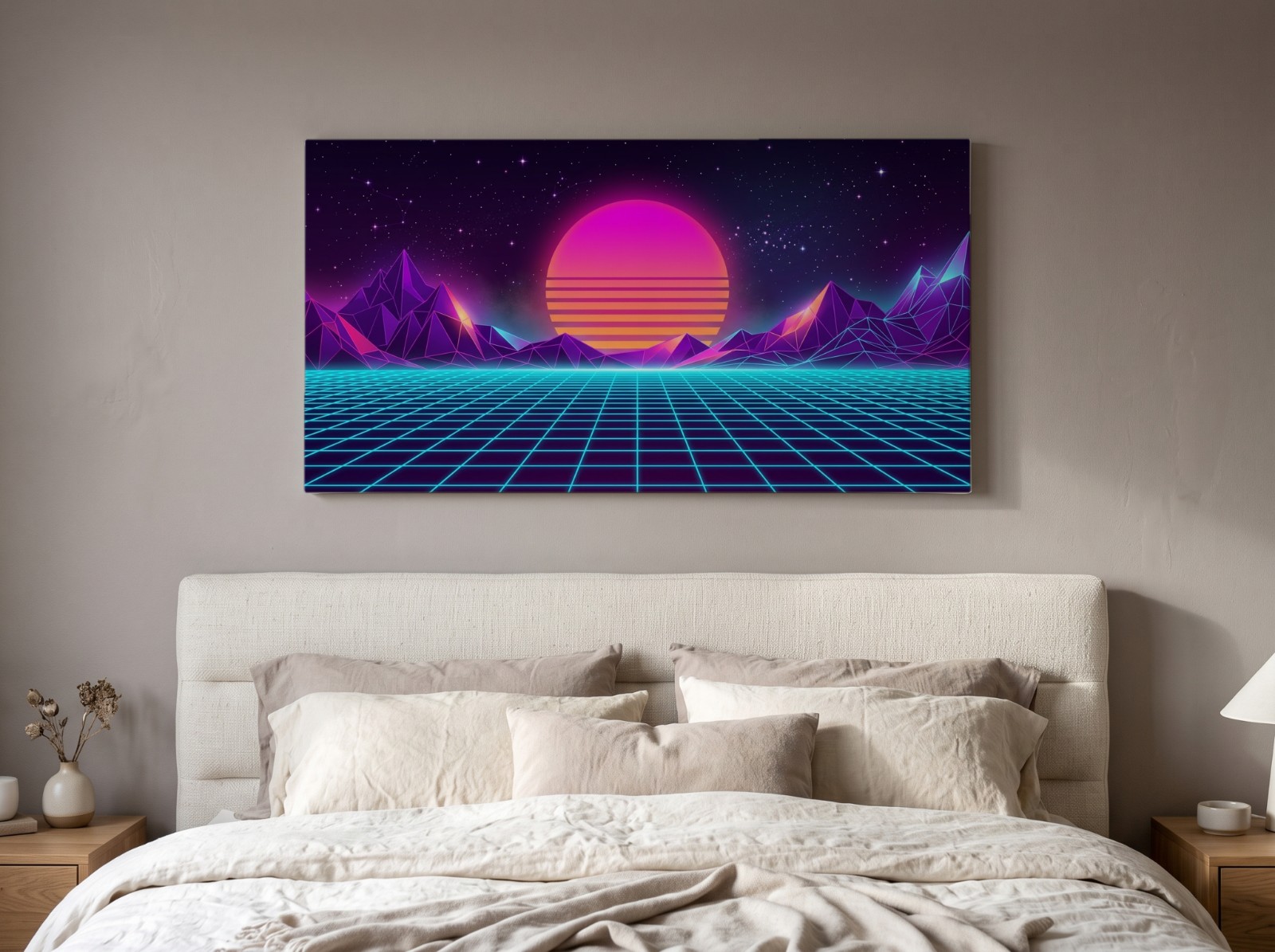
| Wide canvas above a bed, taupe wall | Bedroom | Panoramic, 3000 × 1590 px |
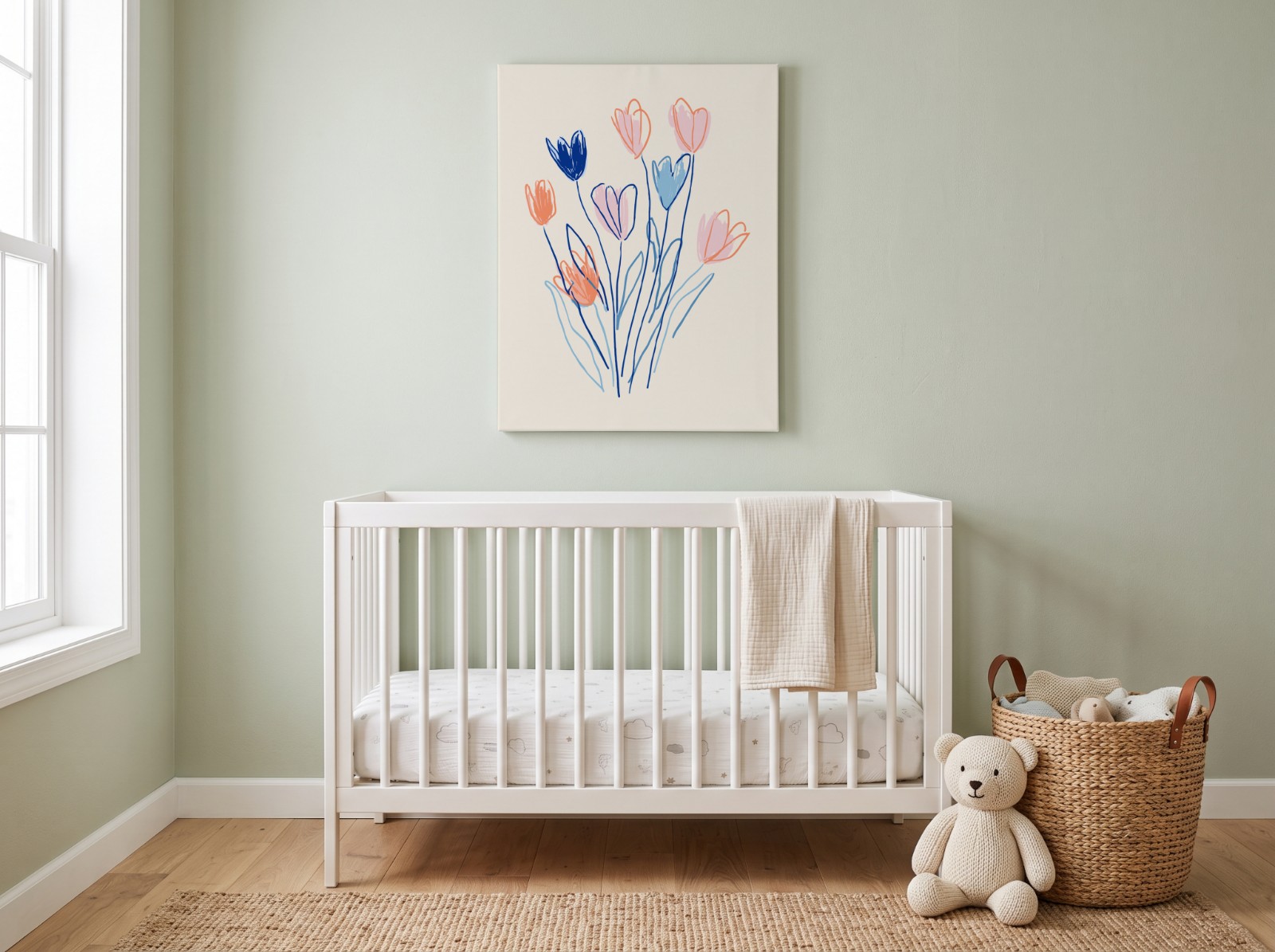
| Above a crib, sage nursery | Nursery | About 3:4, 1840 × 2400 px |
| Blush pink nursery | Nursery | About 5:6, 2040 × 2400 px |
| Landscape above an office desk | Office | 4:3 landscape, 2400 × 1800 px |
| Portrait above an office desk | Office | Portrait, 2110 × 3000 px |
| Leaning in a white kitchen | Kitchen | 3:4 portrait, 1800 × 2400 px |
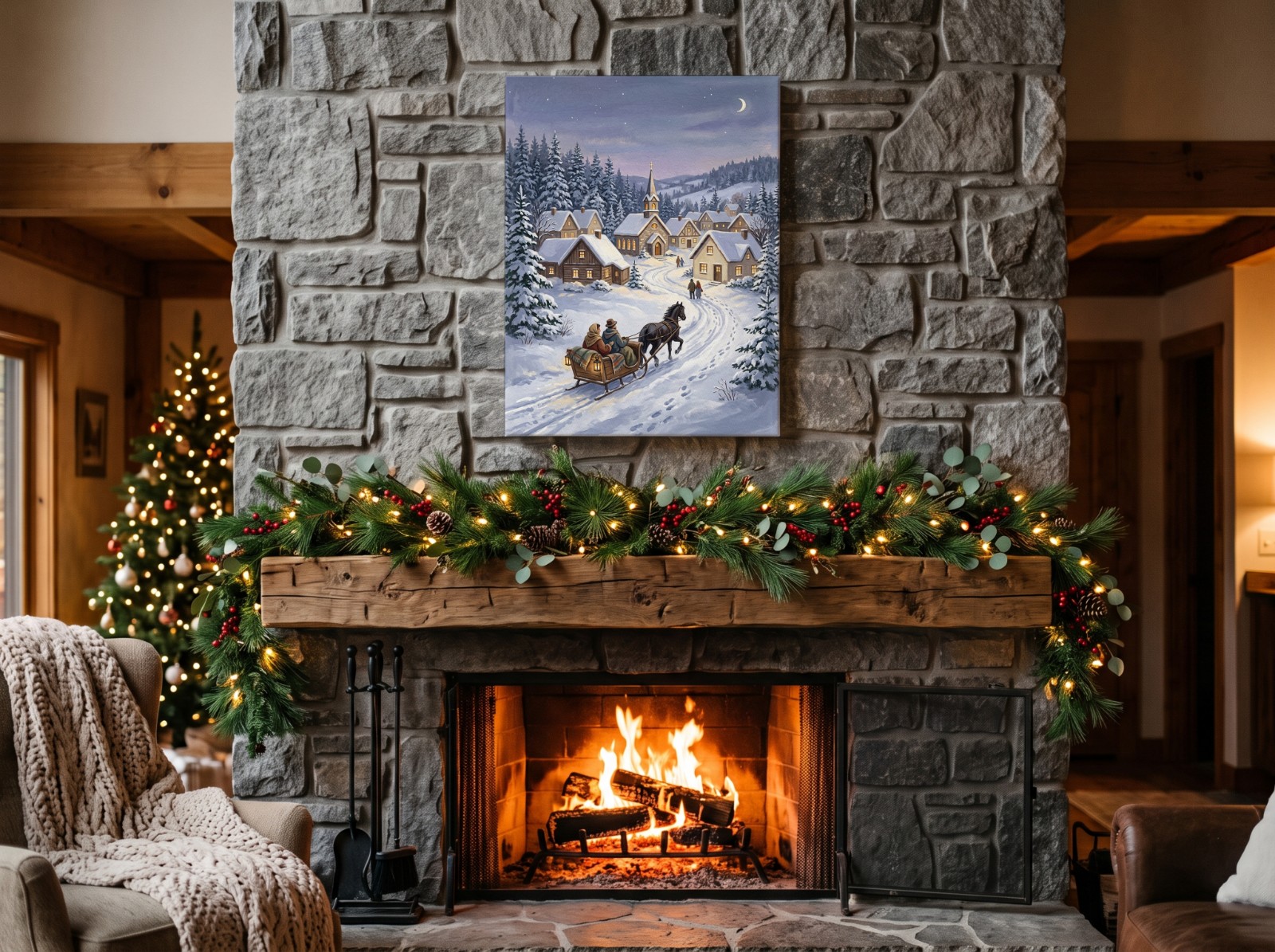
| Christmas: stone fireplace with garland | Living room | 3:4 portrait, 1800 × 2400 px |
| Christmas: fireplace mantel | Living room | About 4:3, 2400 × 1860 px |
| Christmas: dining room sideboard | Dining room | 4:3 landscape, 3600 × 2700 px |
| Halloween: sideboard with pampas | Living room | 3:4 portrait, 1800 × 2400 px |
Each one has a single smart object and is free with a free account. The three Christmas scenes are timely in November; the other eleven work all year. For more Christmas scenes on other products, see our Christmas mockup roundup.
What Ratio Should Your Canvas Design Be?
Canvas prints come in fixed sizes, and each size has a ratio. A design in the right ratio fills the canvas without being cropped or stretched. Match the template to the ratio you sell:
| Ratio | Canvas sizes with that ratio | Templates to use |
|---|---|---|
| 3:4 portrait | 12×16, 18×24 in; 30×40, 45×60 cm | Linen sofa, oak sideboard, sage nursery, kitchen, Christmas fireplace, Halloween sideboard |
| 4:3 landscape | 16×12, 24×18 in; 40×30 cm | Above a bed, office desk, boho sofa, Christmas mantel, Christmas dining room |
| 1:1 square | 12×12, 20×20 in | Oak console table |
| About 5:6 | 10×12, 20×24 in | Blush pink nursery |
| Panoramic and tall portrait | Wide and tall formats | Taupe bedroom (wide), grey office (tall) |
If your shop sells 8×10 and 16×20 (4:5), use the closest 3:4 scene and expect a little cropping, or make a 3:4 version of the design for the mockup. To export one design at 2:3, 3:4, 4:5, 11×14 and A sizes at 300 DPI, use the free wall art size pack, and the DPI calculator tells you how large a file prints sharply.
Gallery Wrap Canvas: How Does the Mockup Differ From the Print File?
A gallery wrap canvas is printed larger than its front and pulled around wooden stretcher bars, so the sides show artwork and it needs no frame. That affects two different files, and it helps to keep them apart:
- The mockup only needs the front of the canvas. Upload your design at the front's ratio, as in the tables above.
- The print file you send to the printer needs the front plus a wrap margin on every side (some printers call it bleed): the bar depth plus room to staple on the back.
Printers set their own margins. According to the printers' file guides summarized on our gallery wrap canvas tool (checked October 7, 2026), WHCC asks for 2 in per side on 1.5 in bars, so a 16×20 in canvas needs a 20×24 in file, or 6000 × 7200 px at 300 DPI. Bay Photo wraps 1.375 in per side on 0.75 in bars. Always use your own printer's number.
The tool builds that file for you in your browser: pick the canvas size, the bar depth (0.75, 1.25, 1.5 or 2.5 in) and the margin, and choose how to fill the edges:
- Mirror: the strip next to each edge is flipped onto the sides, so the whole artwork stays on the front. The safest choice for text and faces.
- Stretch: the outer row of pixels is extended across the sides.
- Solid color: plain sides in any color.
- Image wrap: the artwork itself continues around the sides, so the outer band of the picture moves off the front.
Don't upload the wrap file (with its extra margin) to the mockup. The mockup's design area is the front only, so the margin would shrink your artwork. Use the front-size design for mockups and the wrap file for the printer.
How Do You Make Canvas Mockups in a Batch?
Prepare your designs at the front's ratio
Export each artwork at the ratio of the canvas you sell, for example 1800 × 2400 px for 3:4 portrait scenes. Group portrait and landscape designs, since they go on different templates.
Upload everything to the studio
Open the Scaylr studio and drop in all your designs at once. It runs in your browser, so there's nothing to install and no Photoshop.
Pick your canvas scenes
Choose three to five canvas templates in different rooms, for example the linen sofa, the bedroom and a nursery for kids' art. Different rooms help buyers picture the print in their own home.
Generate and download
Scaylr makes one mockup per design per template: 10 designs on 5 templates is 50 mockups, downloaded together as a ZIP.
The free plan makes 30 mockups a day with a small watermark, and every mockup in a batch counts. After signing up and verifying your email, your first 50 mockups in the first 7 days are watermark-free. For a large wall art catalog, Starter ($9.99/month, 1,000 mockups a month) or Pro ($17.99/month, unlimited) removes the watermark and the daily limit; see pricing.
Can You Make Canvas Video Mockups?
Two canvas scenes also come as short video mockups, made in your browser as an 8-second silent MP4 or GIF:
- Canvas above a linen sofa: warm sunlight sweeps across the wall and the canvas. 3:4 portrait print area.
- Candlelit sideboard with pampas: a portrait canvas on a walnut sideboard with white pumpkins, a flickering candle and a drifting curtain. 4:5 print area, for autumn and cozy seasonal art.
A short video can sit next to your photos in an Etsy listing. Read video mockups for Etsy for how to make and use one.
More for Wall Art Sellers
If you sell the same art as prints and canvases, see how to sell printable wall art on Etsy, gallery wall mockups for print sets, and bathroom and kitchen wall art mockups.
The fastest canvas mockup generator workflow is to export each design at the front's ratio, pick three to five canvas scenes in different rooms, and batch them all at once.
Put your art on 15 canvas scenes
Every design on every canvas template, in one batch, free to start.
Browse Canvas Mockups →Sources: Etsy Help: How to Add Listing Videos, Etsy Policy: Listing Image Requirements (checked October 2026).