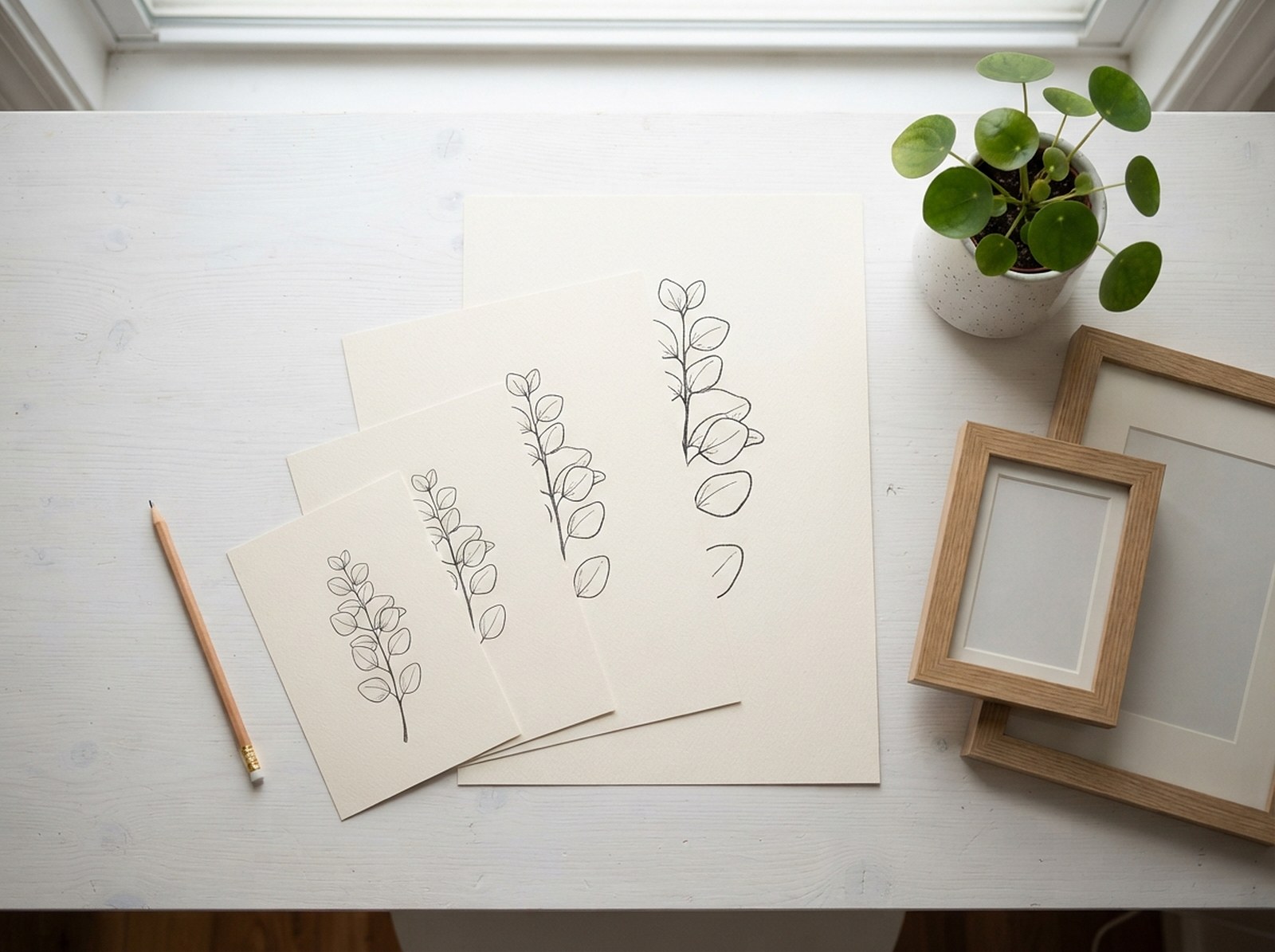
Printable wall art is one of the highest-margin products on Etsy — no printing, no shipping, no inventory — but it's also one of the easiest to get wrong on the technical side. A buyer who wants an 11×14 for their existing frame can't use a file cropped for 16×20, and a blurry print at 150 DPI is a return or a bad review waiting to happen. Here's what actually needs to be right.
Printable wall art sells in sets, not single files. Buyers frame in whatever size they already own, so cover the three common US ratios (2:3, 3:4, 4:5) plus the ISO A-series (A5–A1) used outside the US, all at 300 DPI. Deliver as PDF or high-res JPG, bundled into ZIP files by ratio to stay inside Etsy's 5-file-per-listing limit, with a cover PDF explaining what's in each download. One well-prepared design can become 15–20 print-ready files without redrawing anything.
Printable vs print-on-demand: two different products
Worth separating early, since the setup differs: a printable is a digital file the buyer downloads and prints themselves (at home or at a local shop) — no shipping, no production cost, and the file prep in this guide applies directly. A print-on-demand poster is a physical item a supplier prints and ships on your behalf — the buyer never touches a file, and sizing is usually locked to whatever options your POD supplier offers rather than a full custom size set. This guide is about the printable / digital-download version, where you control every size buyers can choose.
Why one file isn't enough
A design made at, say, 3000 × 3750px (a 4:5 ratio) prints perfectly at 8×10 or 16×20 — but crop it to fit a 24×36 (2:3) frame and you either lose the edges of the composition or add awkward white space. Buyers don't own a standard frame size; they own whatever was on sale at the time, or whatever fits their wall. A listing that only offers one ratio silently excludes everyone who doesn't own that exact frame — one of the most common reasons a technically nice printable design still underperforms on Etsy.
The ratio families, and the sizes inside each one
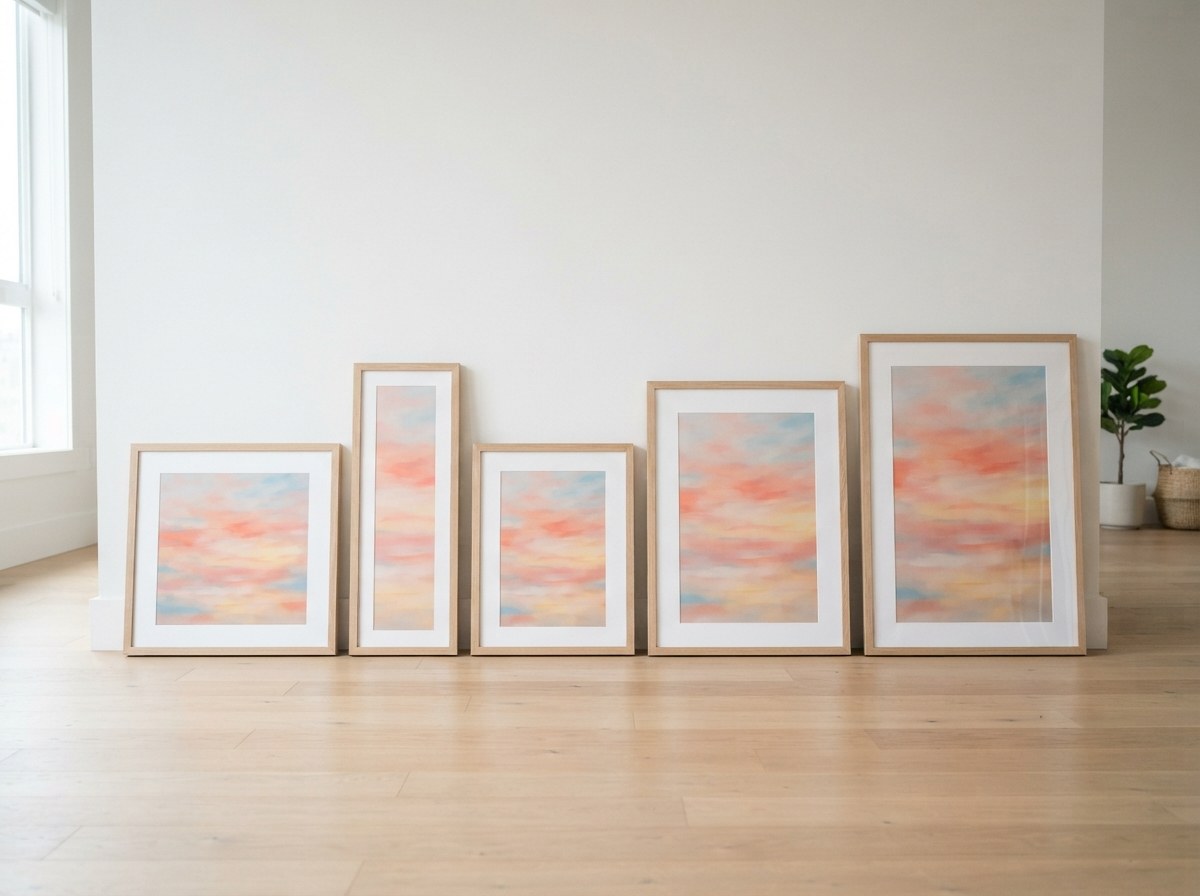
Almost every popular print size on the market falls into one of four families. Buyers search by size ("11x14 wall art"), not by ratio, so covering all four gives the widest match:
| Ratio | Common sizes (inches) | Where it's used |
|---|---|---|
| 2:3 | 4×6, 8×12, 12×18, 16×24, 20×30, 24×36 | Large statement pieces, poster-style prints |
| 3:4 | 6×8, 9×12, 12×16, 18×24 | Gallery-wall groupings, mid-size frames |
| 4:5 | 4×5, 8×10, 16×20 | The single most common US off-the-shelf frame size (8×10) |
| ISO A-series | A5, A4, A3, A2, A1 | The standard outside the US (UK, EU, Australia) — every size shares the same 1:1.414 ratio |
You don't need to redraw your design four times. Compose the artwork with enough breathing room around the focal point that it can be safely cropped into any of these ratios — center-weighted compositions with a plain or soft background crop the most forgivingly.
11×14 sits awkwardly between the 3:4 and 4:5 families and doesn't scale cleanly from either — which is exactly why it's worth including as its own explicit size rather than assuming a buyer will accept the nearest crop.
Composing artwork that crops well
The size-set approach only works if the underlying composition survives being cropped into four different ratios. A few habits make that reliable:
- Keep the focal point centered, or at least within the middle 60% of the canvas — a subject pushed to one edge gets clipped the moment the ratio changes.
- Leave breathing room on all sides in the master file rather than composing edge-to-edge — extra margin is easy to crop away, but missing margin can't be recovered.
- Avoid critical text or fine detail near the edges of the widest ratio (2:3) if the design also needs to survive the narrowest crop.
- Test the extremes, not just one size. If a composition works at both 24×36 (tall, 2:3) and a square-ish A-series crop, it'll work at everything in between.
File prep: resolution, format, color
- 300 DPI at the target print size is the standard buyers and print shops expect. Below that, especially under 150 DPI, prints look visibly soft.
- PDF is the safer default for delivery — it holds formatting consistently whether the buyer is printing at home or uploading to a print shop. Some sellers add high-res JPGs as an alternative for buyers who prefer to print directly from a photo app.
- Keep colors in RGB unless you know your buyers print through a professional CMYK workflow — home printers and most online print services (the buyer's own choice, not yours) expect RGB files and will convert internally.
Turning one design into a full size set
Start with a high-resolution master file
Design at the largest size you intend to sell (24×36 or A1) at 300 DPI, with a composition that has room to crop into a square-ish and a tall ratio without losing the subject.
Generate every ratio and size
Rather than manually resizing and re-exporting a dozen files, the Wall Art Size Pack tool takes one upload and outputs 2:3, 3:4, 4:5, 11×14 and the full ISO A1–A5 range at 300 DPI, named and zipped, in the browser — nothing is uploaded anywhere.
Build the "available sizes" graphic
Buyers want to see what they're getting before they buy. The Wall Art Size Guide Maker turns your design into a to-scale comparison image — your art shown at several real sizes side by side, grouped by ratio — which doubles as a strong second or third listing photo.
Package for delivery
Group files into ZIPs by ratio family (one ZIP for 2:3 sizes, one for 3:4, one for 4:5, one for the ISO series) so a buyer downloads only what fits their frame, not everything at once.
Delivering more sizes than Etsy's file limit allows
Etsy listings accept up to 5 files, 20MB each. Four ratio-family ZIPs already use most of that, which leaves little room for a proper instructions file — and buyers who don't read the listing description often can't find their files or don't realize what each ZIP contains.
The workaround most printable sellers use is a single cover PDF: your logo, a short thank-you message, clear instructions, and clickable links to each size-family download hosted elsewhere (Etsy allows external download links in the file itself, just not as the primary product delivery mechanism for a paid listing's core files — check your own listing setup). The Digital Download PDF Maker builds exactly this: your branding, a message, up to 10 clickable links and instructions, exported as a real PDF, free and in-browser.
Name every file inside a ZIP with the size in the filename ("Botanical-Print_16x20_300dpi.pdf") — buyers who've already downloaded and extracted the ZIP shouldn't have to guess which file is which once it's sitting in their downloads folder.
What this looks like in a real listing
| Listing element | What to include |
|---|---|
| File 1 | Cover / instructions PDF (from the PDF maker) |
| File 2 | ZIP: 2:3 ratio sizes (4×6 through 24×36) |
| File 3 | ZIP: 3:4 ratio sizes (6×8 through 18×24) |
| File 4 | ZIP: 4:5 ratio sizes (4×5, 8×10, 16×20) plus 11×14 |
| File 5 | ZIP: ISO A-series (A5–A1) |
That's 15+ individual print sizes delivered cleanly inside Etsy's 5-file limit, generated from a single master design.
Turn one design into every size, free
Upload once — get 2:3, 3:4, 4:5, 11×14 and the full ISO A1–A5 set at 300 DPI, named and zipped, ready to list.
Open the Wall Art Size Pack →