Christmas mockups are the fastest way to give a holiday listing a seasonal first impression: your design on a mug next to the tree, an ornament hanging in fairy lights, a stocking on a fireplace mantel. Scaylr's template library now has 68 Christmas mockup templates across 20 product types, and you can put every design you own on several of them in one batch. This post walks through what's in the library, which scenes to pick for each product, and how to make the whole set at once.
Scaylr has 68 Christmas mockup templates: 11 ornaments, 9 framed posters, 5 t-shirts, 4 sweatshirts and hoodies, 4 stockings, 3 mugs, 3 canvases and more. Pick 3 to 5 scenes per product, upload all your designs once, and the studio puts every design on every template you picked: 10 designs on 5 templates is 50 mockups in one run. The free plan makes 30 mockups a day with a small watermark.
Which Christmas Mockup Templates Are in the Library?
Each template is a photo scene with a smart object where your design goes, so the print takes on the light and curves of the product. All are free with a free account, and you can see them together on the Christmas mockup generator page.
| Product | Templates | Design area |
|---|---|---|
| Ornaments | 11 (9 round ceramic or porcelain, 2 wood slice) | 1:1, round print |
| Posters and frames | 9 (4 portrait, 5 landscape, incl. a 3-frame gallery wall) | 3:4 or 4:3 |
| T-shirts | 5 (white, black, heather grey, family matching set) | 5:6 chest print |
| Sweatshirts and hoodies | 4 | 5:6 chest print |
| Christmas stockings | 4 | 5:6, below the cuff |
| Pillows | 4 (3 square, 1 lumbar) | 1:1 or 5:3 |
| Blankets and tree skirt | 4 | 5:4, 6:5 or round |
| Cards, gift tags, postcards | 5 | 5:7, 3:2, 3:5 |
| Mugs | 3 (two 11 oz, one 15 oz) | Front design or full wrap |
| Tote bags | 3 | 1:1 |
| Canvas prints | 3 | 3:4 or 4:3 |
| Everything else | 13: tea towel, apron, baby onesie, kids tee, desk mat, mouse pad, notebook, wall calendar, sticker, 20 oz tumbler, phone case, puzzle, doormat | See each template page |
Counts are from the library on October 21, 2026. New scenes get added through the season, so check the Christmas page for the current set. If you also sell winter designs that aren't strictly Christmas, there is a garden flag in the snow too.
Which Christmas Mug Mockups Are There?
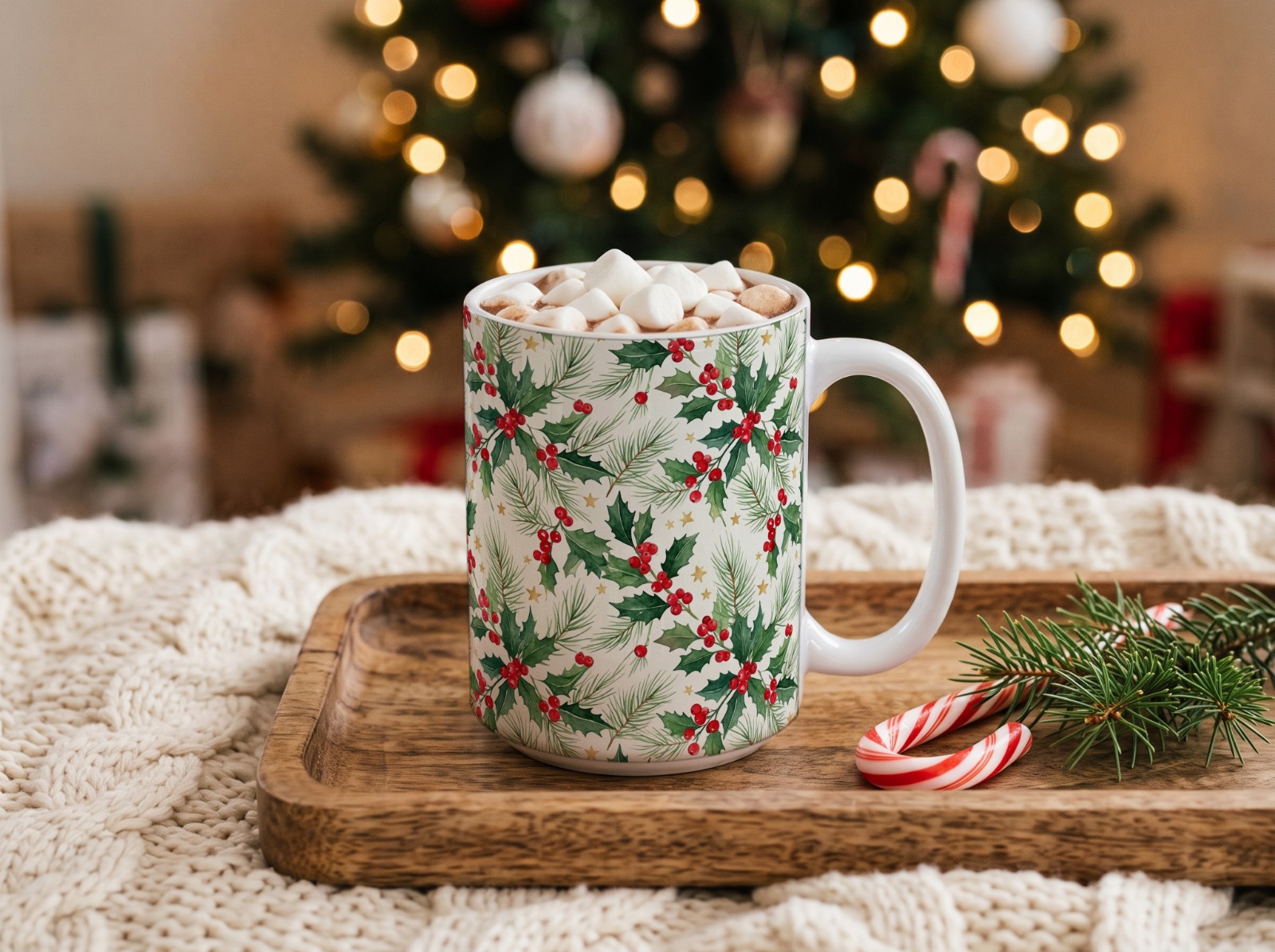
There are three Christmas mug mockups, and they cover both common mug sizes:
- Hot cocoa with marshmallows by the tree (11 oz)
- Coffee table with a tree and gifts (11 oz)
- 15 oz mug by a fireplace with gingerbread
Each one takes either a single design on the front or a full sublimation wrap: about 2475 × 1155 px for the 11 oz scenes and about 2700 × 1200 px for the 15 oz one, as listed on each template page.
Which Christmas Ornament Mockups Are There?

Ornaments have the most scenes, because one ornament shop often needs several looks. Round ceramic scenes include one hanging on a Christmas tree, one on a white flocked tree, one in a kraft gift box and a flat lay with pine. For rustic designs there are two wood slice ornaments, including one on an easel by the fireplace.
All ornament scenes use a square 1500 × 1500 px design area, but the ornament is round. Keep names, dates and faces inside the central circle: the square corners fall outside the ornament.
Which Christmas Stocking Mockups Are There?
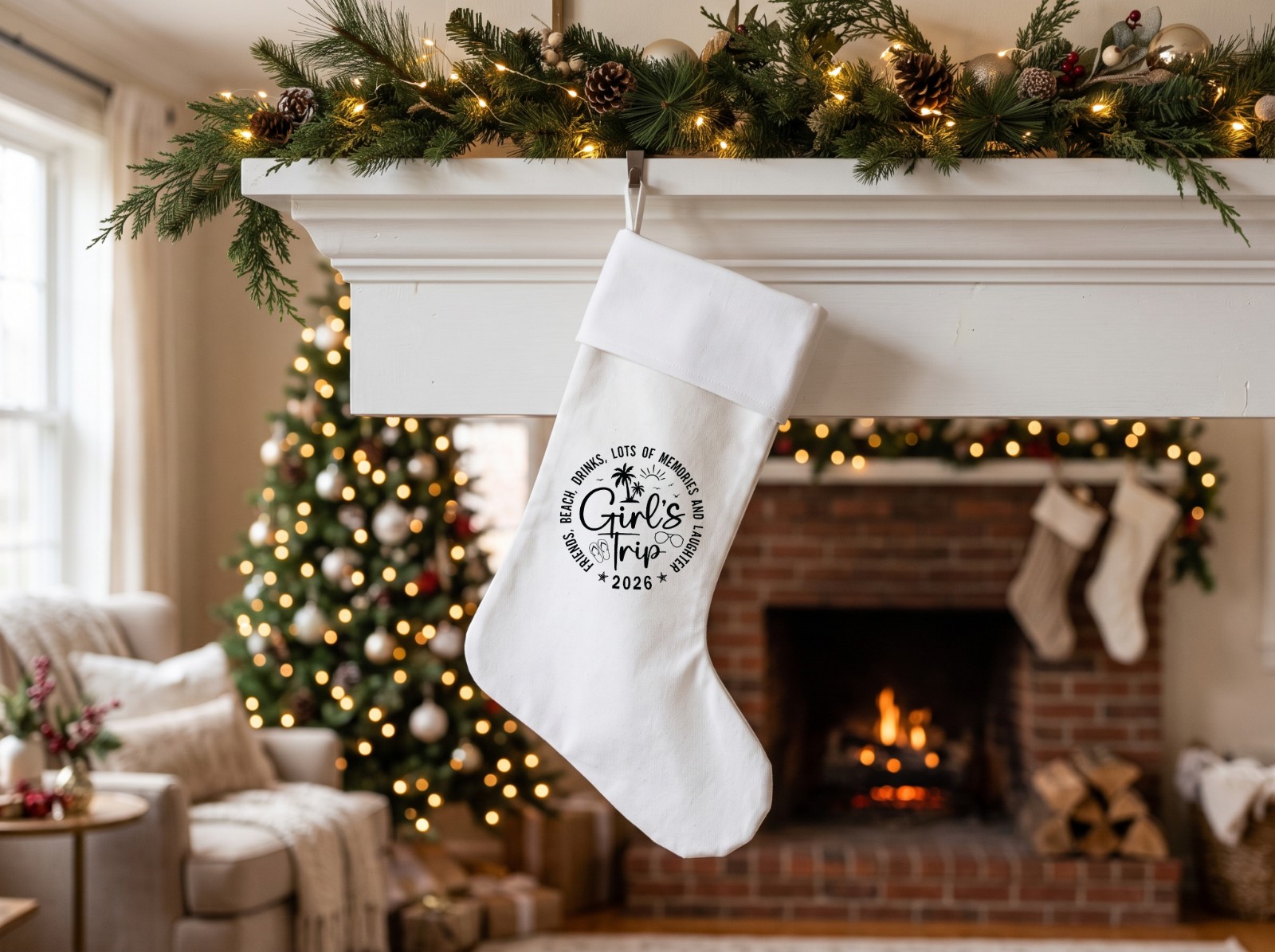
Four white stocking scenes: hanging on a fireplace mantel, with a faux fur cuff on a staircase garland, on a rustic blanket ladder, and a flat lay on whitewashed wood with gifts. The design area is 5:6 (1500 × 1800 px) and sits on the leg, below the cuff. That's the spot most personalized stockings put a name, so a name design drops straight in.
Are There Christmas T-Shirt and Sweater Mockups?
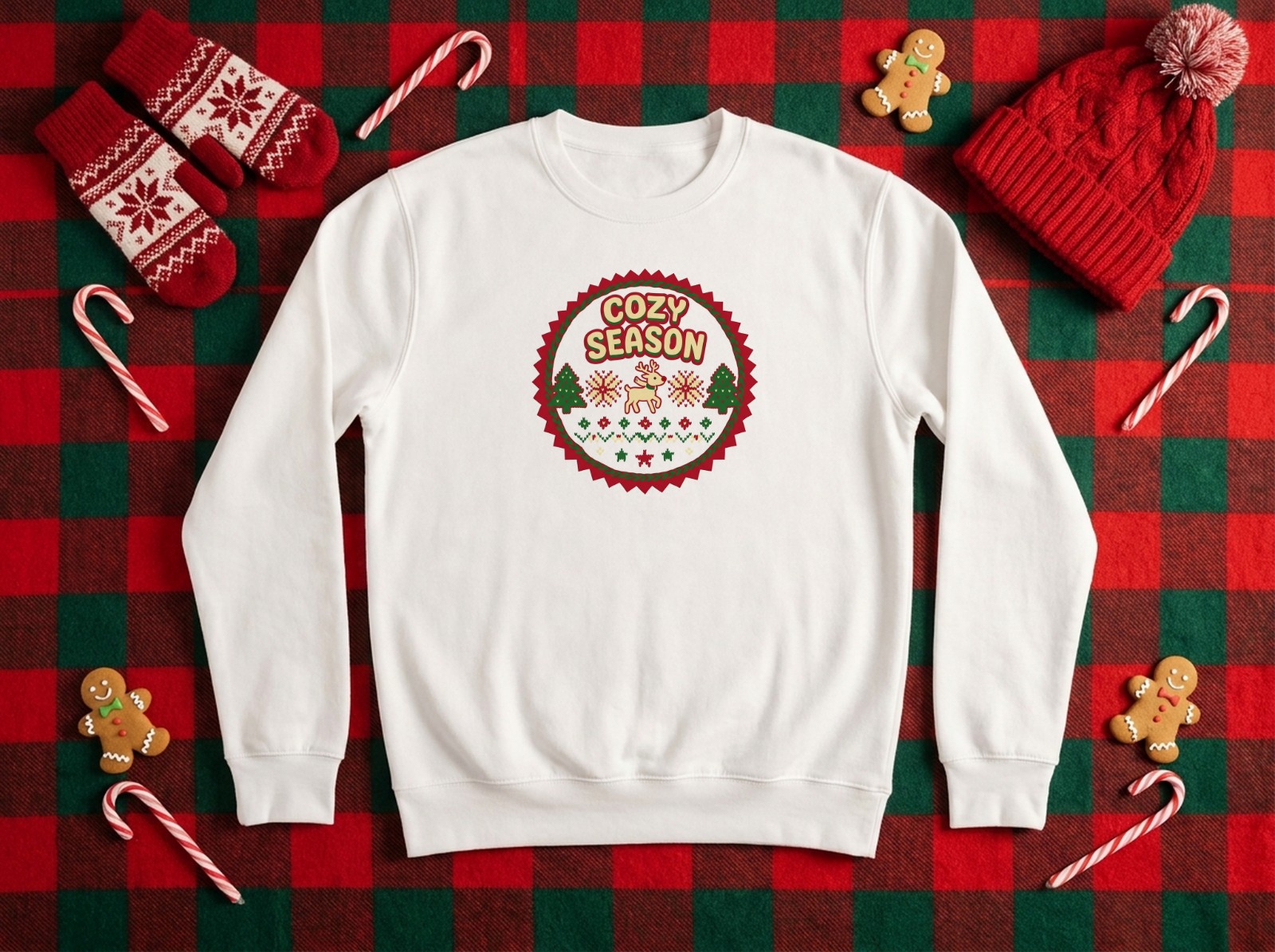
Apparel has 11 Christmas scenes in total:
- T-shirts: a white tee on a knit blanket with baubles, a white tee on a hanger by the tree, a black tee with gold baubles, a heather grey tee with gingerbread, and a family matching set (adult, kid and baby, one design on all three).
- Sweatshirts and hoodies: a white sweatshirt on buffalo plaid, a heather grey sweatshirt on faux fur, a white hoodie on a hanger and a black hoodie with gold baubles.
- Baby and kids: a first-Christmas onesie with a knit Santa hat and a kids tee with a toy train.
A note on "Christmas sweater mockups": these are printed crewneck sweatshirts, the usual print-on-demand blank for "ugly sweater" style graphics, not knitted sweaters. All apparel scenes use the same 5:6 chest print (1500 × 1800 px), so one design file works on every shirt and sweatshirt.
How Do You Pick Christmas Scenes for Each Product?
You don't need all 68. A good set per product is three to five scenes that look different from each other:
- One close, clear scene where the design is big and easy to read, like a flat lay or a close-up of the ornament.
- One room scene with the tree or fireplace, so buyers see it as a gift in a real home.
- One different color or style: a black tee next to a white one, a wood slice ornament next to ceramic, a flocked tree next to a green one.
Then match the mood to your designs. Red and green tartan, gingerbread and candy canes suit playful and family designs; the white flocked tree, the Nordic oak frame and the gold bauble flat lays suit minimal and modern ones. If you're not sure which your buyers prefer, batch both and compare.
Keep a plain, non-seasonal mockup in your photo set too. The Christmas page suggests a clean product shot as photo 1 and the cozy tree and fireplace scenes for photos 2 to 4. Your regular templates in the library work for that shot.
How Do You Batch All Your Designs onto Several Christmas Scenes at Once?
This is the part that saves the most time. Scaylr puts every design on every template you select, in your browser, with no Photoshop.
Open the studio and upload your designs
Open the Scaylr studio and drop in all your Christmas designs at once: PNG or JPG, ideally at the size the template page recommends (1500 × 1800 px for shirts and stockings, 1500 × 1500 px for ornaments).
Pick your Christmas templates
Choose the scenes for one product, for example three ornament scenes, or open a template page such as the Christmas mug on a coffee table and click "Use this template". Group products that share a design area: all apparel and stocking scenes take the same 5:6 file.
Generate and download the ZIP
Scaylr makes one mockup per design per template. 10 designs on 5 templates gives you 50 mockups, which you download together as a ZIP, ready to upload to Etsy or your POD store.
On the free plan, every mockup in a batch counts toward your 30 mockups a day, and free mockups carry a small watermark. After you sign up and verify your email, your first 50 mockups in the first 7 days are watermark-free. Starter ($9.99/month) gives 1,000 watermark-free mockups a month and Pro ($17.99/month) is unlimited. Details are on the pricing page.
Can You Add a Christmas Video Mockup?
Etsy listings can hold a short video next to the photos, and you can make one from the same design. For holiday cards there is a greeting card video scene on a fireplace mantel with a crackling fire and candle. For mugs, see the mug video mockup guide, and for how video mockups work in general, read video mockups for Etsy.
When Should You List Your Christmas Mockups?
The timing question (when to go live, Black Friday, carrier cutoffs) has its own guide: Christmas product photos for Etsy: when to list and what to shoot. Batching is how you get a whole collection photographed in one sitting instead of one design at a time.
The quickest way to make Christmas mockups for a whole shop is to pick three to five scenes per product from the 68 Christmas templates and batch every design onto them at once.
Make your Christmas mockups in one batch
68 Christmas scenes, every design on every template, right in your browser.
See the Christmas Templates →Sources: Etsy Help: How to Add Listing Videos (checked October 2026).