A video mockup is the fastest way to add movement to an Etsy listing without filming anything. You take a design you already have, drop it into a short animated product scene, and download a clip you can use as your Etsy listing video, on a Shopify product page or on Instagram. This guide covers what a video mockup is, why it helps, how to make one for free in your browser, and which scenes fit which products.
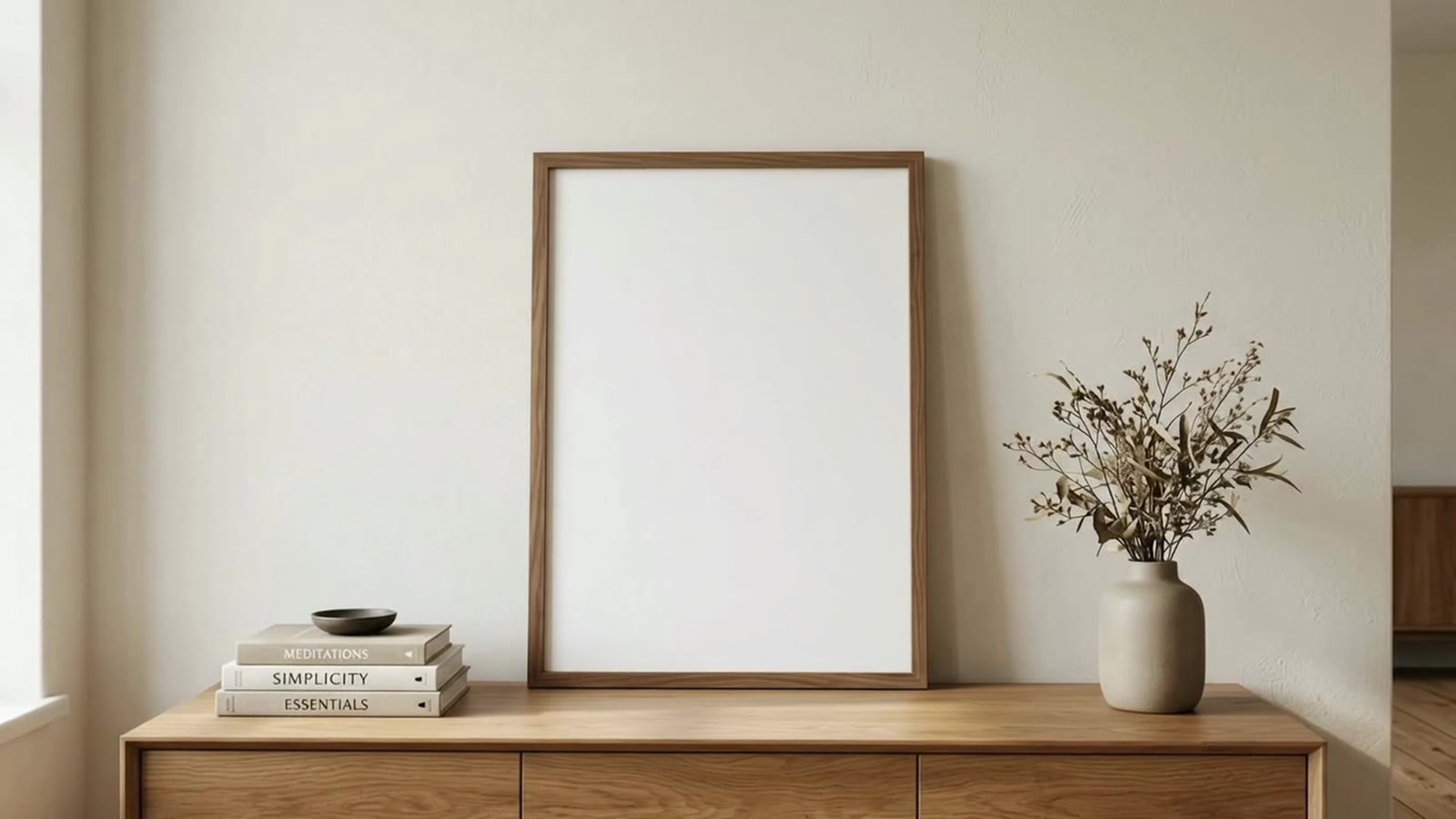
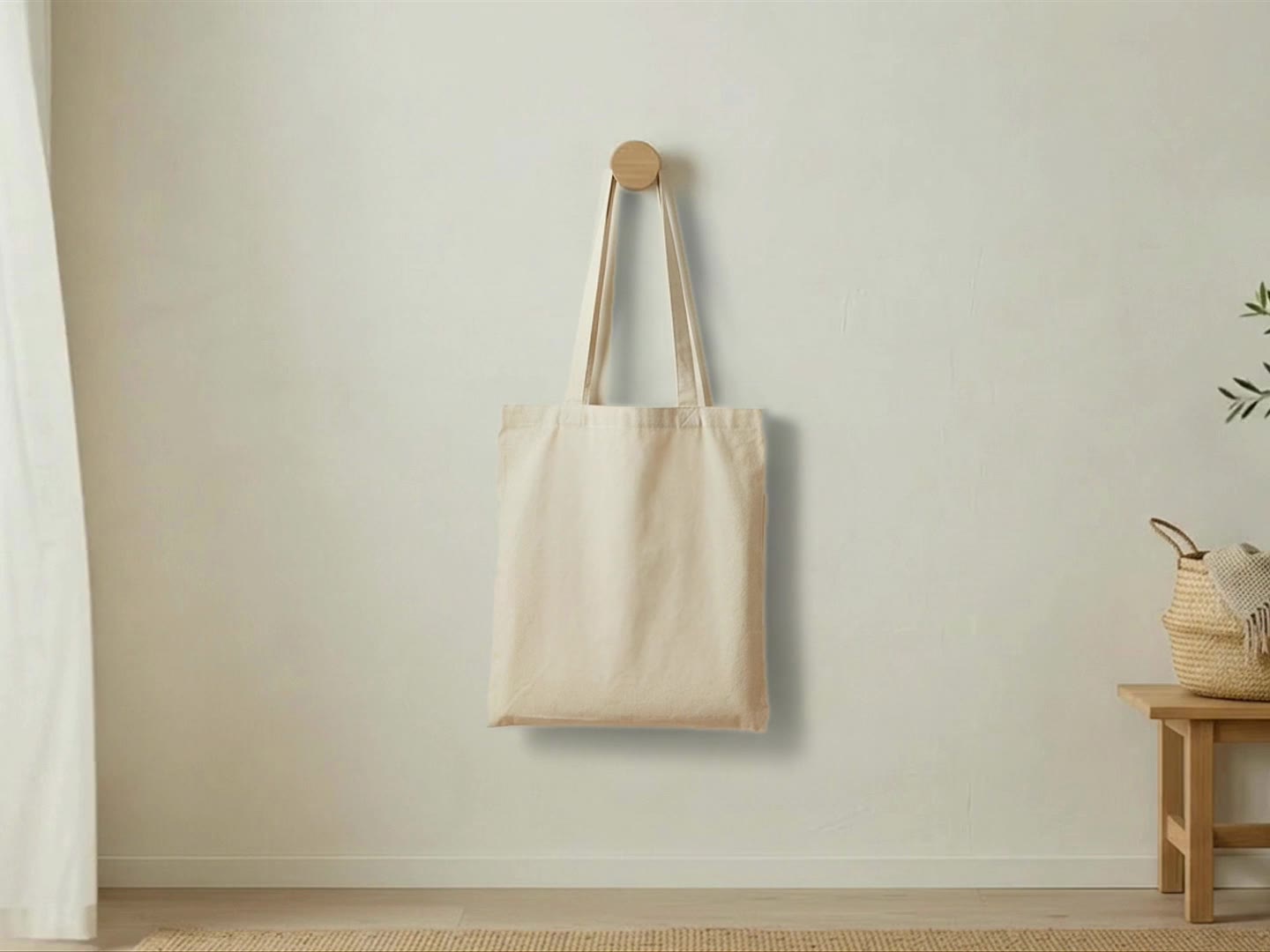
A video mockup is a short animated product scene with your design already on the product: a framed print on a wall while sunlight drifts across it, a mug turning on a turntable, a tote swaying on a peg. With Scaylr you pick a scene, drop in your design and download a silent MP4 or GIF in 16:9, square, 4:5 or 9:16. Scenes are about 8 seconds, which fits Etsy's 3 to 15 second listing videos as it is. The free plan makes up to 20 video mockups a day with a small watermark.
What Is a Video Mockup?
A photo mockup puts your design on a product in a still image. A video mockup does the same thing in motion. The scene is a real, moving video (curtains in a breeze, steam rising from a mug, rain on a window, a camera slowly moving in) and your artwork is placed in perspective on the product in every frame. The scene's own light and moving shadows fall across your design, so it moves with the scene instead of looking pasted on top.
For print-on-demand and digital download sellers, that matters because you usually don't have the physical product in hand. A video mockup gives you a product video without a camera, a studio or the item itself.
Why Use a Video Mockup on Etsy, Shopify and Instagram?
- Movement stands out. A listing with a moving scene catches the eye in Etsy search and on social feeds next to still photos.
- A real setting shows size and feel. A print above a sofa or a mug next to a laptop tells a shopper more about scale and style than a flat image of the design.
- One file works in many places. The same silent MP4 (H.264) plays as an Etsy listing video, on a Shopify product page, and on Instagram, TikTok and Pinterest once you crop it to the right shape.
- Etsy gives every listing two video slots. Etsy accepts up to two videos per listing, shown next to your photos. If you leave them empty, those slots do nothing for you.
What Are the Etsy Video Mockup Rules at a Glance?
| Etsy listing video | What it means for your video mockup |
|---|---|
| Length: 3 to 15 seconds | One Scaylr scene is about 8 seconds, so a single export fits as it is |
| Up to two videos per listing | Use your best scene first; a second scene can show another angle or setting |
| Sound is removed | Every scene is silent, so nothing is lost |
| Shown next to your photos | Use the shape that matches your photos (often 4:5 or square) so it isn't cropped oddly |
How Do You Make a Video Mockup for Free in 3 Steps?
You don't need Photoshop or After Effects. The video mockup tool runs in your browser, and the video is made on your own device, so your artwork is never uploaded.
Pick a scene
Browse the video mockup gallery and open a scene that suits your product, then click Use this scene. The tool opens with that scene already picked.
Drop in your designs
Add one design or several. Choose how each one sits on the print area: Fit (whole design visible, no crop), Fill (fills the print area, cropping the edges if needed) or Stretch. Nudge the position until it looks right in the live preview.
Choose the shape and download
Pick a crop (original, 16:9, 4:3, square, 4:5 or 9:16), choose MP4 or GIF, and generate. With several designs you get one video per design, which you can download one by one or together as a ZIP.
Want several designs or scenes in one clip? Switch the tool to Mix designs & scenes. Its "Etsy 10 s" quick start sets up a square video with crossfades in one tap.
Which Video Mockup Scenes Are There?
The gallery currently has 45 scenes in nine product groups. Each scene page lists its print area shape, video size, room and frame, so you can check the fit before you start.
| Product | Scenes | Examples of the movement |
|---|---|---|
| Posters & frames | 20 | Billowing curtains, a rainy window, a sleepy cat, a slow camera arc, a three-frame gallery wall |
| Mugs | 11 | 11 oz and 15 oz 360° turntables, coffee being poured, café, kitchen and office scenes |
| Tote bags | 4 | A tote swaying on a wall peg, a coffee shop, a porch with a jack-o'-lantern |
| T-shirts | 3 | Flat lays and a folded tee on linen |
| Canvas prints | 2 | Above a linen sofa, a candlelit sideboard |
| Greeting cards & postcards | 2 | A fireplace mantel, a café table with a latte |
| Tumblers | 1 | A 20 oz skinny tumbler turning 360° with lid and straw |
| Throw pillows | 1 | A bouclé armchair by a window |
| Desk mats | 1 | An oak desk by a sunny window |
Three scenes to start with
- Walnut frame with a camera move: the camera slowly arcs around a walnut frame on an oak sideboard, so the print is seen straight on and then from a gentle angle. 3:4 portrait print area, 1080p.
- 360° 11 oz mug on a turntable: one full turn in 8 seconds shows your whole wrap design, and the video loops seamlessly.
- 360° 20 oz skinny tumbler: the same full turn for a sublimation tumbler wrap, lid and straw included.
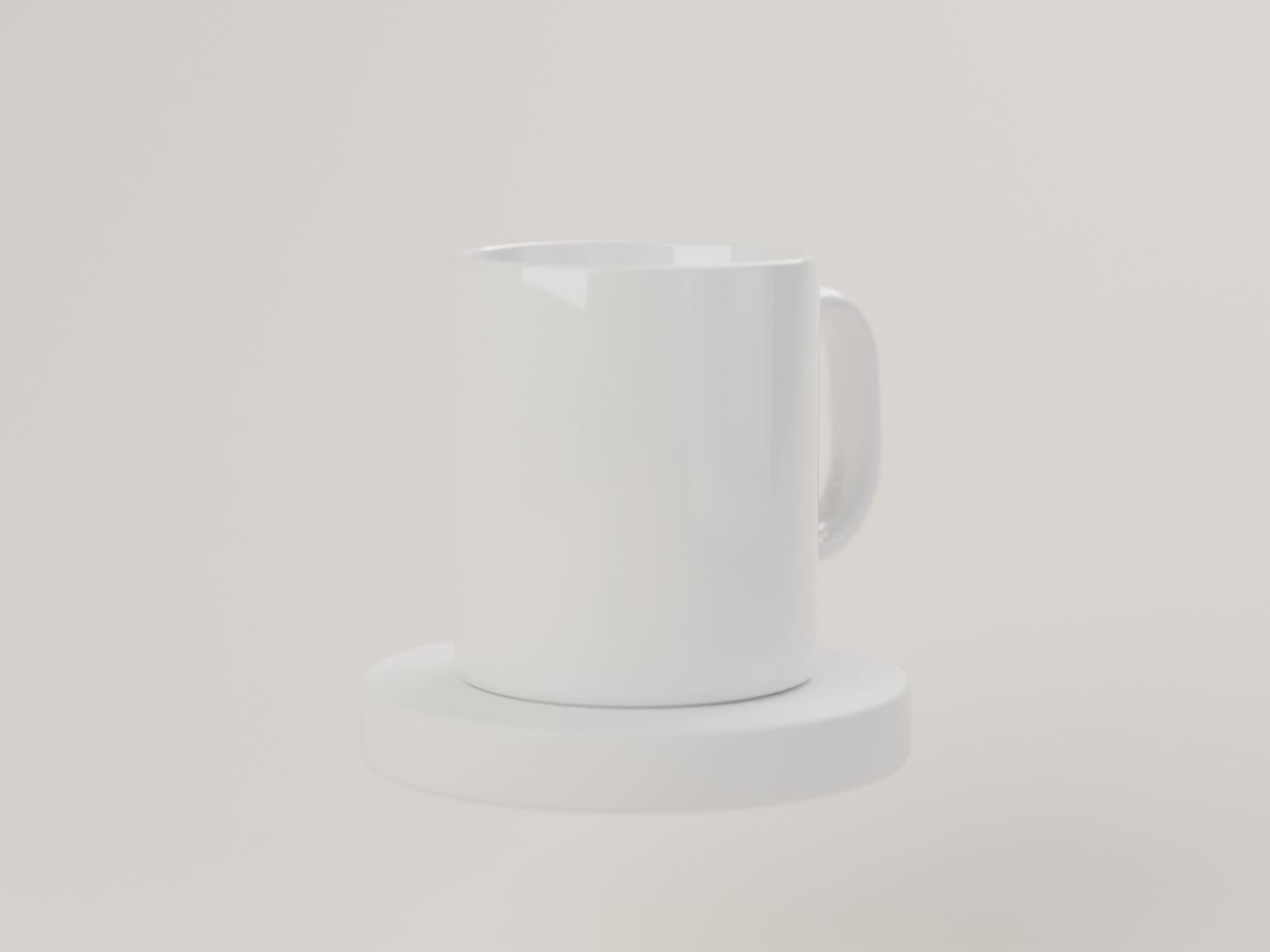
For mugs and tumblers in more detail (which scene to pick, wrap file sizes and the 15 oz option), see our mug and tumbler video mockup guide.
Tips for a Video Mockup That Works
1. Make the first second count
People decide quickly whether to stop scrolling, so your design should be clear from the very first frame. Pick a scene where the product is in view from the start and the movement is around it, like light, steam or a slow push-in, rather than a scene where the product arrives late.
2. Keep the design big in the frame
The video is the product shot, not a room tour. Scenes where the product fills a good part of the frame, or where the camera slowly moves in toward the print, show your artwork larger and sharper. After cropping, check the preview: if the design looks small, try a tighter crop and drag the white crop frame so the product sits in the middle.
3. Crop for each platform
| Where it goes | Crop to |
|---|---|
| Etsy listing video | The shape of your listing photos (often 4:5 or square) |
| Instagram feed | 4:5 or square |
| Reels, TikTok, Pinterest | 9:16 |
| YouTube, shop banners, websites | 16:9 |
Since the video is made on your device, making a second version in another shape only takes another export.
4. Keep it 3 to 15 seconds for Etsy
One scene (about 8 seconds) is already inside Etsy's 3 to 15 second range. If you make a longer video, the scene loops, so keep an eye on the total if it's going on Etsy.
5. Use a transparent PNG on mugs, totes and other printed products
A PNG with a transparent background means only your artwork shows on the white ceramic or canvas, not a white or colored box around it.
A video mockup works best next to good photos, not instead of them. Our Etsy listing photos checklist covers the photo set, and Etsy thumbnail tips covers the first photo shoppers see in search.
Is It Free? Video Mockup Plans
The free plan makes up to 20 video mockups a day with a small scaylr.io watermark. Starter ($9.99/mo) gives 50 video mockups a month without the watermark, and Pro ($17.99/mo) is unlimited. Full details are on the pricing page.
An Etsy video mockup is the simplest way to fill your listing's video slots without filming: pick a scene, add your design, crop it to the shape of your photos and upload the 8-second clip. Start with a scene where the product is large and clearly visible from the first frame.
Make Your First Video Mockup
Pick a scene, drop in your design and download a silent MP4 or GIF. Free, in your browser.
Open the Video Mockup Tool →Sources: Etsy Help: How to Add Listing Videos (checked October 2026).