Walnut Frame Video Mockup with a Camera Move
A slim walnut frame leans on a low oak sideboard against a warm plaster wall, with a small stack of books on one side and a vase of dried branches on the other. The camera slowly arcs around the frame, so your print is seen first straight on and then from a gentle angle — the kind of movement that makes a listing video feel filmed, not animated.
Made in your browser — your design is never uploaded. No Photoshop or After Effects.
About this scene
- Moving camera, 8 seconds: a slow arc around the frame. Your design follows the frame's perspective in every frame.
- The print fills the whole frame (no mat), 3:4 portrait — ideal for 30×40, 45×60 and 18×24 in prints.
- Rendered at 1080p for crisp text and fine detail.
- Best for: wall art, photography, typography and minimalist posters.
How it works
Click Use this scene — it opens the video mockup tool with this scene picked.
Drop in your designs. Fit, fill or stretch them to the 3:4 print area and nudge the position.
Choose 16:9, square, 4:5 or 9:16 and download a silent MP4 or GIF — one per design.
Questions
Do I need Photoshop or After Effects?
No. Pick a scene, drop in your design and the video is made right in your browser. Your artwork is never uploaded.
What do I get?
A silent MP4 (H.264) that plays everywhere — Etsy listing videos, Shopify product pages, Instagram, TikTok and Pinterest — or a small looping GIF. Crop it to 16:9, square, 4:5 or 9:16.
Will my design look real?
Yes. Your design is placed in perspective on the product in every frame, and the scene's own light and moving shadows fall across it.
Can I make several videos at once?
Yes. Drop in several designs and you get one video per design, downloadable together as a ZIP.
More video mockups
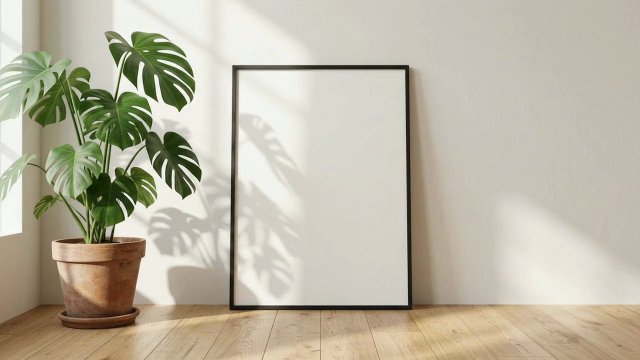 A-Size Black Frame Video Mockup with MonsteraAnimated print mockup: slim black frame, no mat, on a wooden floor by a potted monstera with soft leaf shadows. A-size ratio (A4, A3), MP4 or GIF.
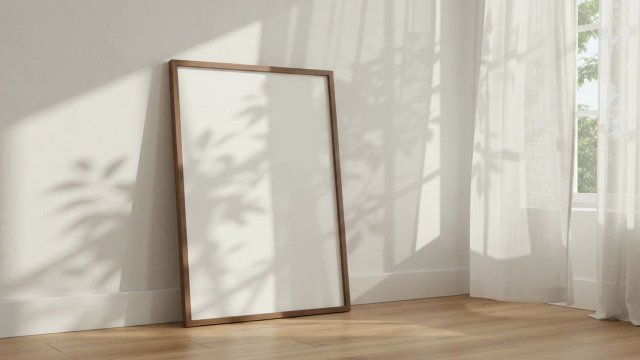 Walnut Frame Video Mockup by a Sunny WindowAnimated poster mockup: a slim walnut frame by a sunny window, sheer curtains blowing and leaf shadows drifting across your print. 2:3, silent MP4 or GIF.
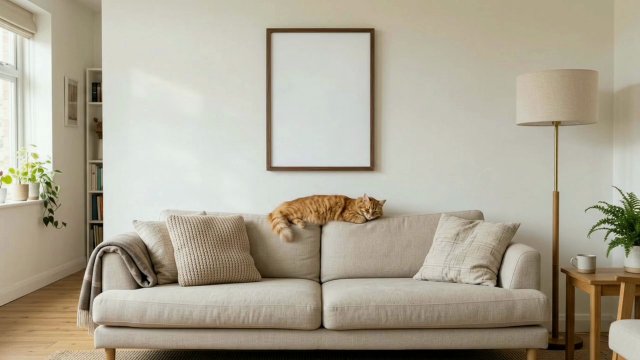 Walnut Frame Video Mockup with a Sleepy CatAnimated poster mockup: a walnut frame above a linen sofa while a ginger cat wakes, stretches and settles below it. 3:4, MP4 or GIF, no After Effects.
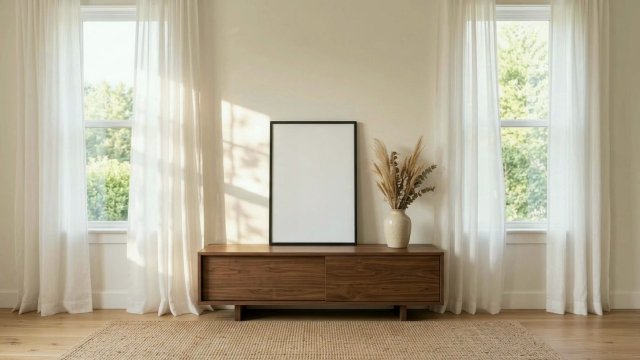 Black Frame Video Mockup with Billowing CurtainsAnimated poster mockup: a black frame on a walnut console between two sunny windows, sheer curtains billowing in a warm breeze. 2:3, silent MP4 or GIF.
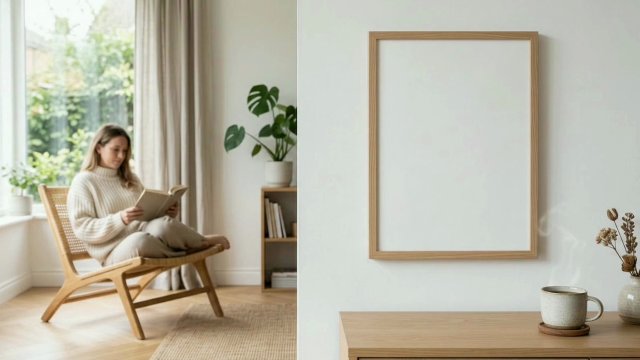 Oak Frame Video Mockup in a Reading CornerAnimated poster mockup: a light oak frame on a white wall while someone reads by the window and steam rises from a coffee mug. 5:7, silent MP4 or GIF.
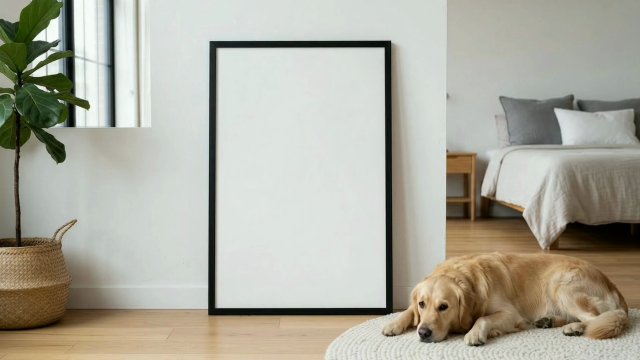 Frame Video Mockup with a Golden RetrieverAnimated poster mockup: a large black frame leaning on the floor while a golden retriever rests on a rug beside it. 2:3, MP4 or GIF, no After Effects.