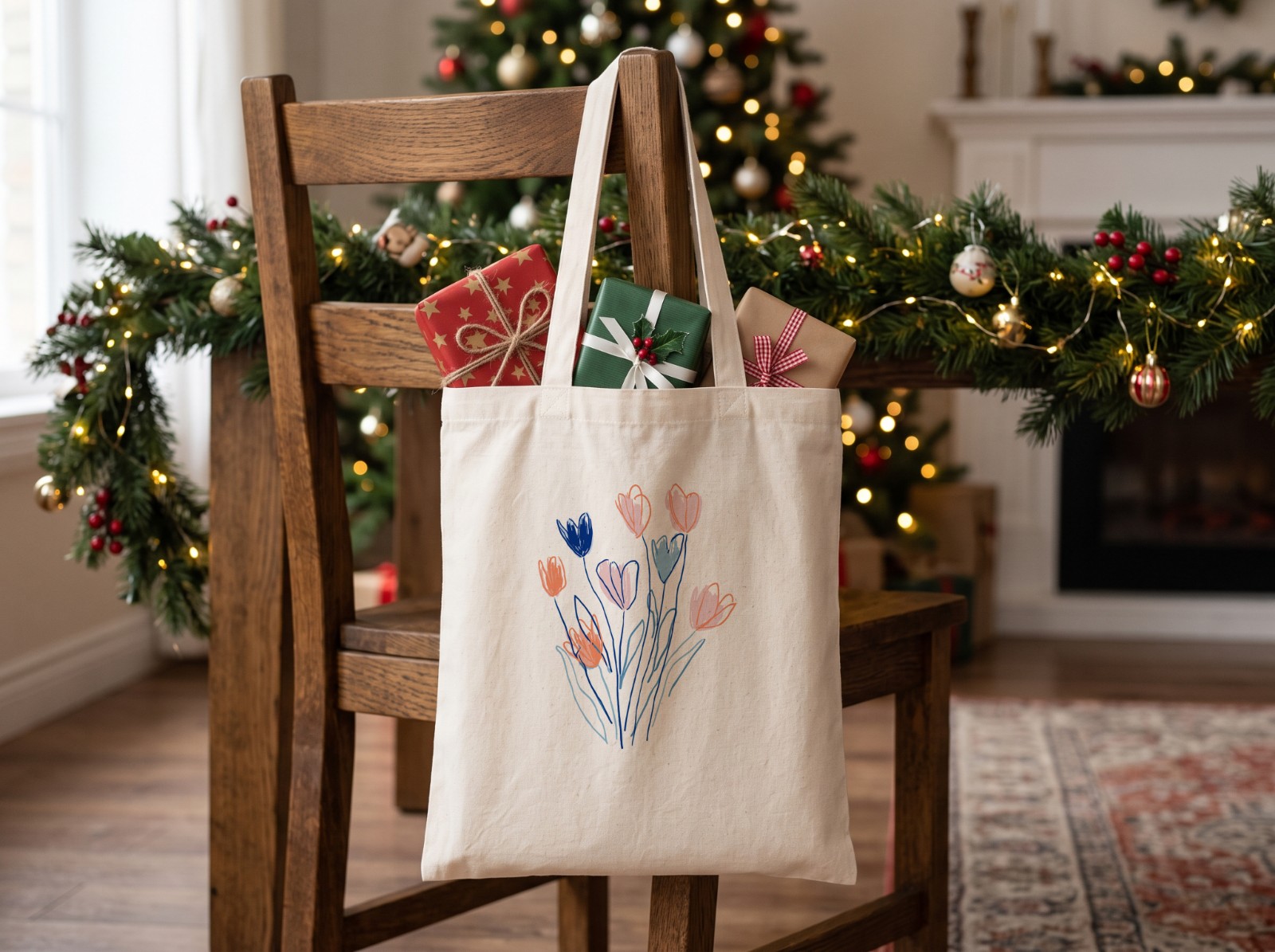
Knowing how to run a sale on Etsy is mostly about picking the right tool. Etsy's Sales and Discounts page has several, and they behave differently: a sale discounts your listings automatically, while a promo code only works when a buyer types it in. This guide walks through each one step by step, explains how Etsy's own sales events (like Cyber Specials around Black Friday) work, and covers what to fix in your shop before the discount goes live.
To run a sale on Etsy, go to Shop Manager → Marketing → Sales and Discounts → Run a sale, choose percentage off or free standard shipping, pick the listings (or the whole shop), set the dates and countries, then review and confirm. Buyers get the discount automatically, no code needed. Use a promo code instead when you want the discount only for people you share it with. For 2026, Etsy's Cyber Specials sales event runs November 23 to December 1.
What Are Etsy's Sale and Discount Options?
Etsy offers sales, promo codes, discounted bundles, targeted offers and order-minimum discounts. Here is how they compare.
| Tool | Who gets it | Discount types | Best for |
|---|---|---|---|
| Sale | Every shopper in the countries you choose | Percentage off or free standard shipping | Black Friday, seasonal sales, Etsy sales events |
| Promo code | Only buyers who enter the code | Percentage off (5% to 75%), fixed amount off, free standard shipping | Email lists, social followers, repeat buyers |
| Order minimum | Buyers who spend over your minimum | Discount you choose | Raising order value; always shop-wide |
| Bundle | Buyers who buy all the bundled items | Discount on up to 3 listings bought together | Matching sets, like a mug and a coaster |
| Targeted offer | Shoppers Etsy emails for you | Promo code sent automatically | Abandoned carts, favorited items, interested shoppers, thank-you offers |
If you are looking for how to make an Etsy coupon code for your shop, it is the same thing. Etsy's help pages call them promo codes. You create them on the same Sales and Discounts page as sales.
How Do You Run a Sale on Etsy, Step by Step?
Open Sales and Discounts
On Etsy.com, go to your Shop Manager, open the Marketing tab and select Sales and Discounts. In the Etsy Seller app it is under More → Marketing → Sales & discounts.
Select "Run a sale"
Choose between a percentage off sale and a free standard shipping sale. Those are the two sale types Etsy lists; for a fixed dollar amount off, use a promo code instead.
Set the details
Set the discount amount, the start and end dates, and the countries the offer is valid in. You can also give the sale a name. Outside of Etsy's own events, the name is only for your tracking; buyers don't see it.
Choose the listings
If you don't set a minimum order, you can pick specific listings or include everything. If you do set a minimum order, the sale becomes shop-wide and you can't exclude items.
Review and confirm
Select Review and confirm. Your listings go on sale automatically for the dates you chose. You can check it later under Offer details and stats on the same page.
If two sales cover the same listing in the same region and dates, Etsy only applies the highest discount. A shop-wide sale conflicts with every listing-level sale running at the same time, and a targeted offer doesn't stack on top of a sale.
How Does an Etsy Sale Look to Buyers?
A sale needs no code: Etsy applies the discount to the listing for the period you set. Etsy also shows its own automated signals on discounted items, which its Seller Handbook lists as things like countdown timers and strikethrough pricing (the old price crossed out).
Keep discounts honest. Etsy's Seller Handbook says a sale should be a temporary reduction from a genuine regular price, so don't raise prices just before a sale. If you say "up to 50% off", a meaningful number of items should be near 50% off. Consumer protection rules differ by country.
How Do You Create a Promo Code for Your Etsy Shop?
- Go to Shop Manager → Marketing → Sales and Discounts.
- Choose Create a promo code.
- Pick the discount type: percentage off (a whole number from 5% to 75%), a fixed amount off, or free standard shipping.
- Choose the listings, or select Add all active listings.
- Review and select Confirm and create code.
You can cap how many times a code is used, or limit it to one use per buyer. Once the code exists, the cap can't be changed, but you can deactivate the code at any time. Share it in Messages, in your shop announcement or on social media. New listings aren't added to a listing-specific code automatically, so edit it when you add new items.
What Is an Etsy Sale Event Like Cyber Specials?
An Etsy sale event is a site-wide promotion that Etsy runs around big shopping dates. You take part by running a sale in your shop for the event dates. For 2026, Etsy's help center lists Cyber Specials from November 23 to December 1, which covers Black Friday (November 27) and Cyber Monday (November 30). Etsy's Seller Handbook calls it Etsy's biggest sale event of the year.
To join: Shop Manager → Marketing → Sales and discounts → Join Etsy's next sales event, select the event, choose your discount and the listings, and save. Etsy says you can opt in at the shop or listing level.
To be considered for Etsy's marketing features, Etsy asked sellers to opt in by October 27 and offer at least 25% off. That date has passed by the time you read this, but Etsy also says you can still take part in a sales event after it has started, as long as you set up your sale before it ends. Etsy says participating shops can be included in search results related to the sale, even without a feature.
What Should You Fix Before Your Etsy Sale Starts?
A discount brings shoppers in; your photos decide whether they buy. Etsy says its merchandising team looks for great photography when choosing shops to feature. Before a Black Friday sale, work through this list.
- Refresh your first photo. It is your search thumbnail. Etsy recommends a landscape or square first photo and listing photos at least 2,000 pixels wide. See how to make your first photo get clicks.
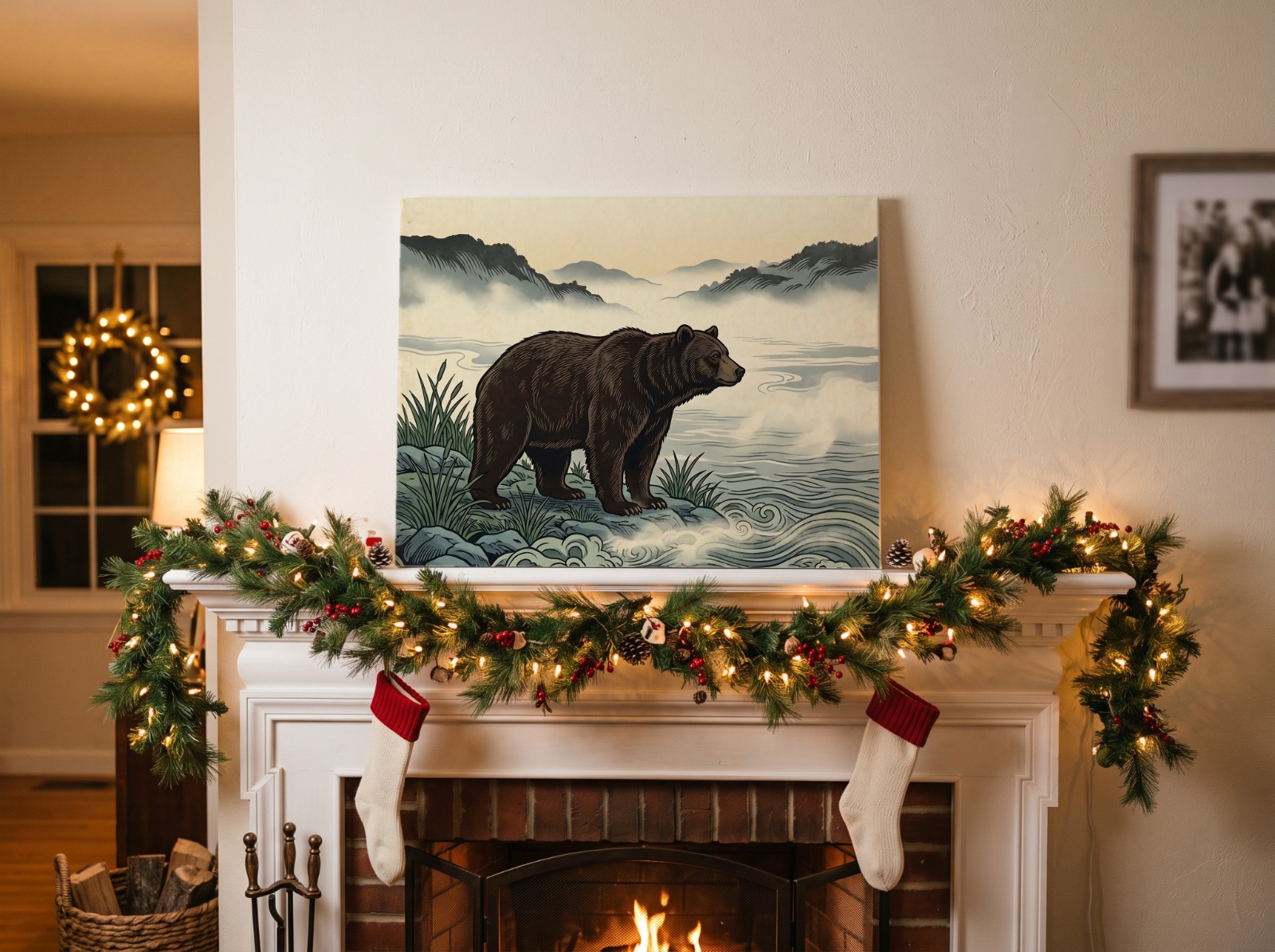
- Add seasonal photos. A Christmas scene in photo two or three helps gift shoppers picture the item. With the Christmas mockup generator you can put every design onto holiday scenes in one batch.
- Batch mockups for new listings. If you are adding listings for the sale, use the batch mockup generator to make mockup photos for every design at once (items you make yourself also need at least one unedited photo of the real item, under Etsy's listing image rules), using templates from the free template library. Then check the set against the listing photos checklist.
- Add a short video. Etsy allows up to 2 videos per listing, 3 to 15 seconds each. A video mockup gives you one without filming.
- Make a sale banner. Etsy recommends 1600 x 400px for the big shop banner (1200 x 300px minimum). Keep the text in the middle so it isn't cropped on phones. All sizes are in our Etsy image size guide.
- Update your shop announcement. Etsy suggests using it for things like a sale. Keep it short: what's discounted, by how much, and until when.
- Check your margins. A discount comes straight out of your profit, and Etsy's fees still apply to every order. Work out what you keep at 25% off before you commit; our Etsy fees guide lists every fee.
Get your sale listings photo-ready
Batch mockups for every design in your browser. Free, no account needed.
Try Scaylr Free →How Do You Check Whether Your Etsy Sale Worked?
On the Sales and Discounts page, each offer shows its purchases, conversion rate and revenue for the time frame you pick. Compare the sale period with the weeks before it. If you want to change the discount mid-sale, Etsy's instructions are to end the current sale early (See details and manage → End sale early) and create a new one.
Once you know how to run a sale on Etsy, the rest of the holiday prep (shipping cut-offs, processing times, Christmas listings and what to do after Cyber Monday) is in our Etsy Black Friday seller checklist.
Sources: Etsy Help: How to Set Up Sales and Discounts for Your Shop, Etsy Help: How to Participate in Sales Events on Etsy, Etsy Seller Handbook: Understanding Truthful Advertising and Discount Practices, Etsy Seller Handbook: Welcome to Holiday HQ, Etsy Help: Requirements and Best Practices for Images in Your Etsy Shop, Etsy Help: How to Add Listing Videos, Etsy Help: How to Add a Shop Announcement and Shop Title, Etsy Policy: Listing Image Requirements (checked October 2026).