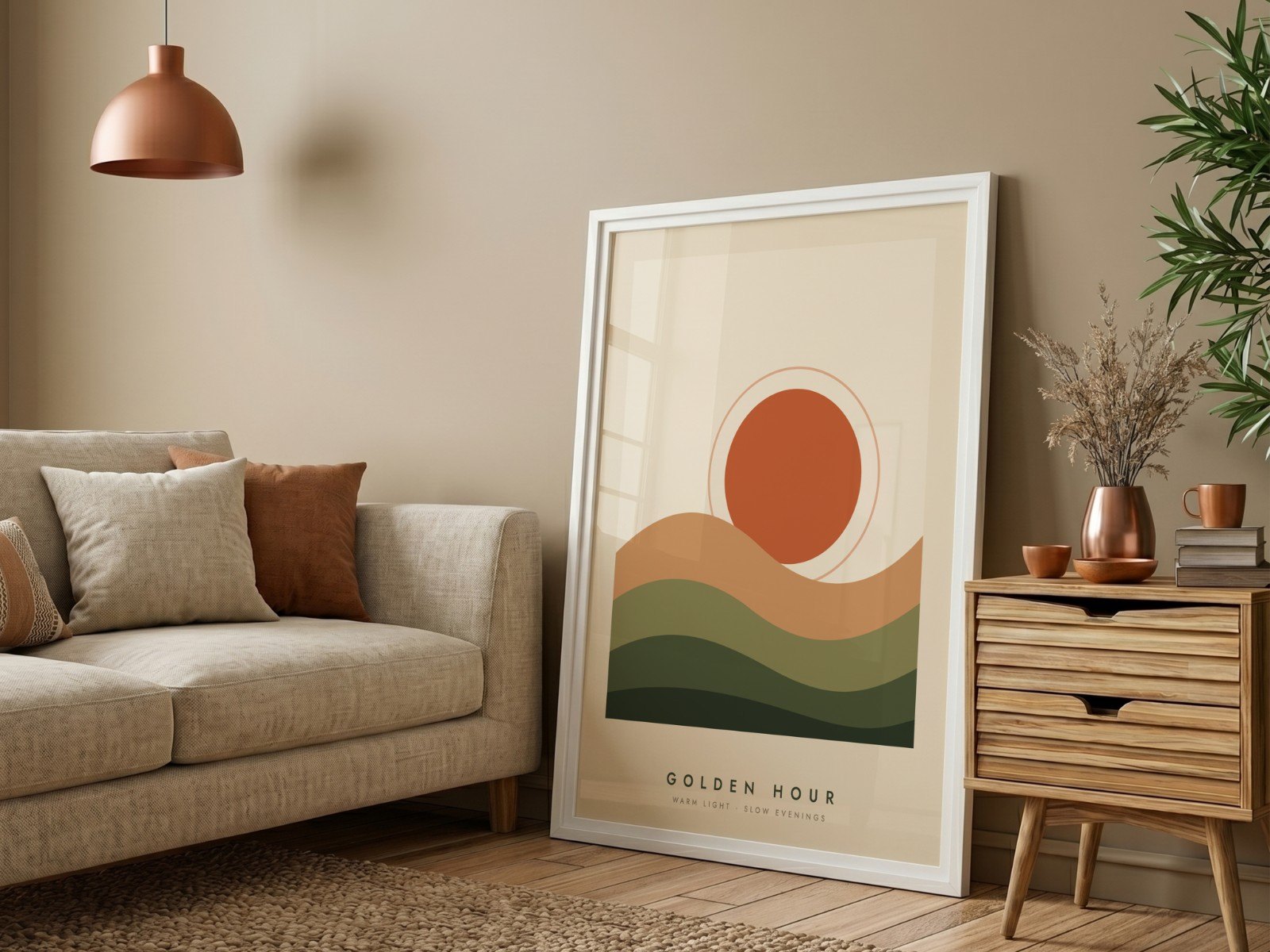
Every good PSD mockup has one layer doing all the work: the smart object. It is the reason your artwork bends around a mug, sits at an angle inside a frame and picks up the fabric texture of a T-shirt. If you know how smart objects behave, you can fix almost any mockup that looks wrong.
What is a smart object in a PSD mockup?
A smart object is a layer that holds another document inside it. The mockup designer places a flat, straight rectangle inside that container, then bends it, angles it and blends it into the photo once. From then on, anything you put inside the container gets the same treatment automatically.
That is what separates a real mockup template from a photo with a pasted image. The smart object remembers:
In Photoshop you can spot a smart object by the small page icon in the corner of its layer thumbnail. Designers usually give it an obvious name such as "Your Design", "Design" or "Poster".
How do you replace a smart object's contents in Photoshop?
Double-click the smart object's layer thumbnail. Photoshop opens its contents in a new tab. Embedded smart objects open as a .psb file.
Use File → Place Embedded (or drag your file in) and resize it to cover the whole canvas. Hide or delete the placeholder layer the designer left there, such as the "Add your design here" sample.
Press Cmd/Ctrl + S, then close the tab. Back in the mockup, the smart object redraws with your design in place. Export the mockup, and repeat for the next design.
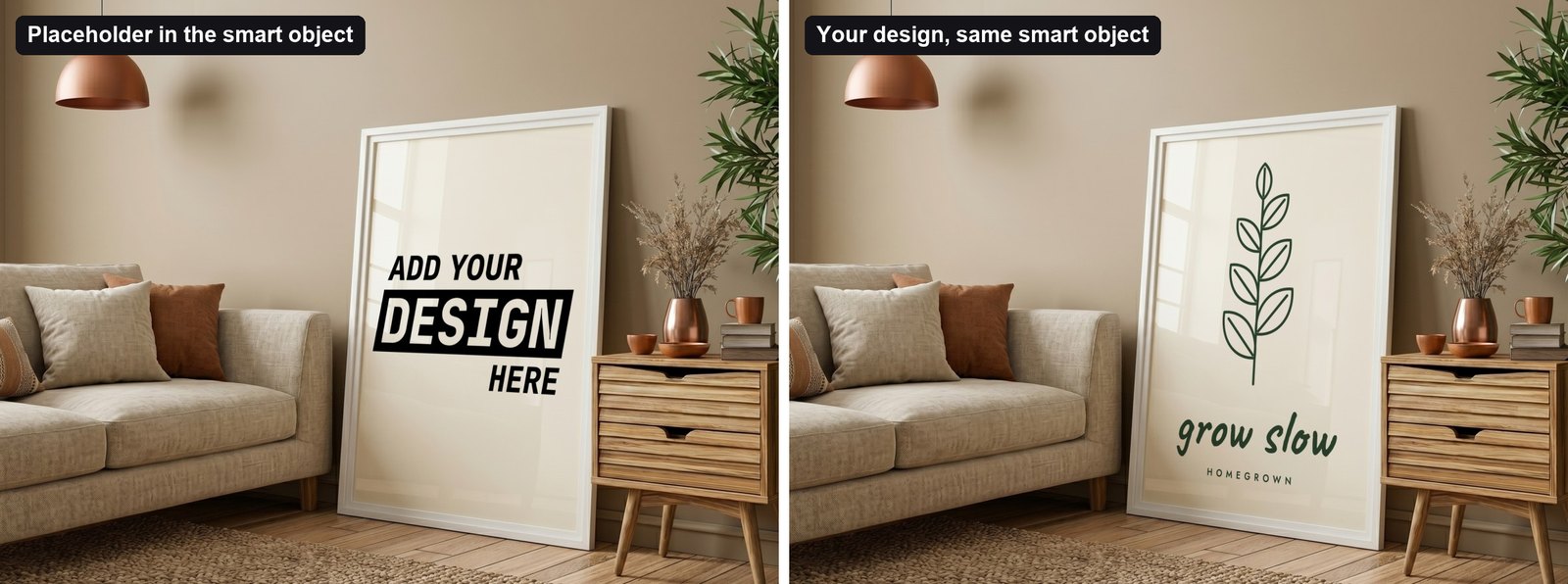
Why does my design look wrong in the mockup?
When a mockup looks off, it is almost always one of these five things:
| Design is cropped | Your design's shape doesn't match the smart object (e.g. a square design in a 3:4 frame) | Make the design in the same ratio, or fit it inside with a border | Placeholder text shows through | Your PNG has transparent areas, and the old placeholder is still inside the smart object | Delete or hide the placeholder layer inside the smart object | Design is blurry | The smart object's own canvas is small, so your artwork is scaled down to it | Choose templates with a large smart object (check Image → Image Size inside it) | Colours look darker | The layer uses Multiply, which lets shadows and texture through | That is intended realism. Lighten the design slightly if it looks heavy | Changing one frame changed another | The layers are linked copies that share one set of contents | Use New Smart Object via Copy to make them independent |
What about mockups with several smart objects?
Gallery walls, frame sets and front-and-back apparel mockups have one smart object per product. Each one is filled separately, so three frames can show three different prints in one photo.

Watch for linked copies: some templates duplicate one smart object so that, for example, a design and its reflection always match. Editing one updates them all, which is exactly what you want for a reflection and not what you want for a gallery wall.
How do you fill smart objects without Photoshop?
Opening, pasting, saving and exporting takes a few minutes per mockup. With 20 designs and 5 templates that is 100 rounds of the same clicks. This is the job a batch mockup generator automates, and it doesn't need Photoshop at all. (We compared the options in Mockup Generator Without Photoshop.)
In Scaylr it works like this:
- Add your templates. Upload your own PSDs or pick from the free template library. Scaylr reads each file in your browser and lists every smart object as a slot, named after its layer. Linked copies appear as one slot.
- Add your designs. Drop in PNG, JPG or WEBP files.
- Auto-assign. Scaylr pairs designs with slots. Choose Fill (cover the area), Fit (keep the whole design visible) or Stretch.
- Generate. Every design goes into every template, with the template's perspective, curve and blend. Download the mockups one by one, or on a paid plan as one ZIP sorted by design.

Layers at the top of the template whose names mark them as helpers, such as "placeholder", "instructions", "guide" or "watermark", are hidden automatically. So template notes never end up in your listing photos.
What makes a good smart object template?
For product-specific advice, see our poster mockup guide and T-shirt mockup guide.