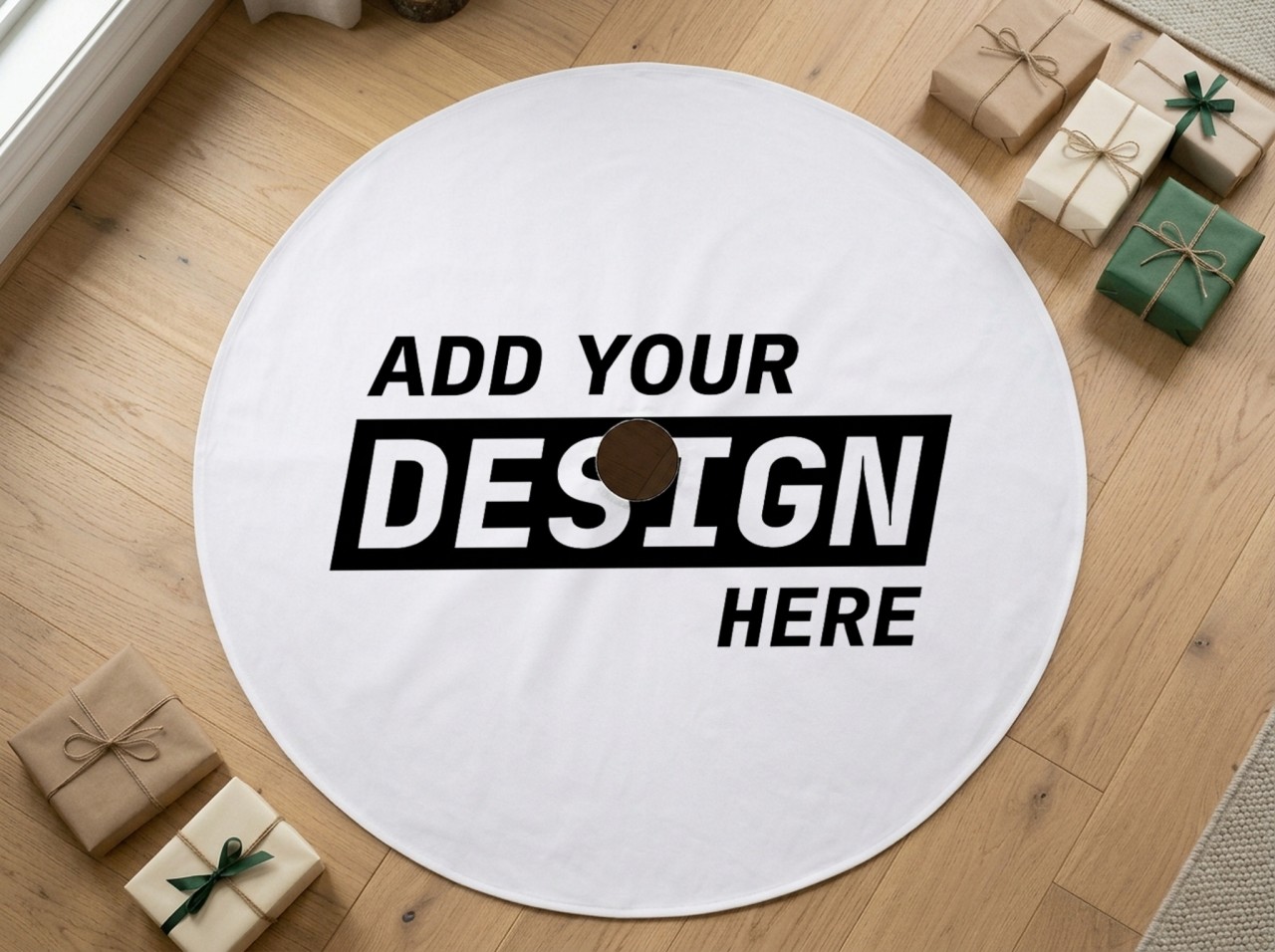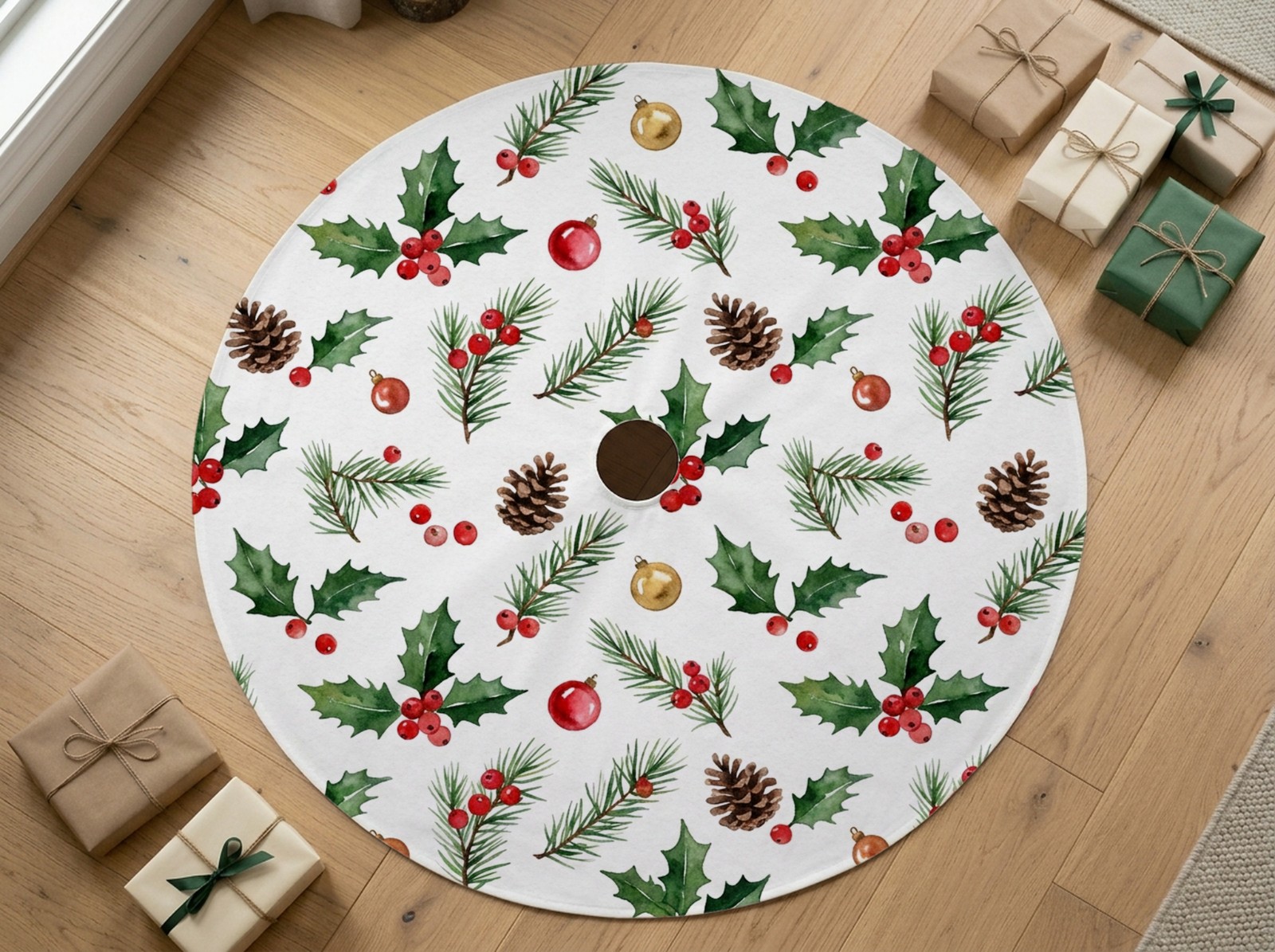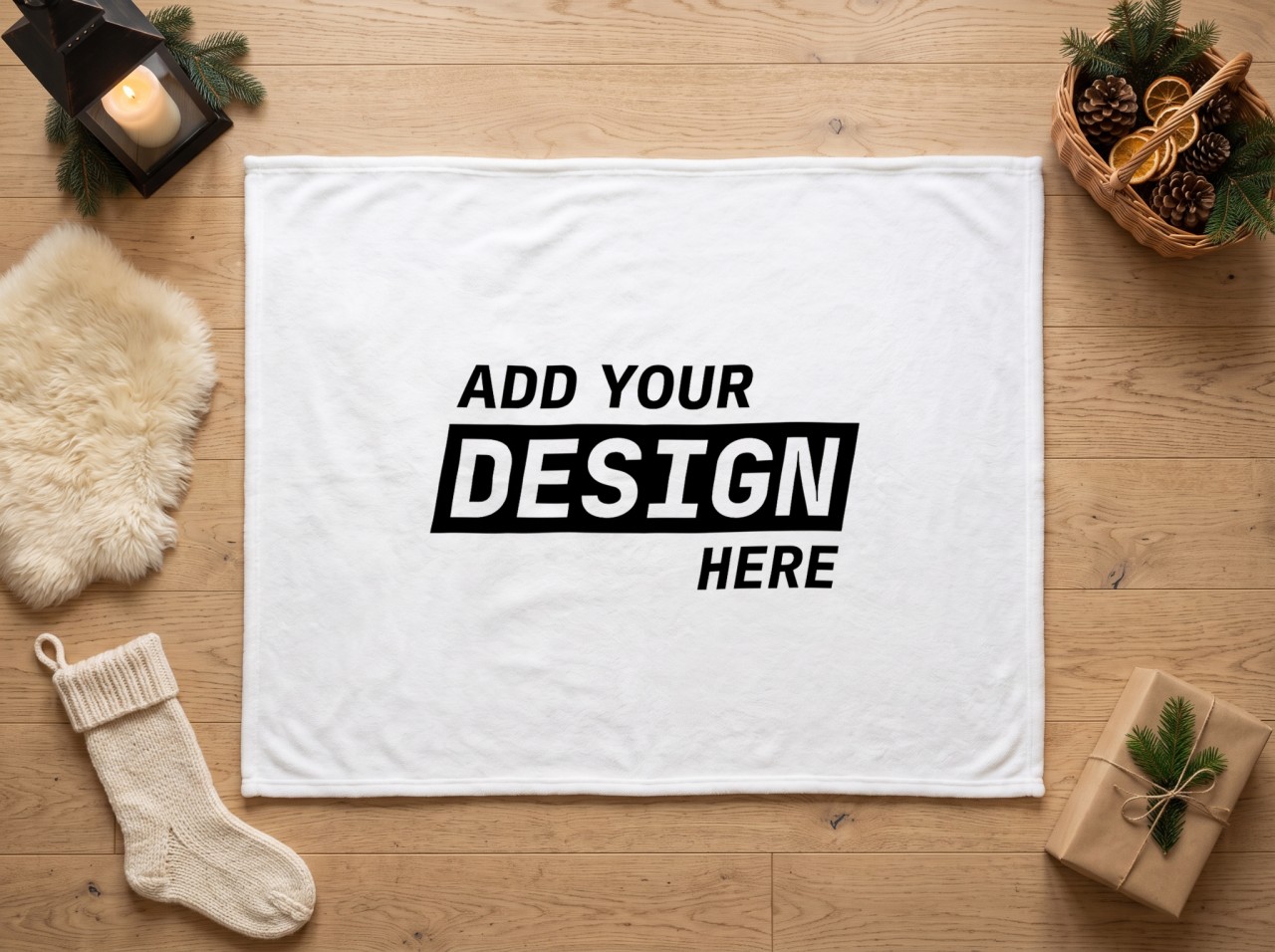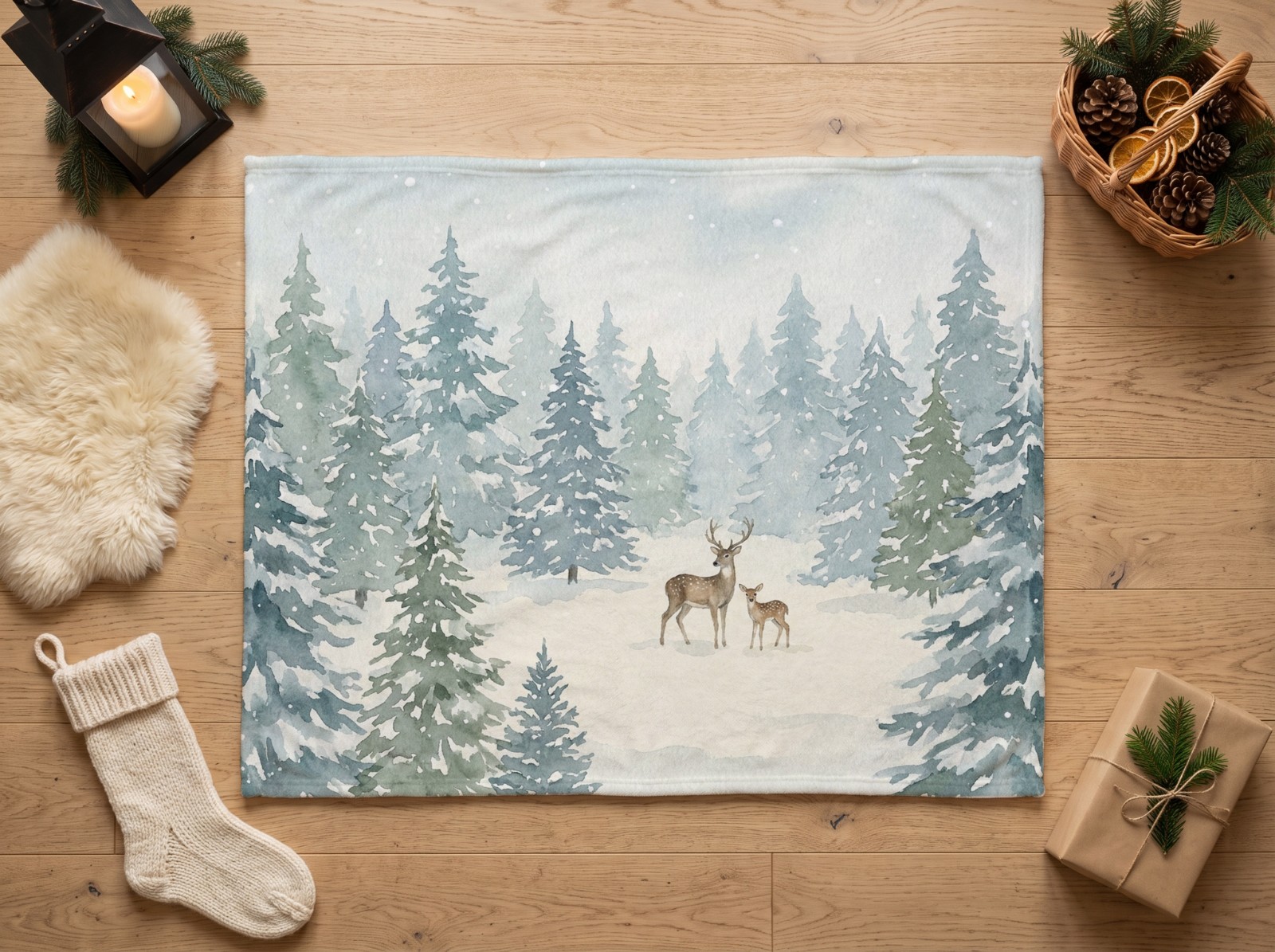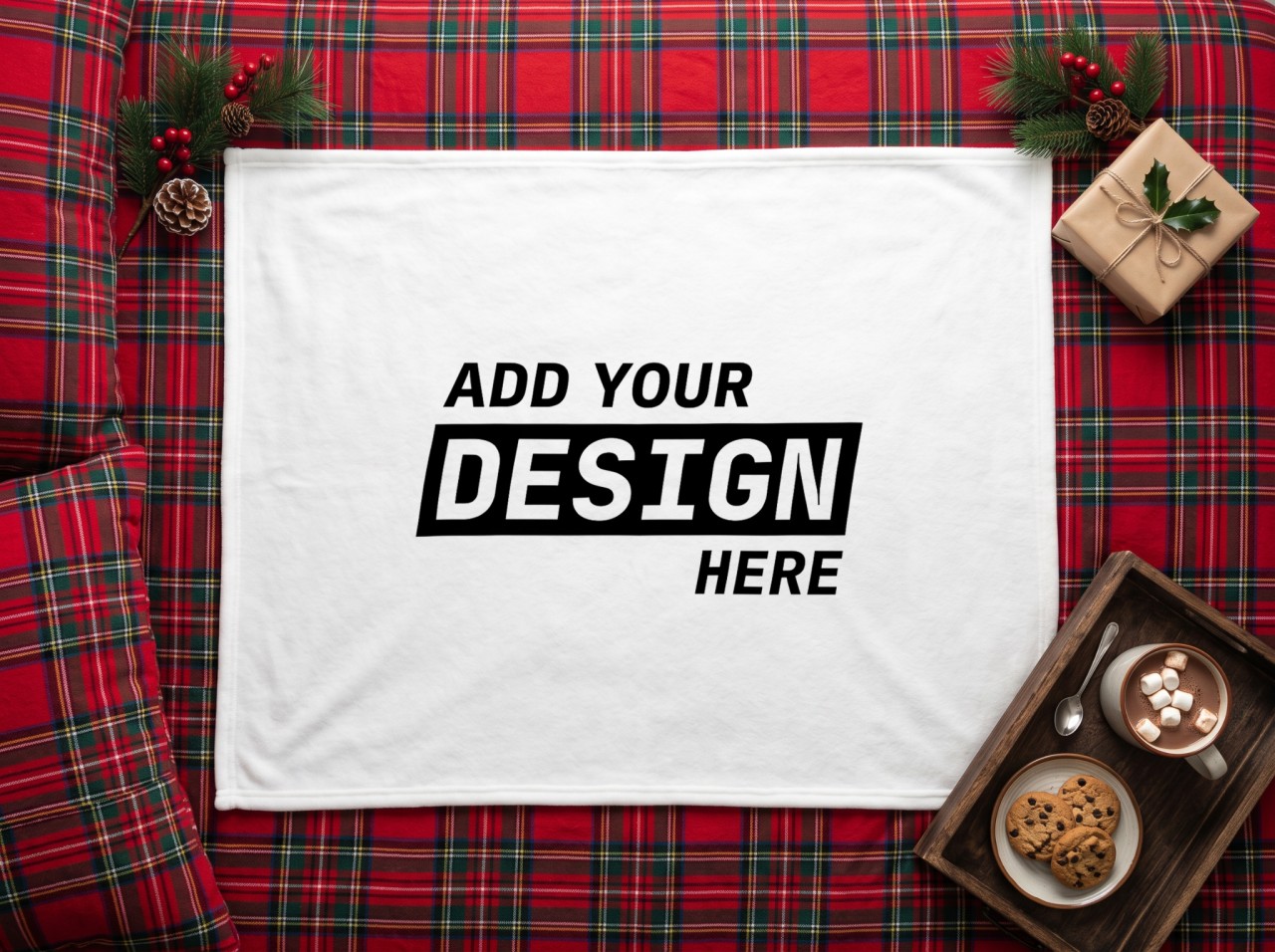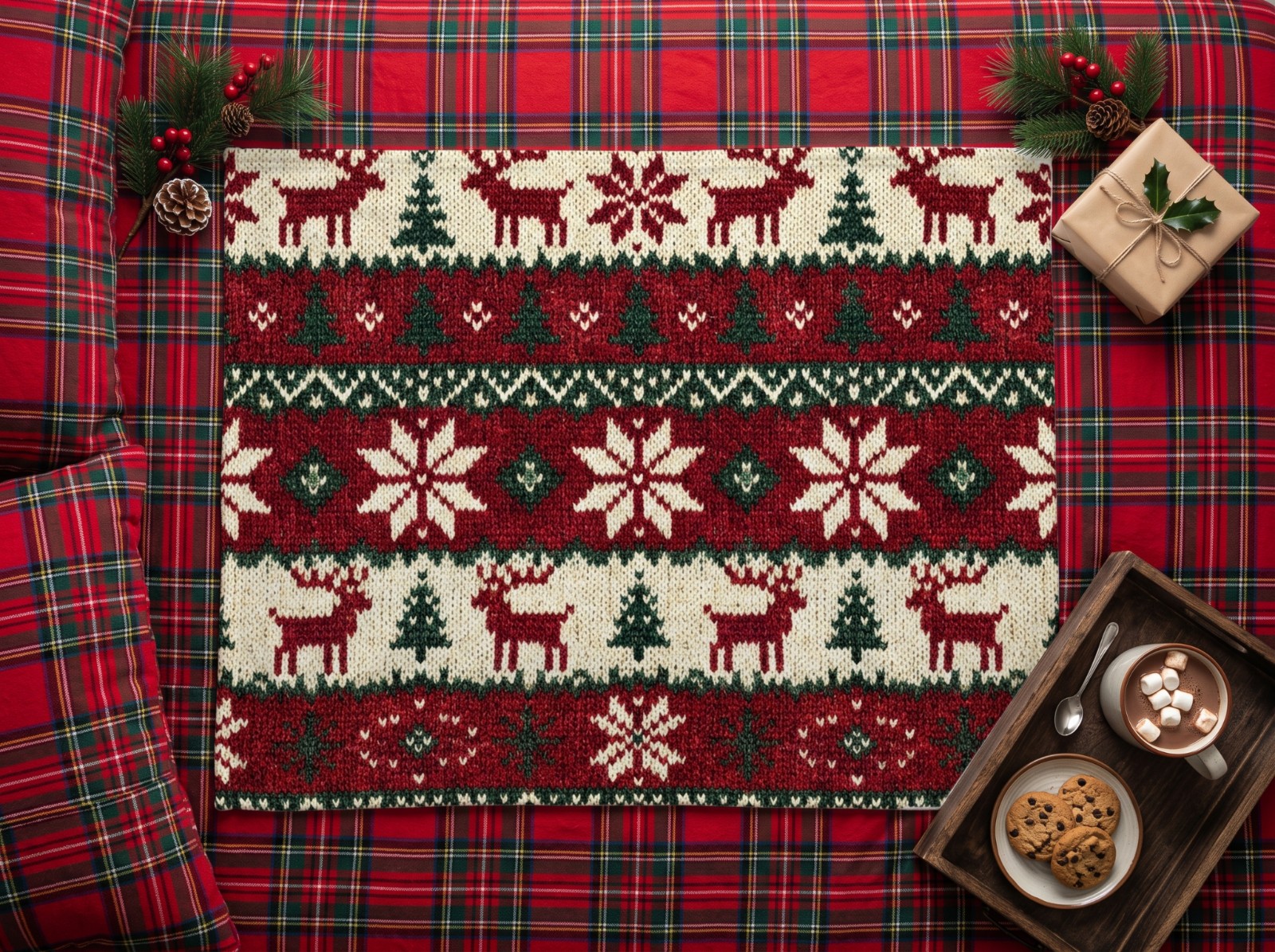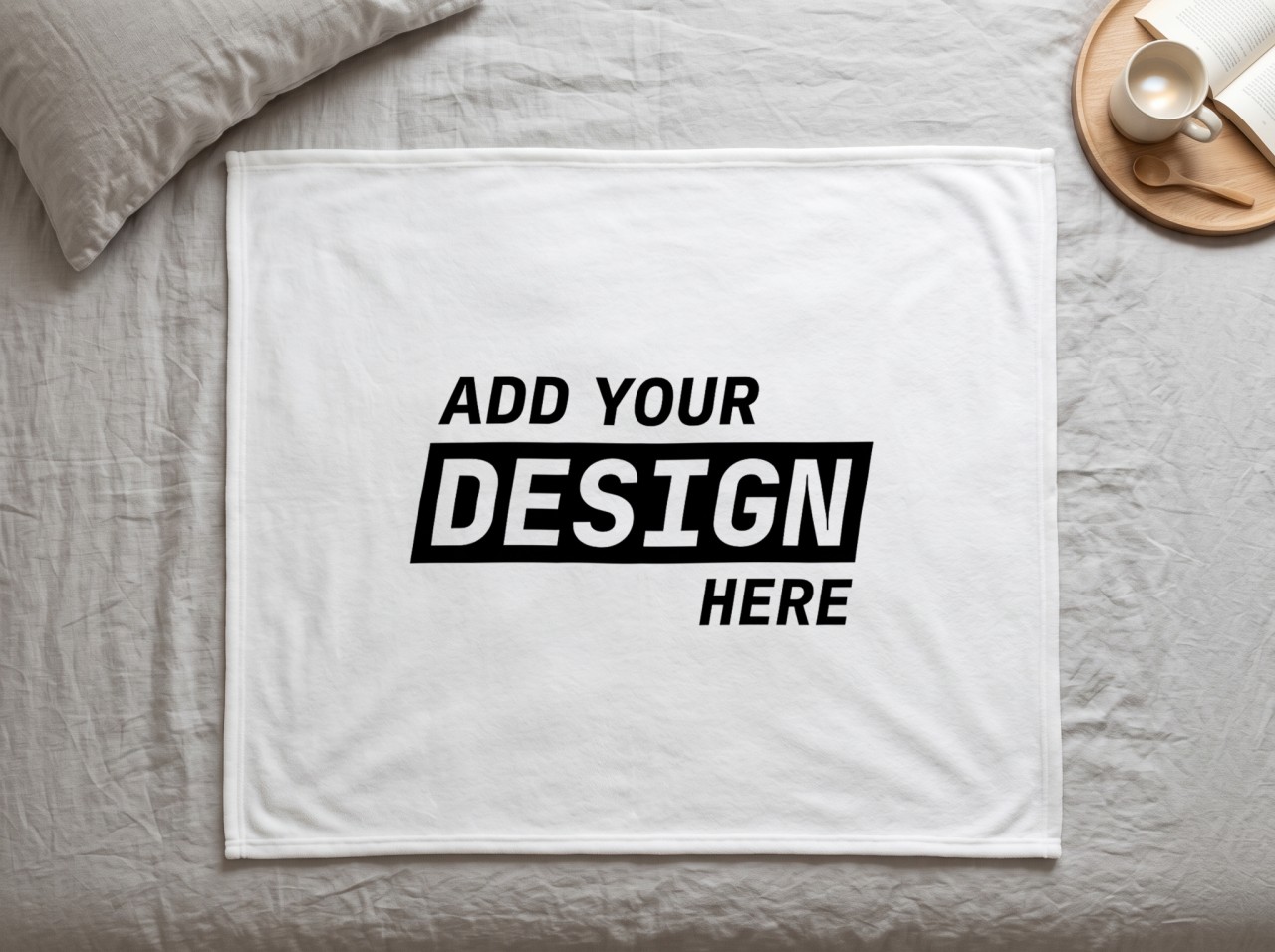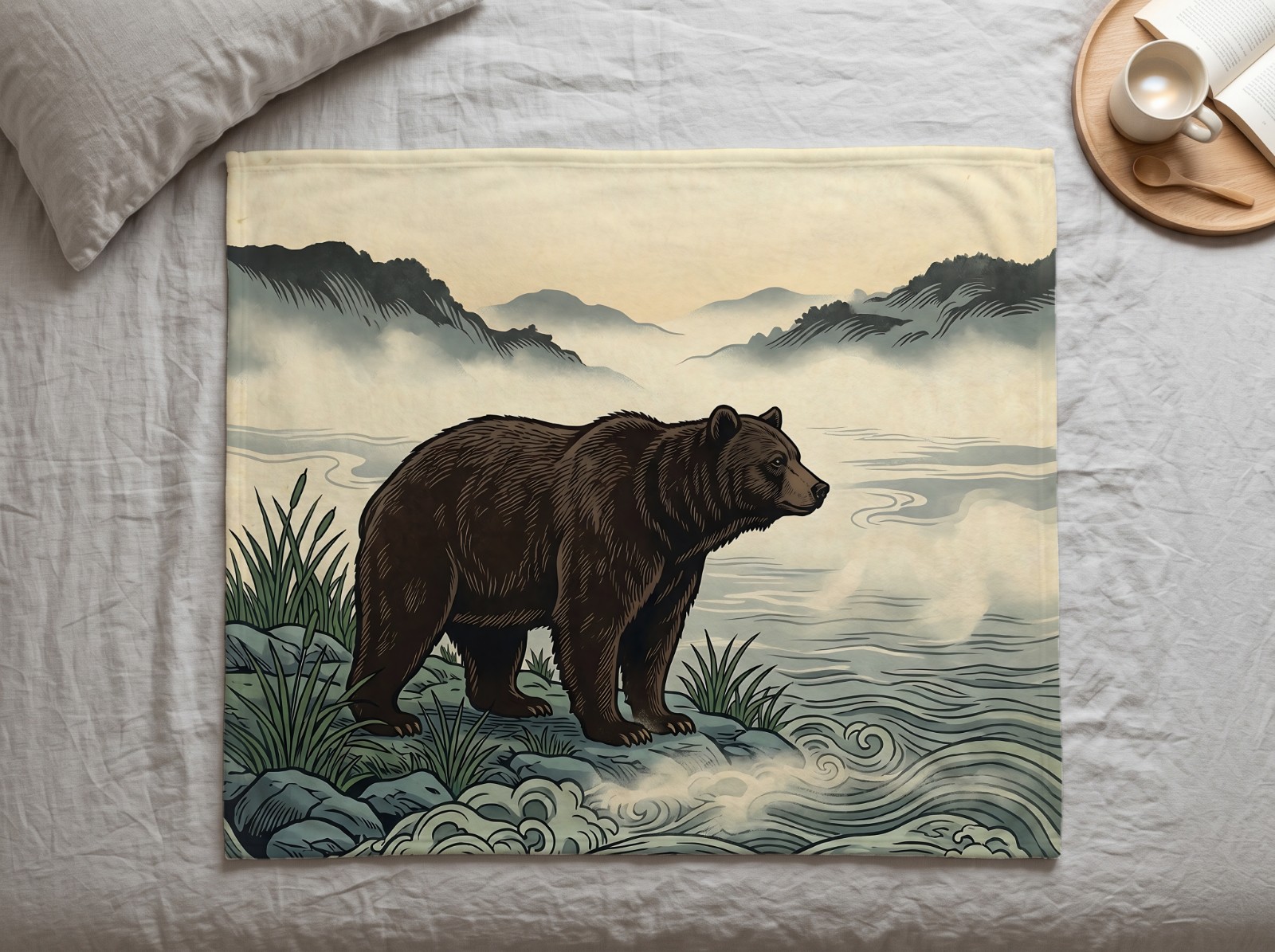
White Minky Blanket Mockup Under a Christmas Tree
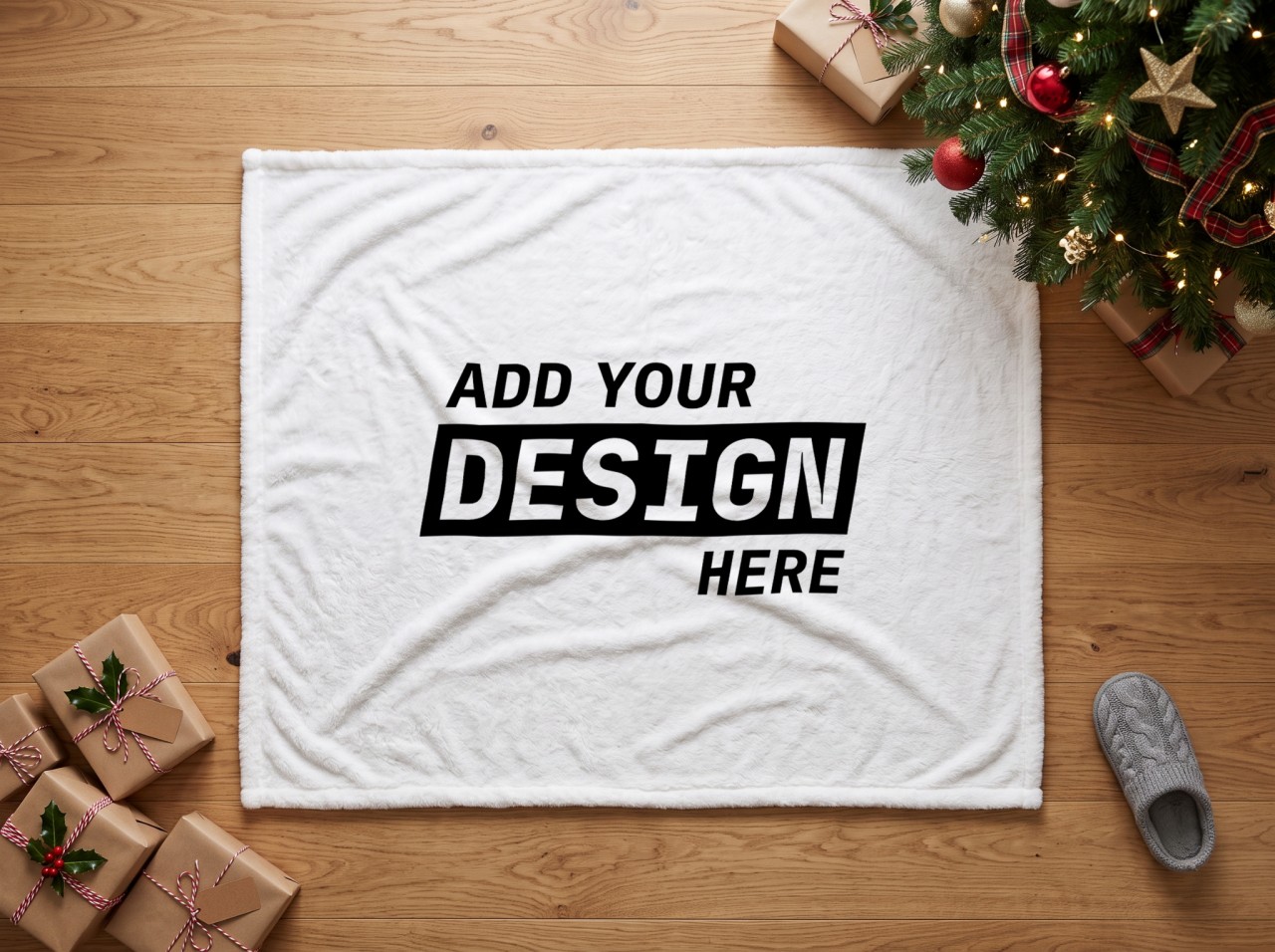
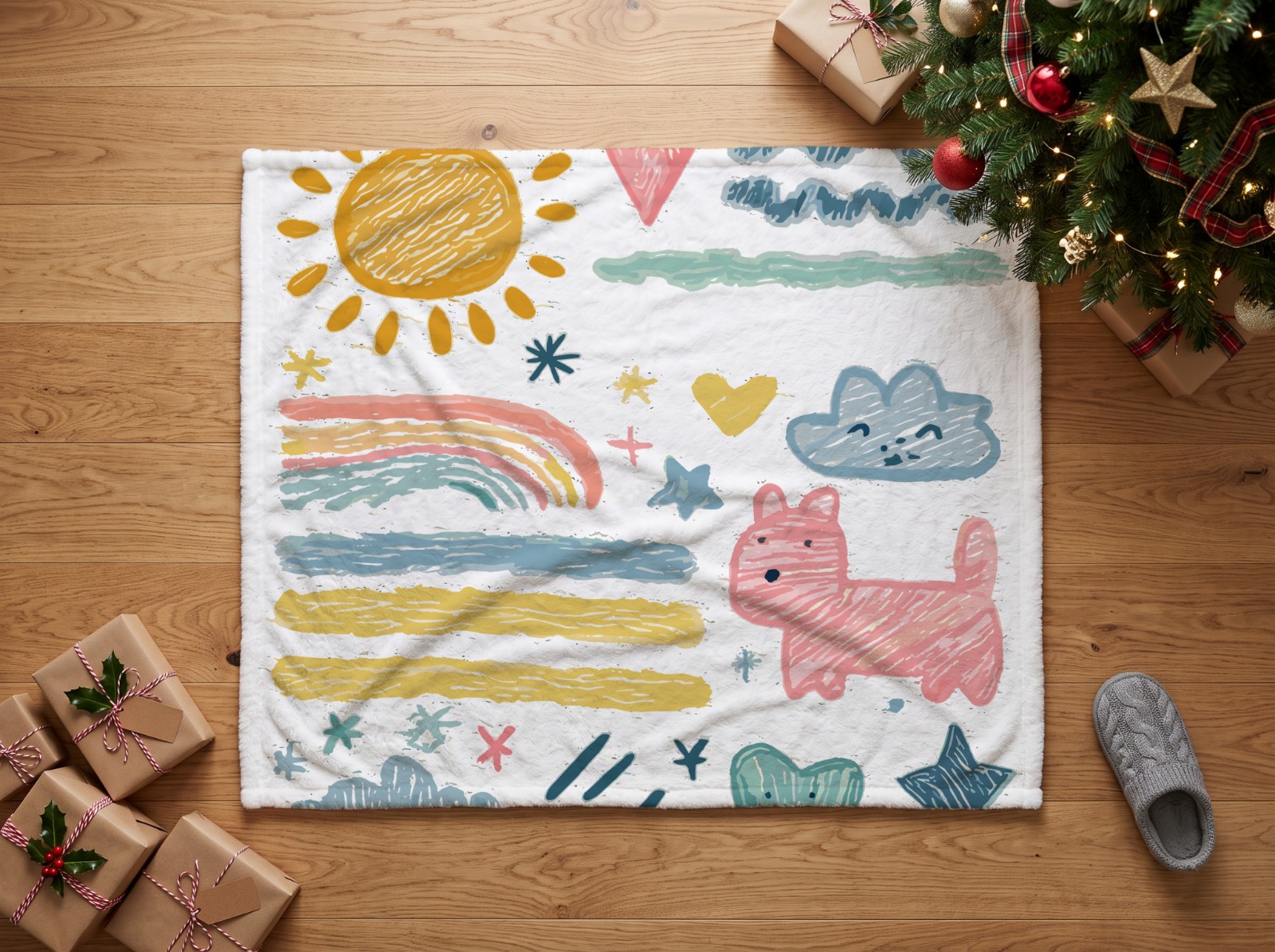
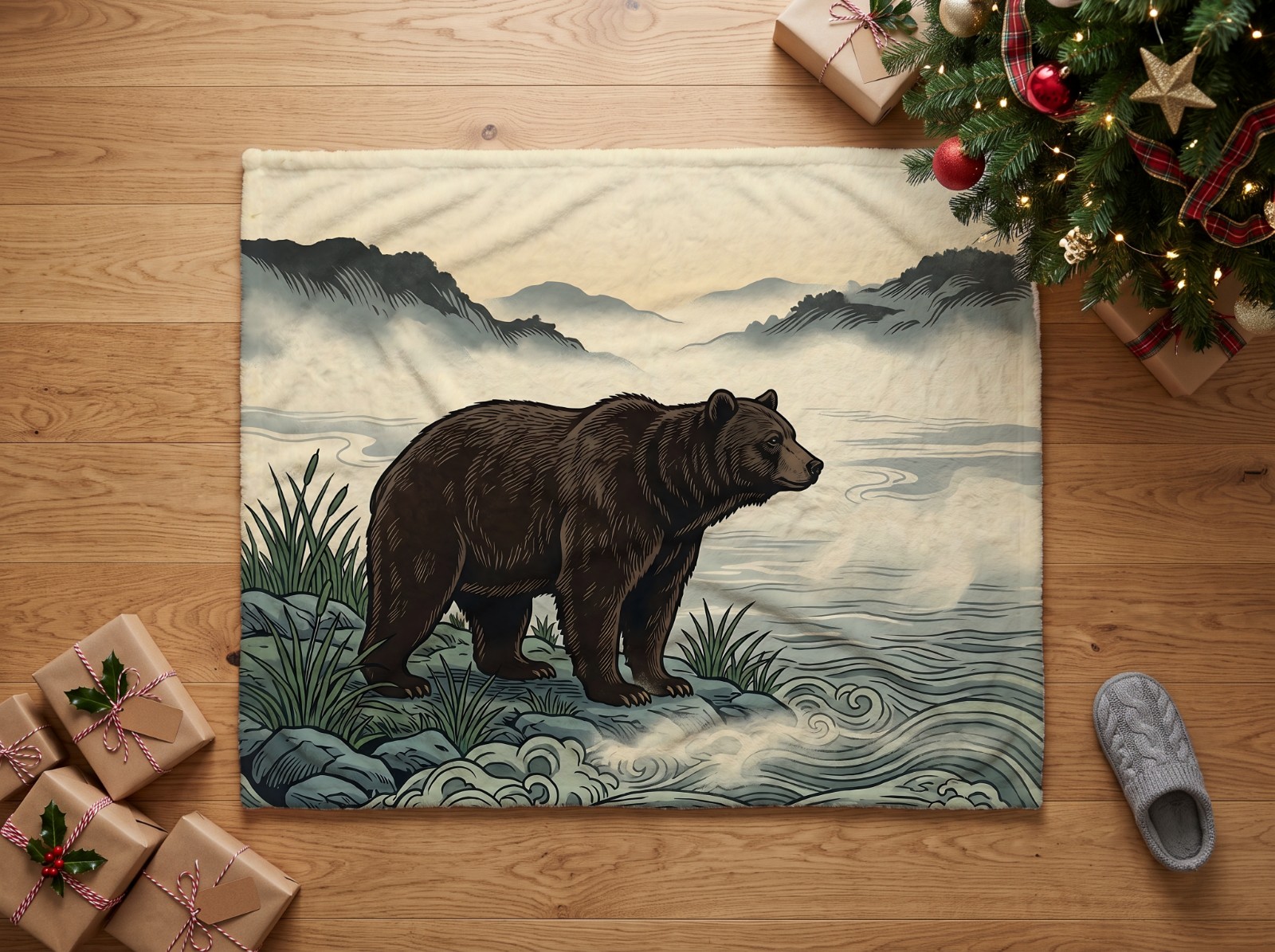
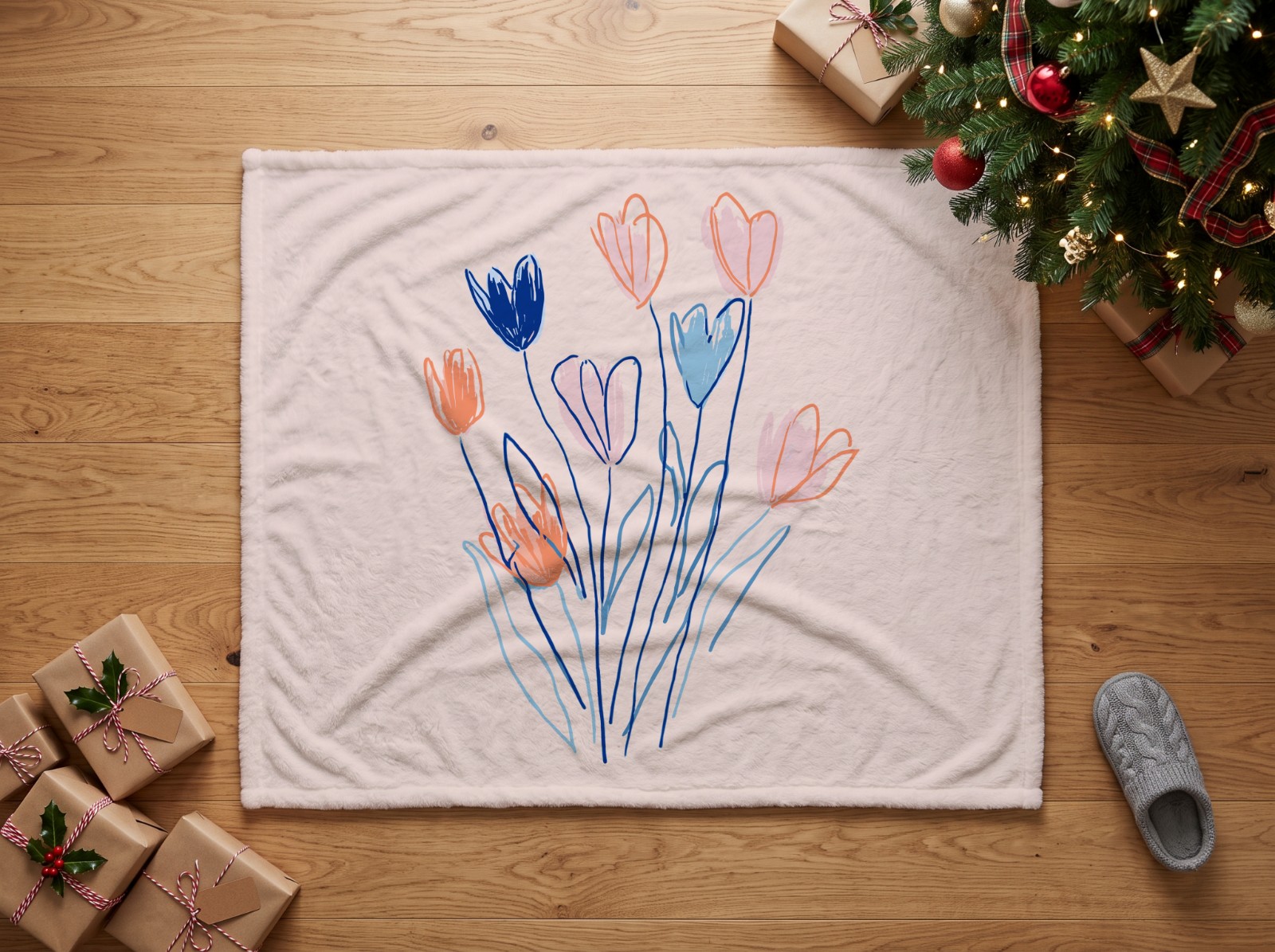
Seen from above, a soft white minky blanket lies on an oak floor under a decorated Christmas tree, with kraft-wrapped gifts and a knitted slipper around it. Perfect for personalised Christmas blankets, baby blankets and photo throws; the tree branches stay on top of your design.
Seen from above, a soft white minky blanket lies on an oak floor under a decorated Christmas tree, with kraft-wrapped gifts and a knitted slipper around it. The minky blanket is a smart object, so your design takes on the shape, light and shadows of the photo automatically.
Best size: 3000 × 2500 px (6:5, e.g. 60 x 50 in). Upload your designs to Scaylr, pick this template and batch generate listing photos for Etsy, Shopify or your print-on-demand store. Perfect for personalised Christmas blankets, baby blankets and photo throws; the tree branches stay on top of your design. No Photoshop needed: everything runs in your browser.
Template details
| Product | Blankets |
|---|---|
| Design area | 6:5 (landscape) |
| Designs per mockup | 1 (one smart object) |
| Scene | Living room |
| File | PSD template, used online in your browser |
| Price | Free (with a free Scaylr account) |
How to use this mockup
- Use this template to open it in the Scaylr studio (library templates need a free account).
- Add your designs as PNG or JPG. Artwork in a 6:5 landscape shape fills the design area exactly.
- Generate every design on this template, and on any other templates you pick, in one batch, then download the mockups.
Questions about this template
What size should my design be for this mockup?
The design area is 6:5 landscape, so artwork in that shape fits without cropping. Other shapes work too: choose Fit, Fill or Stretch when you generate.
Is this mockup template free?
Yes. It is part of the free Scaylr template library; you need a free account to use library templates. Free mockups carry a small watermark, and your first 50 mockups after you sign up are watermark-free.
Do I need Photoshop to use this PSD mockup?
No. Scaylr opens the PSD in your browser and places your design into the smart object for you.
How many designs can I place in this mockup?
One design per mockup: the template has one smart object. Add several designs and Scaylr makes one mockup of each.
Can I make mockups of many designs at once?
Yes. Add all your designs and Scaylr puts each one on this template, and on any other templates you choose, in a single batch.