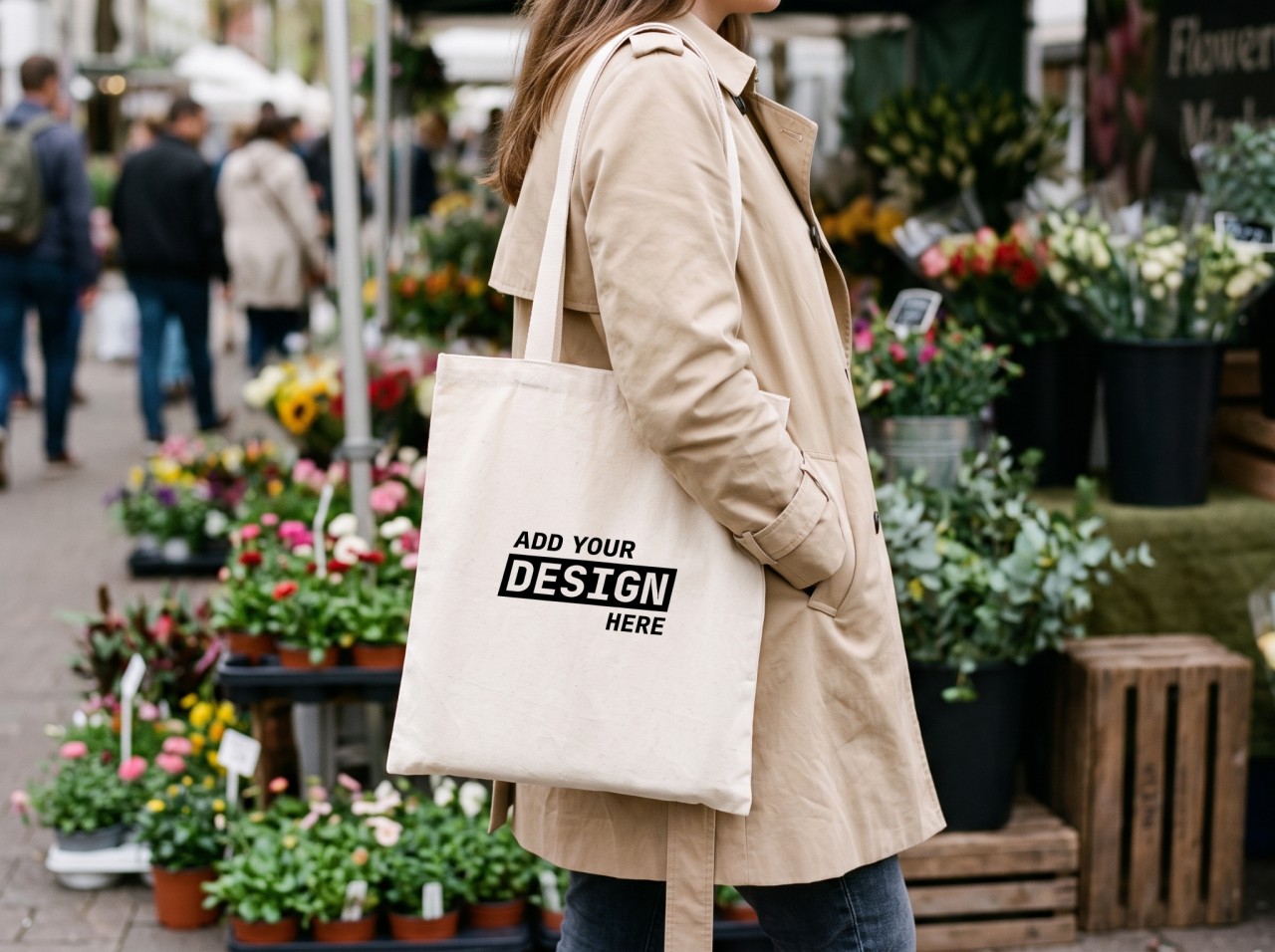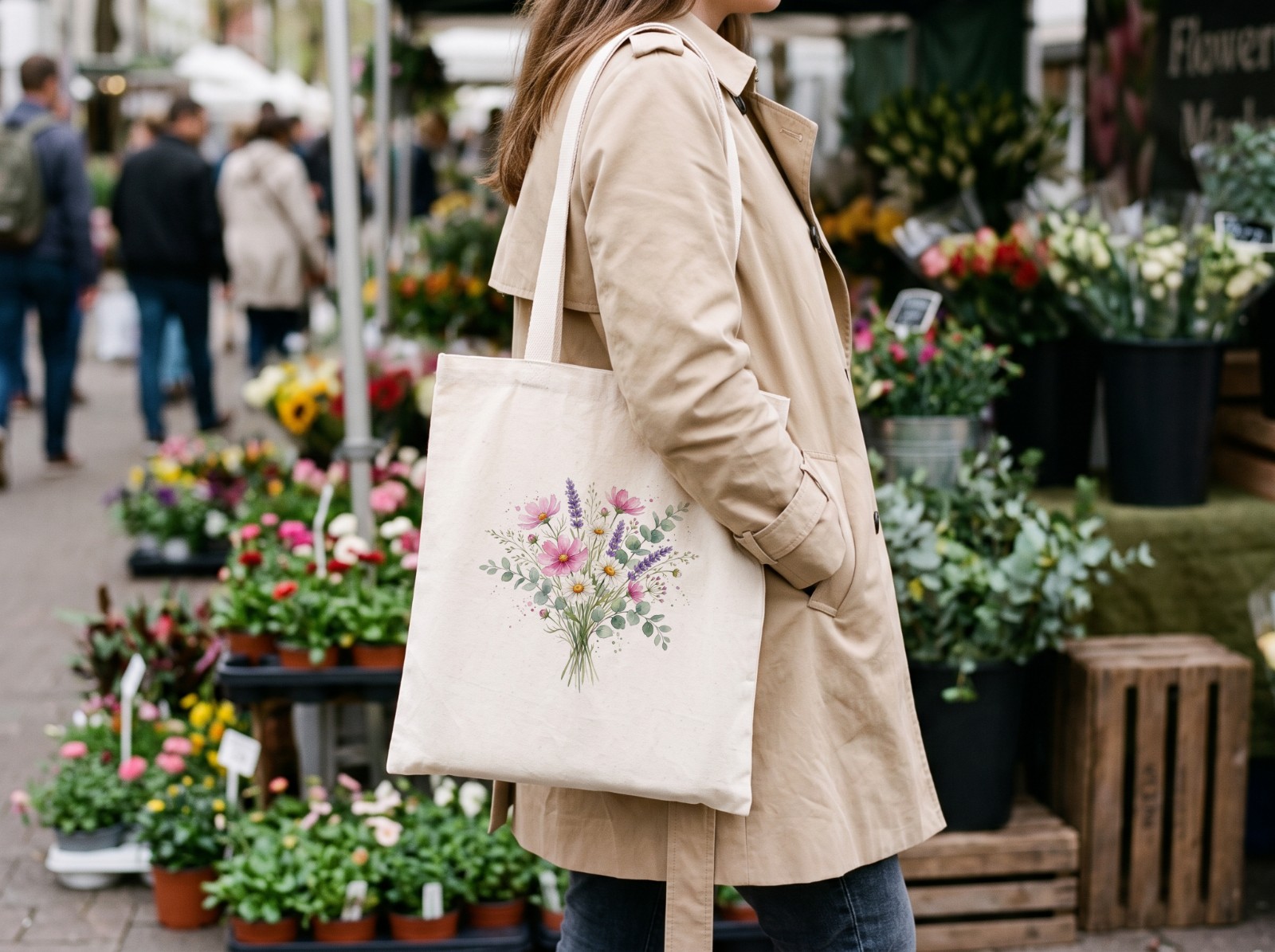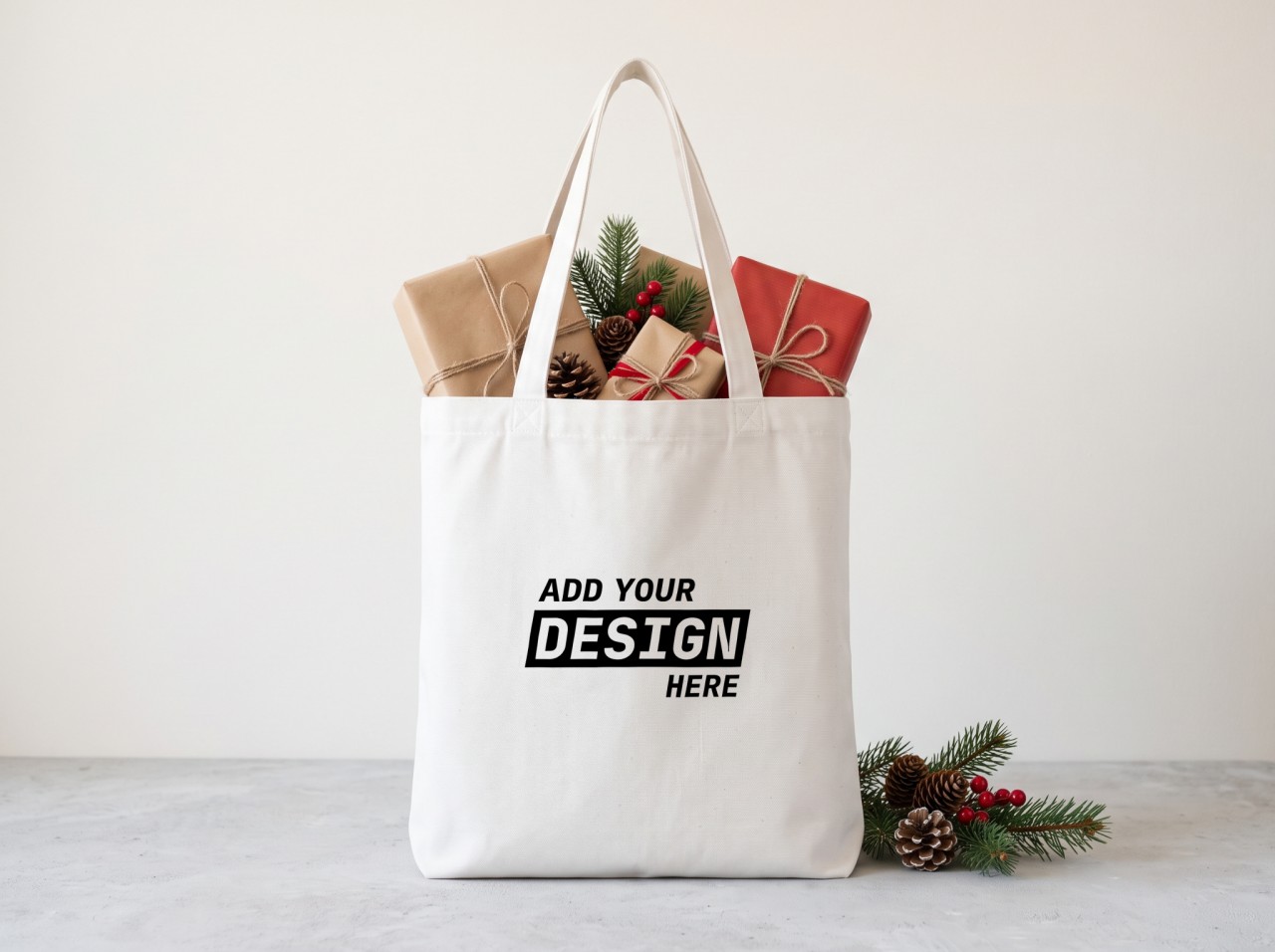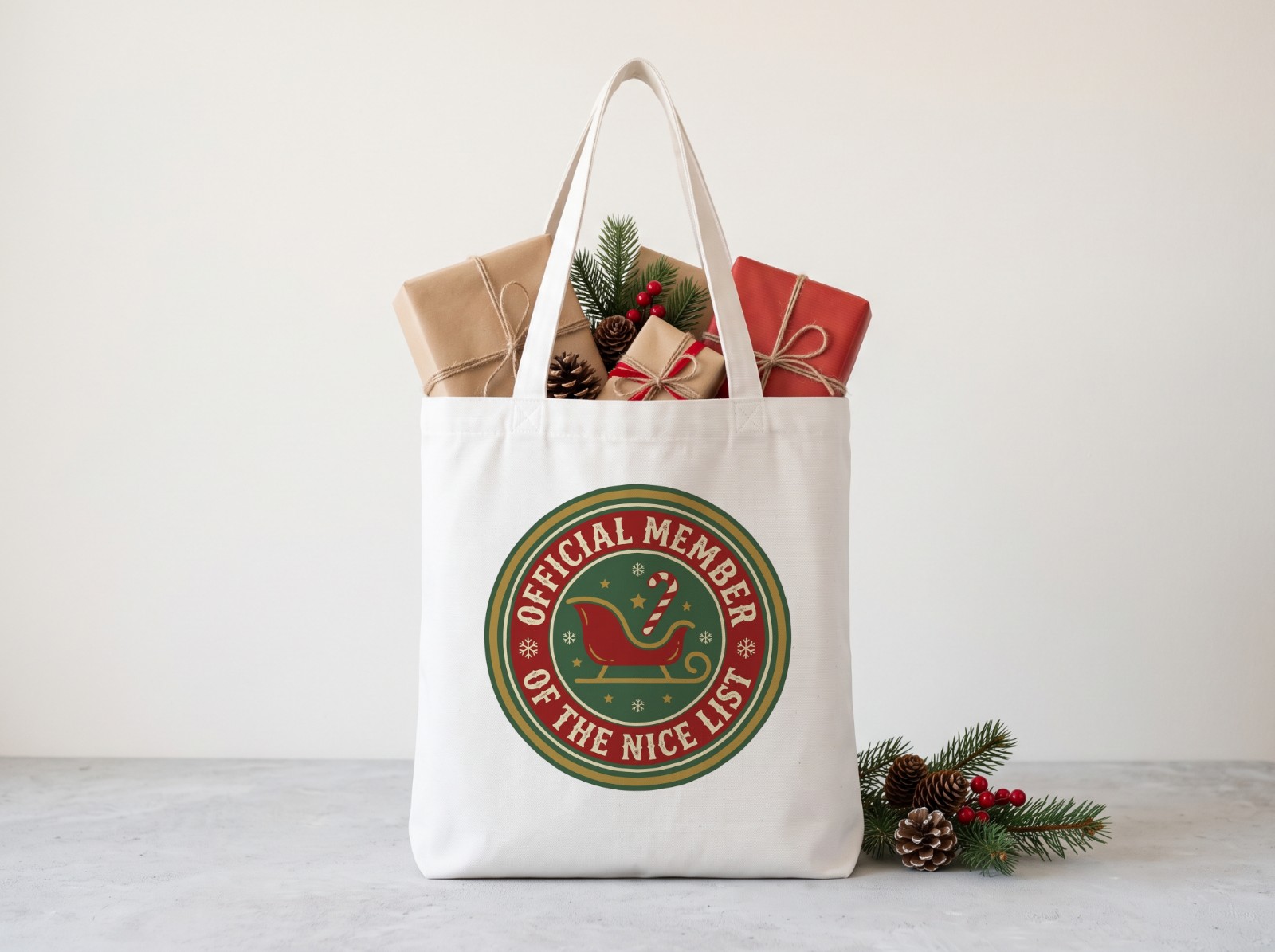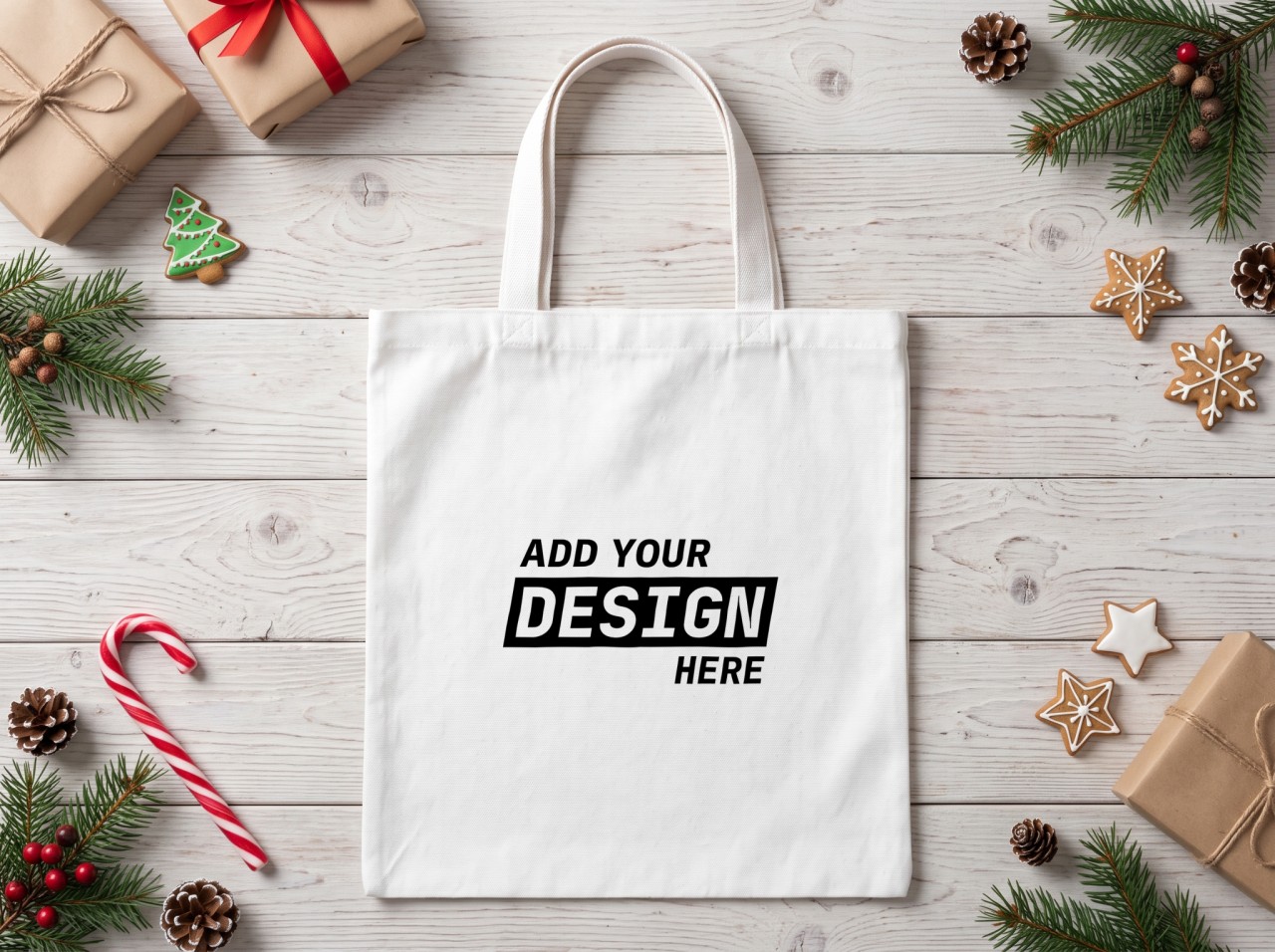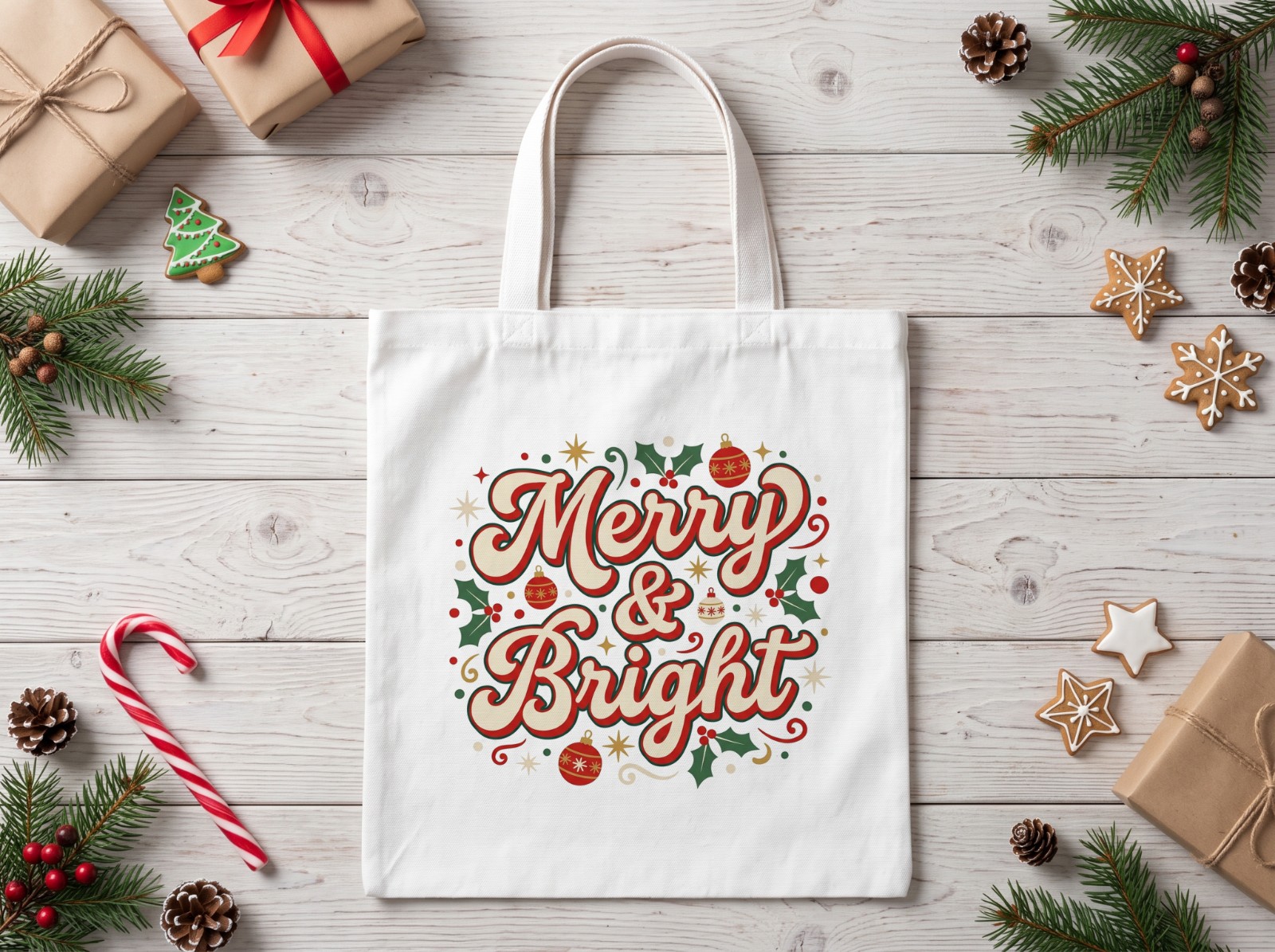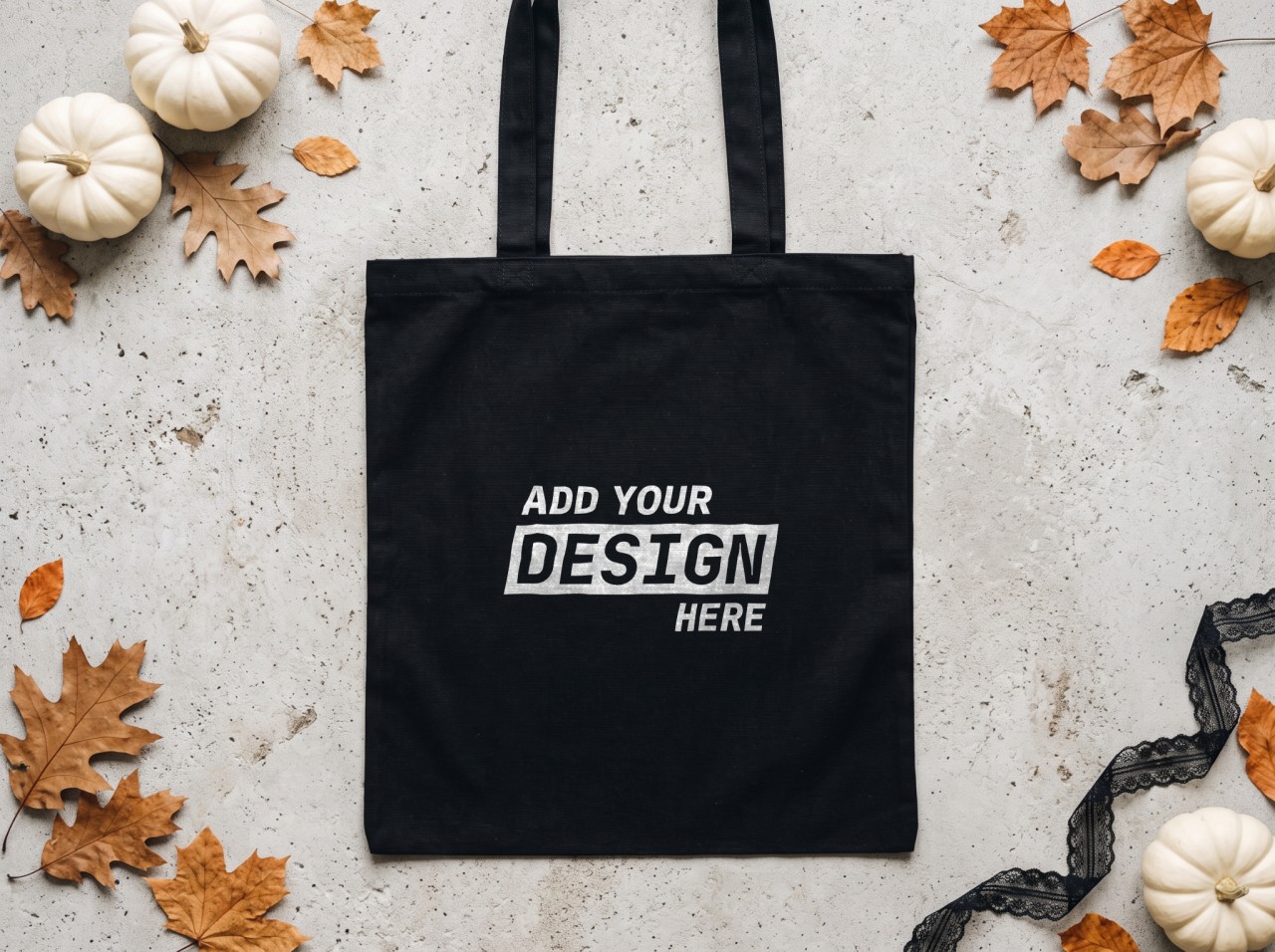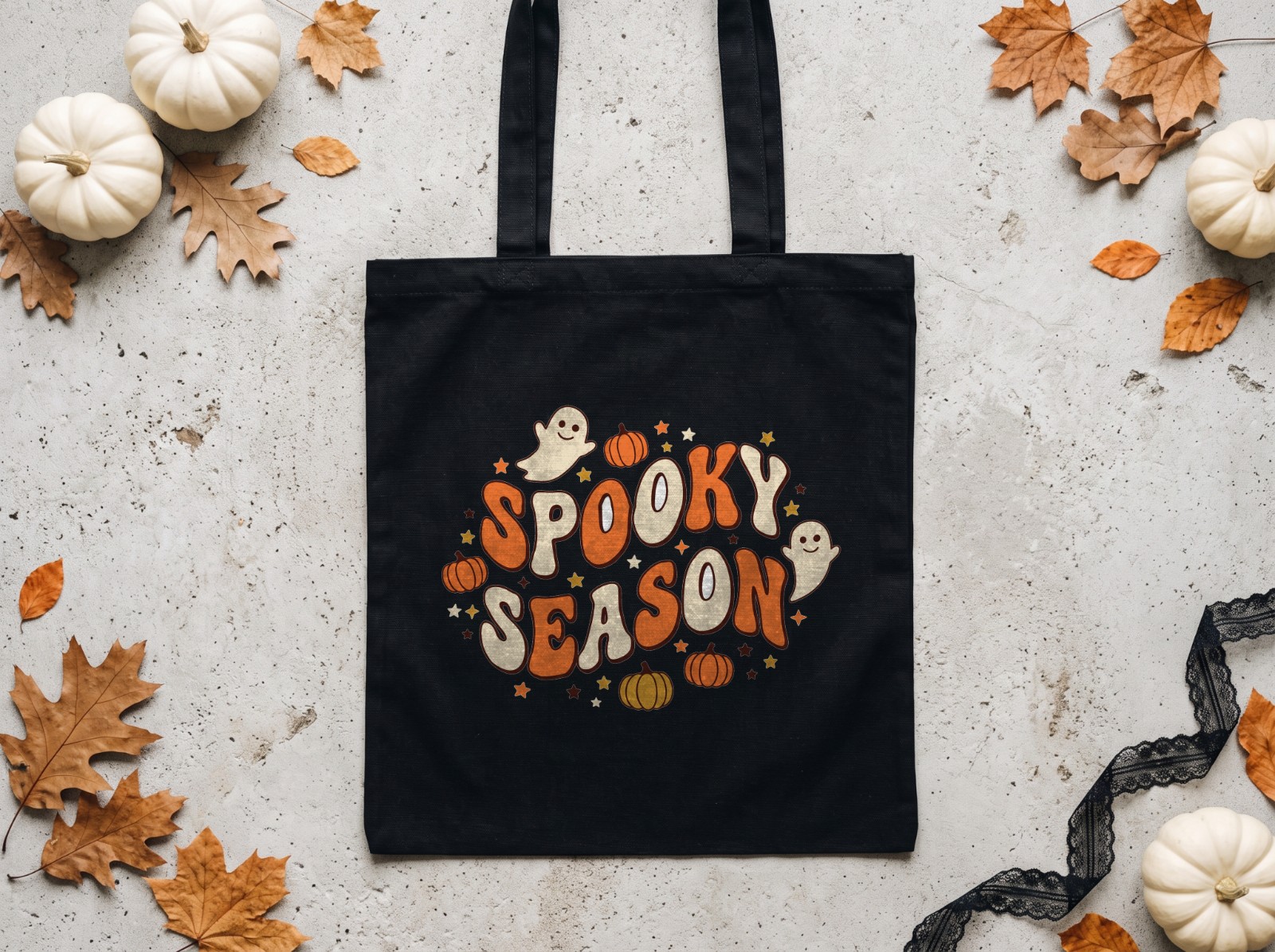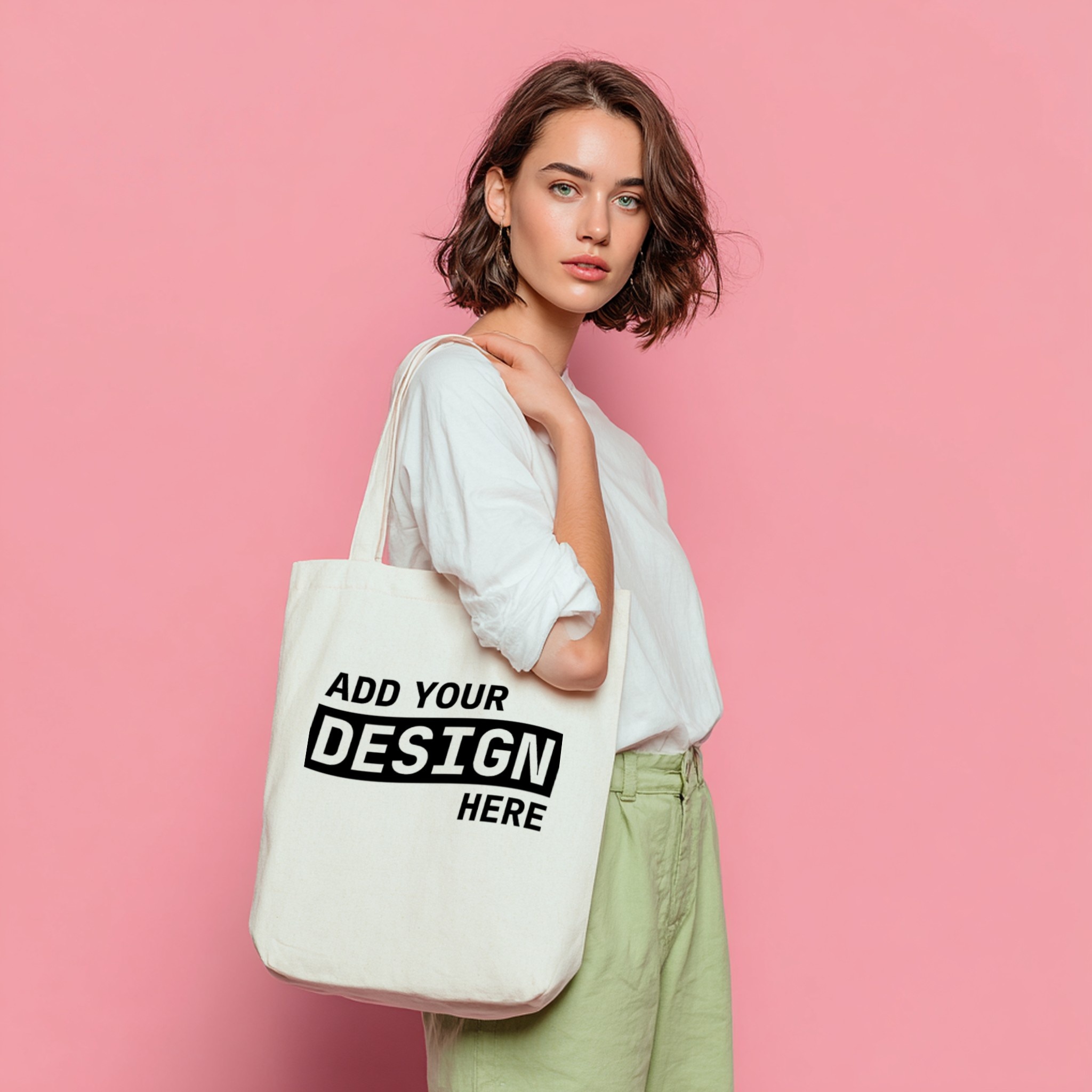
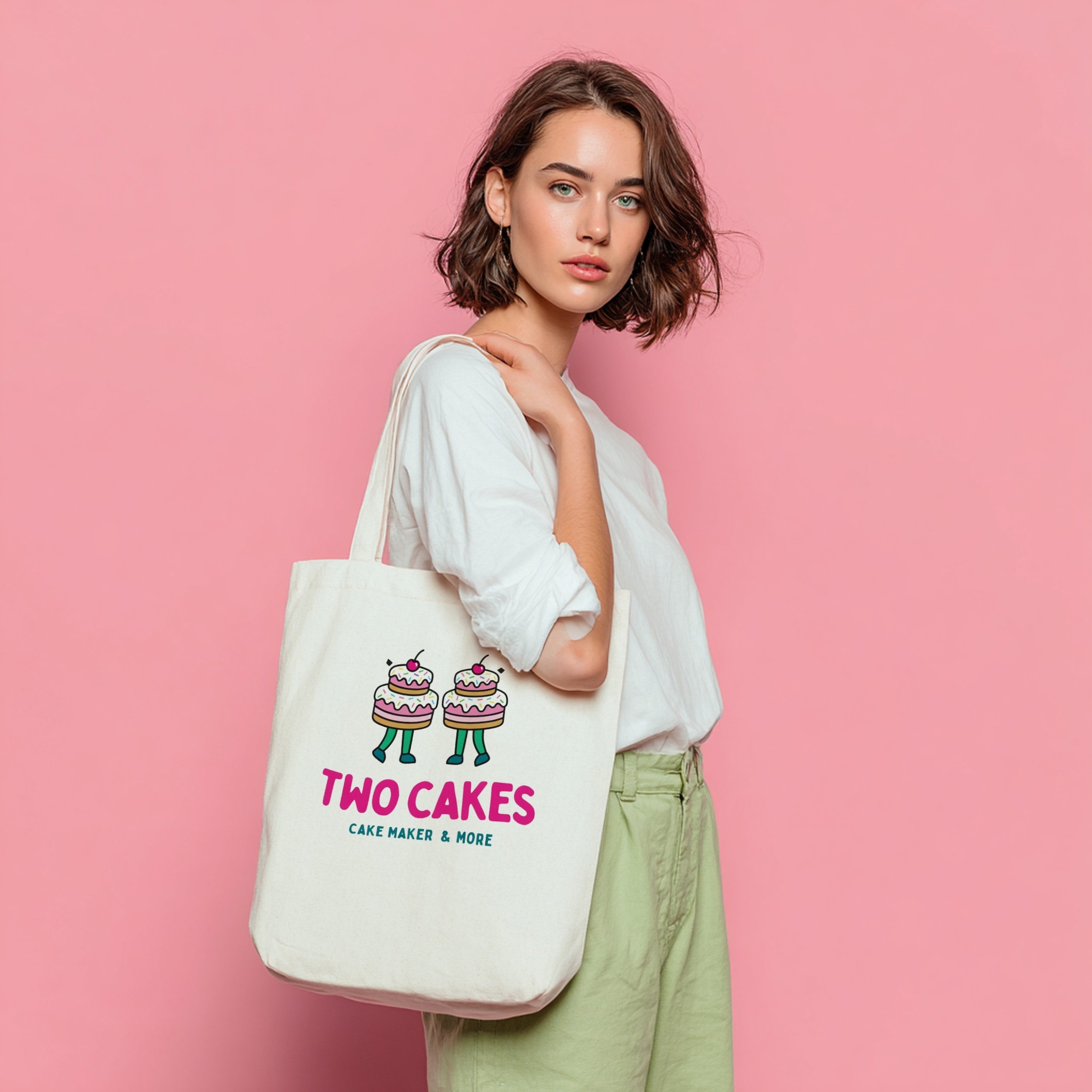
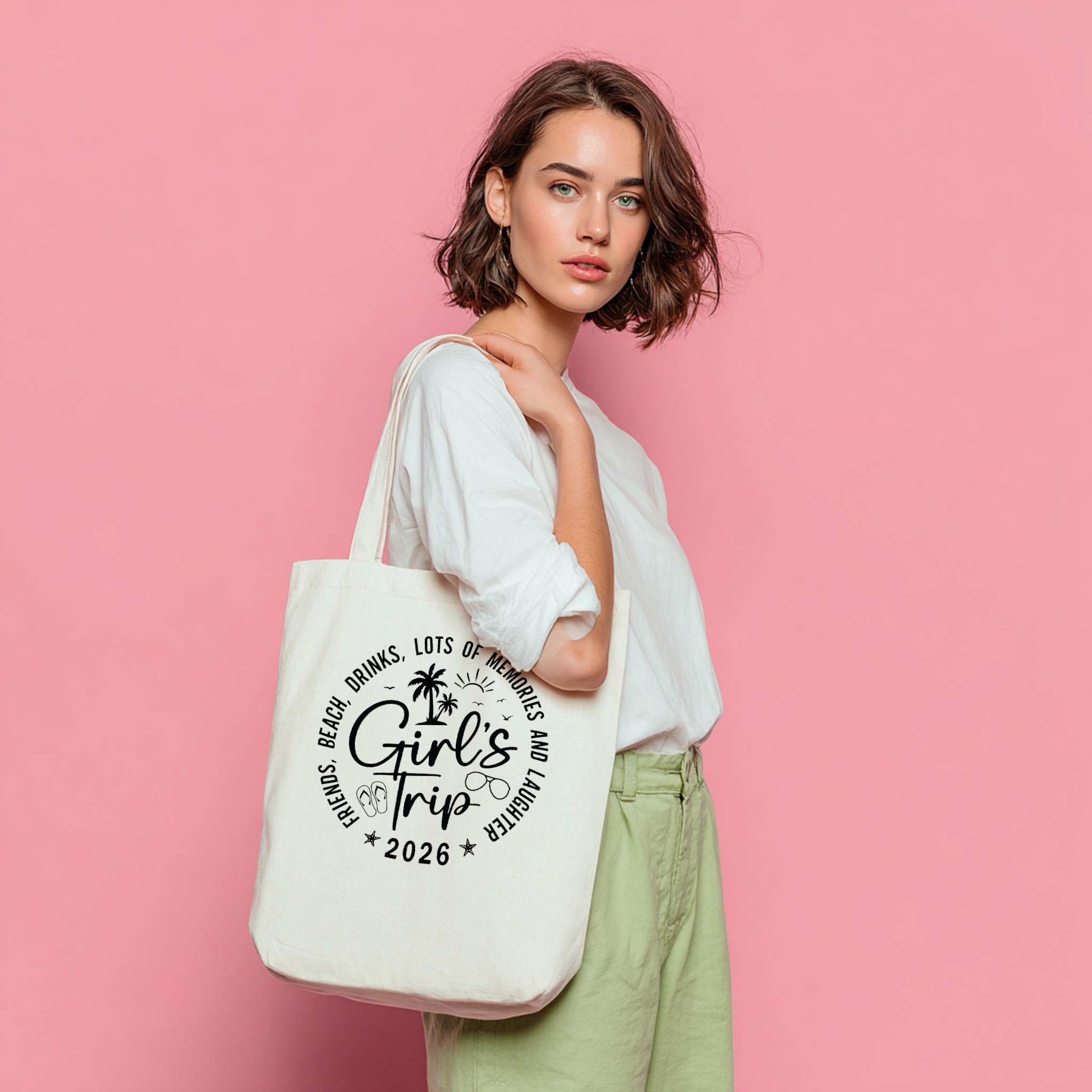
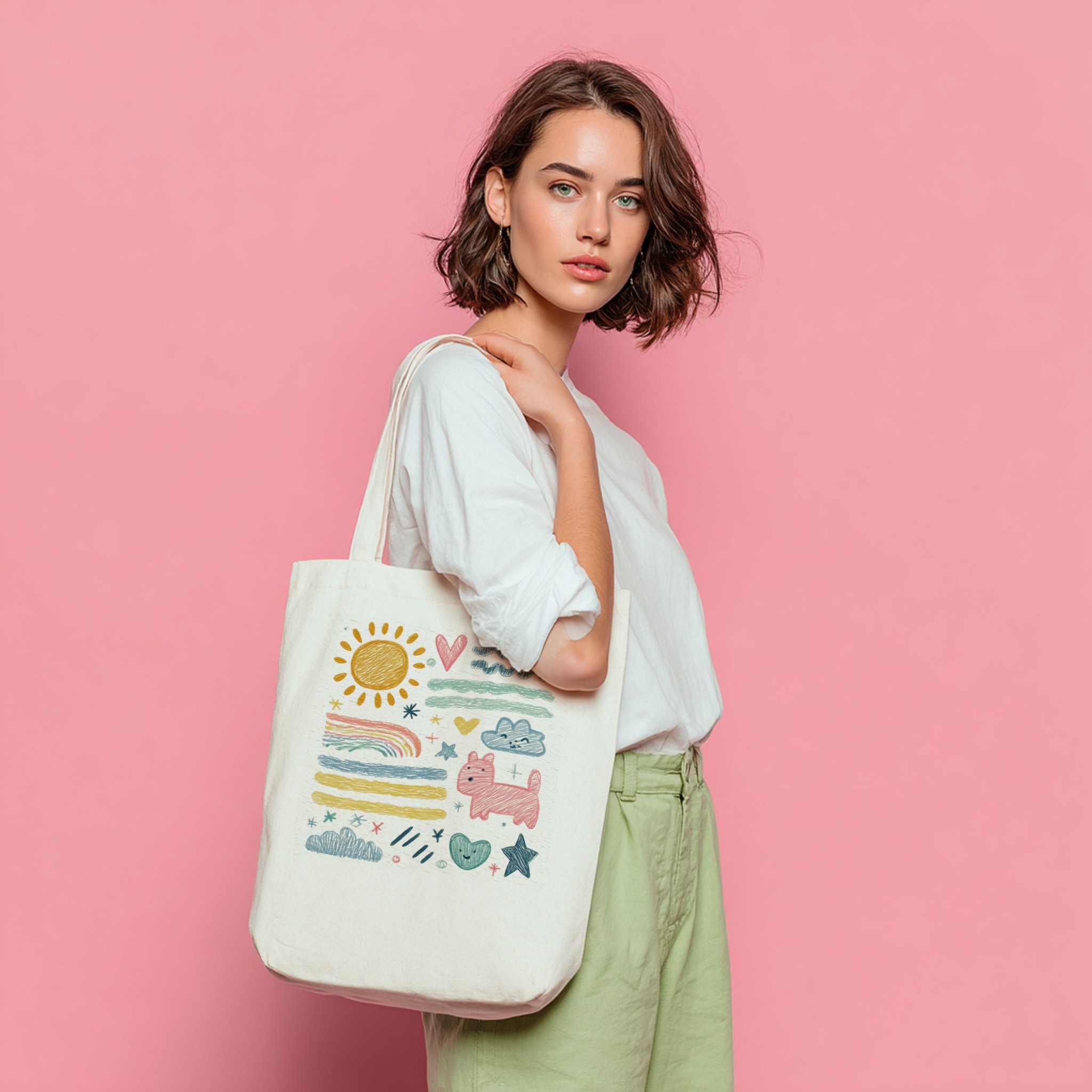
Tote Bag Mockup on Woman Pink Studio Background
A woman holding a tote bag against a bold pink studio background. Vibrant and eye-catching — perfect for colourful designs, playful prints, and fun Etsy tote bag listings that stand out in search.
Use this template right in your browser, with all your designs at once:
- 1Upload all your designs
- 2Each one is placed in this scene
- 3Download every mockup as a ZIP
- 1Upload all your designs
- 2Pick templates
- 3Download all your mockups
Built for sellers with many designs: every design on every template, in one batch.
See it as a video
Animated versions of this mockup for Etsy listing videos, Reels and TikTok: same product, moving light.
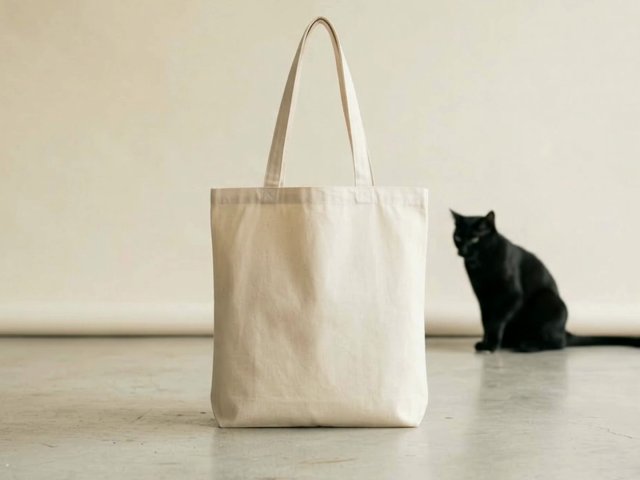
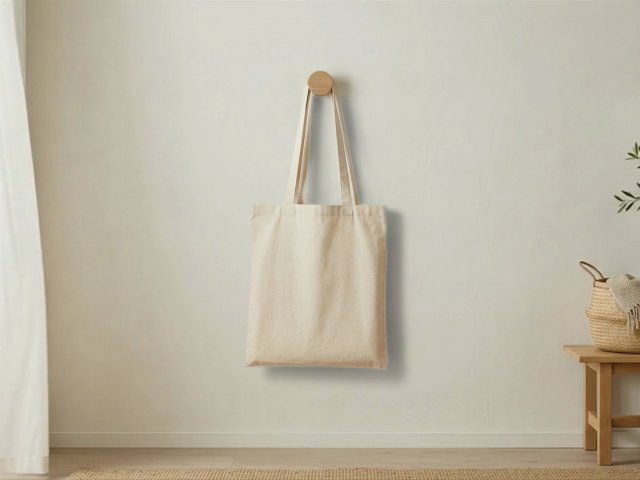
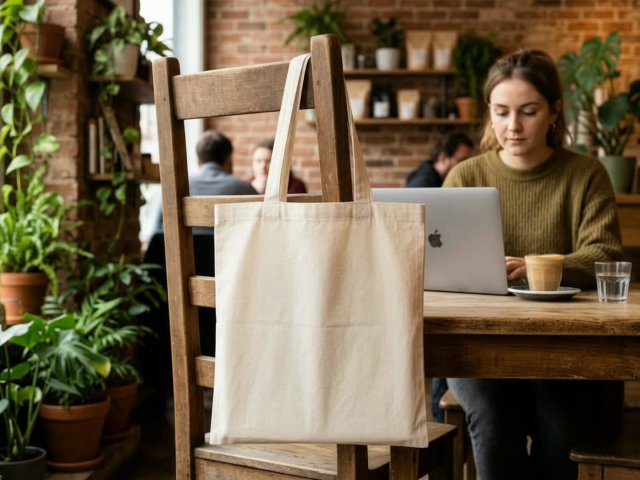
About this template
This lifestyle tote bag mockup pairs a white canvas tote with a bold pink studio backdrop. The saturated background creates strong visual contrast that makes your design pop — ideal for listings where you want maximum impact in Etsy search thumbnails. It's particularly effective for colourful, bold, or playful designs that thrive against a vivid background.
Best for
- Bold, colourful, and playful tote bag designs on Etsy
- Studio-style lifestyle tote bag product photography
- Print-on-demand tote bag shops (Printful, Printify, Gelato)
- Listings that need strong visual contrast in search results
Template details
This PSD template contains one smart object layer. Upload your artwork in Scaylr and batch generate tote bag mockups for your entire catalogue without opening Photoshop.
Template details
| Product | Tote Bags |
|---|---|
| Design area | 1:1 (square) |
| Designs per mockup | 1 (one smart object) |
| File | PSD template, used online in your browser |
| Price | Free (with a free Scaylr account) |
Good for: Custom tote bags, eco-friendly merchandise, farmers market bags, beach totes, book bags, and any canvas bag sold on Etsy, Shopify, Redbubble, or Amazon.
How to use this mockup
- Use this template to open it in the Scaylr studio (library templates need a free account).
- Add your designs as PNG or JPG. Artwork in a 1:1 square shape fills the design area exactly.
- Generate every design on this template, and on any other templates you pick, in one batch, then download the mockups.
Questions about this template
What size should my design be for this mockup?
The design area is 1:1 square, so artwork in that shape fits without cropping. Other shapes work too: choose Fit, Fill or Stretch when you generate.
Is this mockup template free?
Yes. It is part of the free Scaylr template library; you need a free account to use library templates. Free mockups carry a small watermark, and your first 50 mockups in the 7 days after you sign up are watermark-free.
Do I need Photoshop to use this PSD mockup?
No. Scaylr opens the PSD in your browser and places your design into the smart object for you.
How many designs can I place in this mockup?
One design per mockup: the template has one smart object. Add several designs and Scaylr makes one mockup of each.
Can I make mockups of many designs at once?
Yes. Add all your designs and Scaylr puts each one on this template, and on any other templates you choose, in a single batch.