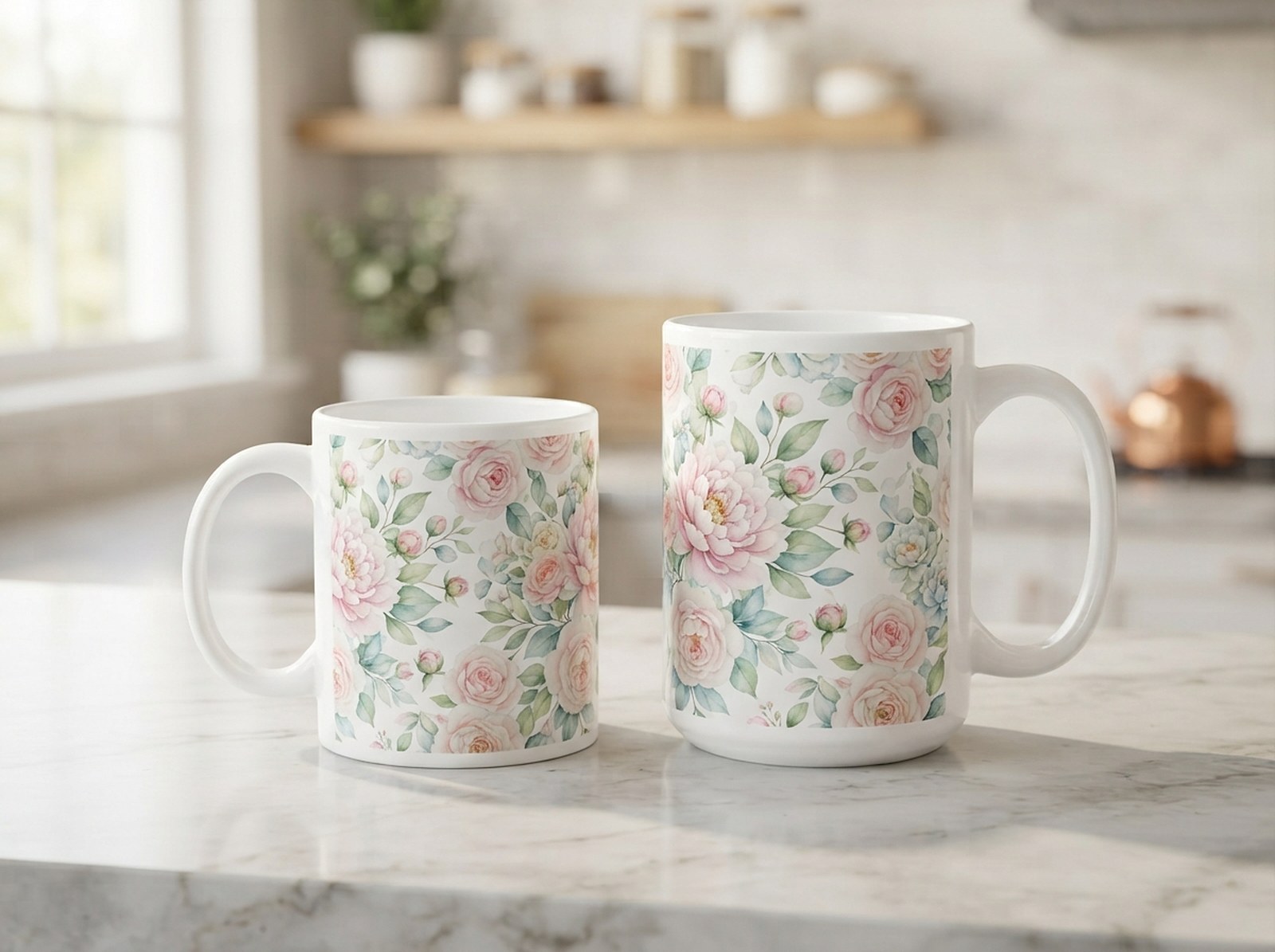
An 11oz and a 15oz mug look almost the same size on a shelf, but their sublimation wrap templates aren't interchangeable — and print-on-demand providers each use their own dimensions on top of that. Here's every number checked against source, and the handle-side rule that trips up a lot of first-time sellers.
A home-blank 11oz mug wrap is about 8.5 × 3.7in (2550 × 1110px at 300 DPI). A 15oz mug wrap is about 8.75 × 4.25in (2625 × 1275px). Print-on-demand providers use their own sizes: Printify's 11oz file is 2475 × 1155px, Printful's is 9 × 3.5in for 11oz and 9 × 3.8in for 15oz — always match the provider you're actually printing through, not a generic "mug size" number. Both ends of the wrap meet at the handle, and with the handle on the right (the usual product-photo angle), the front of your design should sit in the right half of the file, centred about three-quarters of the way across.
11oz vs 15oz Mug Wrap Size at a Glance
| Mug | Wrap size | At 300 DPI | Source |
|---|---|---|---|
| 11oz — home blank | 8.5 × 3.7in | 2550 × 1110px | PrintReady POD |
| 11oz — Printify | 8.25 × 3.85in | 2475 × 1155px | Printify Knowledge Hub |
| 11oz — Printful | 9 × 3.5in | 2700 × 1050px | Printful product catalog |
| 15oz — home blank | 8.75 × 4.25in | 2625 × 1275px | Cricut Help (max design area) |
| 15oz — Printful | 9 × 3.8in | 2700 × 1140px | Printful product catalog |
Checked 29 September 2026. Sources disagree by fractions of an inch even for the same nominal size — PrintReady POD puts an 11oz blank at 8.5 × 3.7in, SublimationGuides at roughly 8.2 × 3.7in — because mug blanks from different factories vary slightly. When your specific provider or supplier publishes their own template, their number wins over any generic chart, including this one.
Why 15oz Isn't Just "a Bigger 11oz"
It's tempting to assume a 15oz mug is simply an 11oz mug scaled up, but the wrap dimensions don't scale proportionally — the 15oz gains more in height (3.7in → 4.25in, about 15% taller) than in width (8.5in → 8.75in, under 3% wider). A design built for 11oz and just stretched taller onto a 15oz canvas usually looks distorted rather than "bigger."
Design each mug size on its actual canvas rather than resizing one file to fit the other. If you want one design across both sizes, build it with enough empty margin at top and bottom that recentring on the taller 15oz canvas doesn't cut anything off.
Home Blank vs Printify vs Printful: Which Number Do You Use?
This is where a lot of sellers get tripped up — "11oz mug template" isn't one size, it's at least three, depending on who's printing it:
- Home sublimation blank (you're pressing it yourself): use the blank size, 8.5 × 3.7in for 11oz or 8.75 × 4.25in for 15oz.
- Printify: their own spec is 2475 × 1155px (8.25 × 3.85in) for an 11oz mug — close to the blank size, but not identical.
- Printful: 9 × 3.5in (2700 × 1050px) for 11oz and 9 × 3.8in (2700 × 1140px) for 15oz — both noticeably wider than the generic blank number.
Uploading a file sized for a home blank to Printful (or vice versa) will produce a design that's stretched, cropped, or off-center once printed — the width difference between 8.5in and 9in isn't trivial at mug scale. Always pull the exact template from the provider you're actually printing through before finalizing artwork.
The Handle-Side Rule (Read This Before You Design)
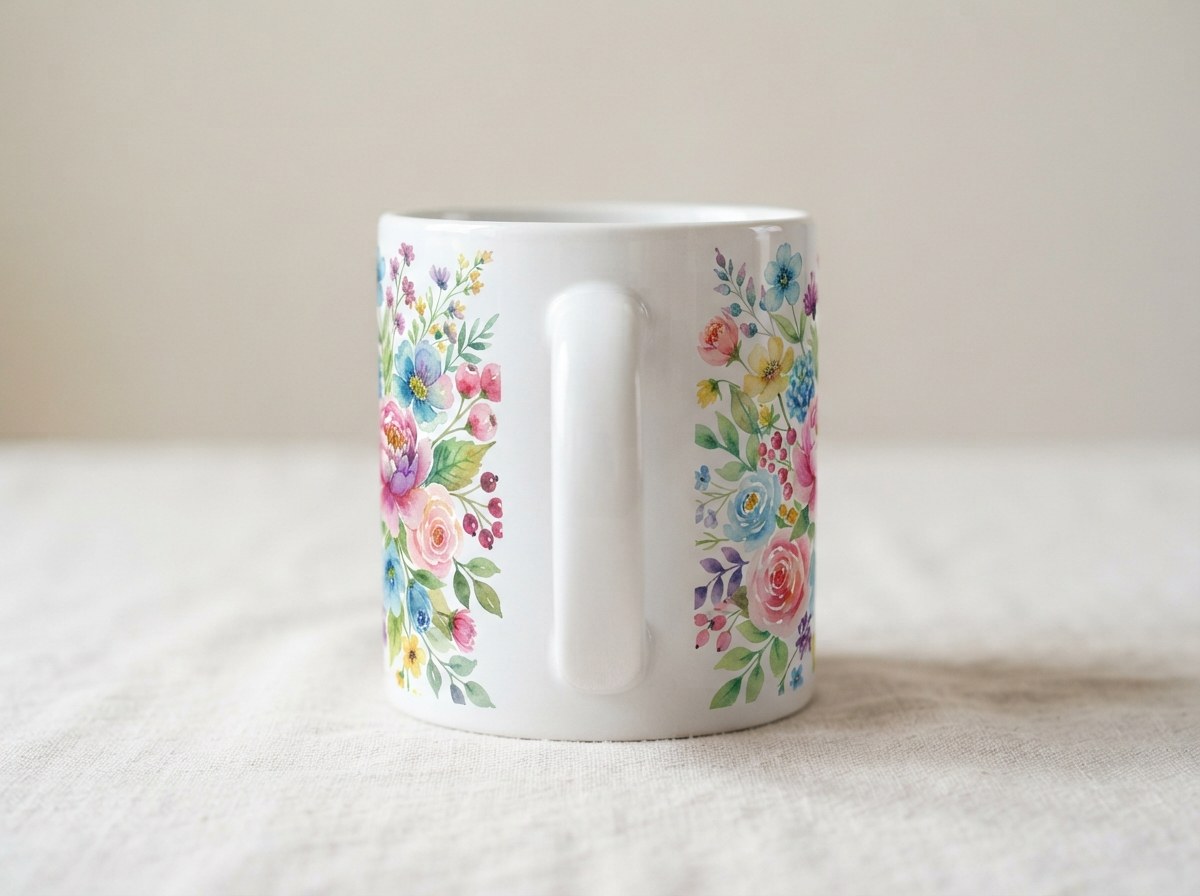
A mug wrap is a single flat rectangle, but a mug is a cylinder with a handle interrupting it — so the file has to account for where the handle sits relative to the "front" of the design. Both ends of the wrap file meet at the handle. The convention:
Handle on the right (standard)
This is the usual product-photo angle, and what a right-handed person sees while drinking. The right half of the wrap file faces the viewer, centred about three-quarters of the way across the canvas.
Handle on the left
The left half of the file shows instead, centred at about one-quarter of the way across.
If your design has a clear focal point (a name, a central graphic), don't place it dead-center of the whole file — center it within the front-facing half based on which side your handle will be on. A design centered on the full file often ends up split awkwardly across the handle instead of facing forward.
Getting the Right Template Without Guessing
Pick your size and standard
The Mug & Tumbler Sublimation Template Generator includes 11oz and 15oz mug presets for a home sublimation blank, Printify, and Printful, so you're not copying numbers from a chart by hand.
Download the guided blank or drop in your design
Get a 300 DPI PNG or SVG with bleed, trim, safe area, handle zone and seam marked to design on in Canva, Photoshop or Illustrator — or upload a PNG/JPG directly and choose Full wrap, Both sides, or One side. The front of the design lands correctly for a right-side handle automatically.
Export print-ready
Download the final 300 DPI PNG without guides. Mirror only if you're printing sublimation paper yourself.
Common Mug Template Mistakes
- Mixing up blank vs. provider sizes. Covered above — always match the exact provider you're printing through.
- Ignoring the handle gap. Cricut's own guidance for 15oz mugs keeps designs 0.5in from the handle; key text or graphics placed too close can be partially hidden once the mug is assembled.
- Low resolution. At 300 DPI, an 11oz wrap needs 2550 × 1110px minimum. A design saved at screen resolution will look soft once printed — the AI Image Upscaler fixes this before you print.
- Designing at 72 DPI and hoping it "looks fine." It rarely does at mug scale, where the design sits inches from the viewer's eyes.
Show the Finished Mug Without Photographing It
Once your wrap is designed, a listing still needs a photo that sells it. Browse Scaylr's mug mockup templates to generate a photorealistic preview of your design on a real mug — including handle-side variations — without pressing and photographing a physical sample first.
Start with the home-blank size if you're pressing mugs yourself, or pull your provider's exact template the moment you switch to Printify or Printful — the width difference alone (8.25in vs 9in for 11oz) is enough to distort a design that wasn't built for it. Whichever size, respect the handle-side convention from the first draft rather than fixing it after a batch prints off-center.
Get the Right Mug Template in Seconds
Pick 11oz or 15oz, choose home blank, Printify or Printful, and download a 300 DPI print-ready wrap with the handle side already correct.
Get My Mug Template →