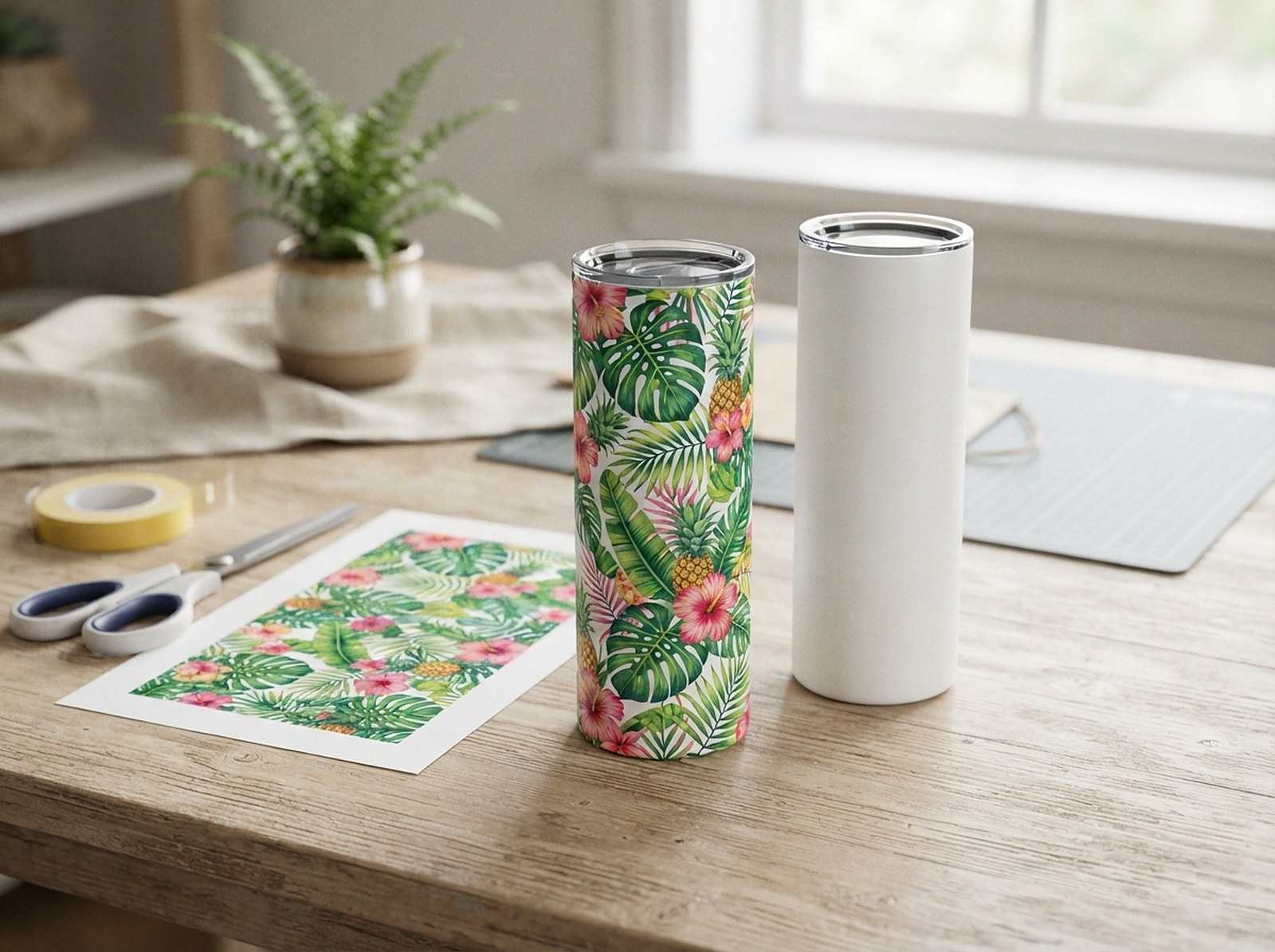
Search "20oz tumbler template" and you'll find a handful of slightly different numbers, plus a detail most results skip entirely: a 20oz skinny tumbler comes in both a straight and a tapered version, and they are not the same shape. Here's the exact size for each, checked against multiple supplier specs.
A straight 20oz skinny tumbler wrap is about 9.3 × 8.2in (2790 × 2460px at 300 DPI). A tapered 20oz skinny tumbler is different: roughly 9.3in at the top narrowing to 8.5in at the bottom, by about 8.2in tall — a curved panel, not a rectangle. Add about 1/8in of bleed on the straight version so the seam closes cleanly. Get either as a ready-made, print-ready template below.
20oz Skinny Tumbler Wrap Size: The Numbers
| Type | Wrap size | At 300 DPI |
|---|---|---|
| 20oz skinny — straight | 9.3 × 8.2in | 2790 × 2460px |
| 20oz skinny — tapered | ~9.3in top / ~8.5in bottom × 8.2in | Curved, not rectangular |
Three independent sources land close to the same straight-tumbler number: MakerFlo states 9.325 × 8.125in, PrintSizer states 9.3 × 8.2in, and SublimationGuides states 9.3 × 8.1–8.25in (checked 29 September 2026). The small differences are normal manufacturing tolerance, not disagreement about the actual product — any of these fits with a small amount of bleed.
Add roughly 1/8in of bleed on every side of a straight 20oz wrap. That extra margin means a slight misalignment during pressing still closes the seam cleanly instead of leaving a thin gap.
Straight vs Tapered: Check This Before You Print
"20oz skinny tumbler" describes two genuinely different shapes, and a template built for one doesn't fit the other:
- Straight — the top and bottom of the tumbler have the same circumference. Unrolled, the wrap is a plain rectangle: 9.3 × 8.2in.
- Tapered — the bottom is narrower than the top. Unrolled, the wrap is a curved arc panel: wider at the top edge, narrower at the bottom, because the top circumference is genuinely bigger.
A straight 9.3 × 8.2in rectangle wrapped around a tapered 20oz blank will wrinkle and leave a gapped seam — the rectangle is too wide at the bottom relative to the tumbler's actual bottom circumference. If your finished wraps keep coming out puckered near the base, this mismatch is the most common cause, not a pressing-technique problem.
The quickest way to tell which one you have: measure the circumference at the very top and at the very base with a soft tape measure. If the two numbers match, it's straight. If the top is noticeably bigger, it's tapered.
Getting the Straight 20oz Template
Open the Mug & Tumbler Template Generator
The Mug & Tumbler Sublimation Template Generator has a 20oz skinny tumbler preset built in, already sized at 9.3 × 8.2in with bleed, trim, safe area and the seam line marked.
Drop in your design
Choose Full wrap, Both sides, or One side, and the tool lays your artwork onto the correct dimensions automatically — no manual canvas resizing.
Download at 300 DPI
Export the print-ready PNG without guides. Mirror it first only if you're printing sublimation paper on your own printer — leave it unmirrored for files sent to a print-on-demand provider.
Getting the Tapered 20oz Template
Because tapered blanks vary more by manufacturer than straight ones do, a single fixed size is a rougher guess. The Tapered Tumbler Template & Design Warp tool asks for your specific blank's measurements instead of assuming one:
Measure the blank
With a flexible tape, measure the circumference just under the rim, the circumference just above the base curve, and the height between them along the side.
Enter the three numbers
Top circumference, bottom circumference, height — in inches or millimeters. The tool calculates the correct curved (arc) template instantly.
Warp an existing design or download a blank template
Drop in a rectangular design and the tool bends it into the arc automatically, with seam and mirroring handled — or download the blank curved template as a 300 DPI PNG, a true-size SVG, or a print-at-100% PDF.
If you sell the same artwork on both a straight and a tapered 20oz tumbler, design it on the straight rectangle first — it's the simpler shape to work in — then warp that finished design into the tapered version, rather than laying it out twice from scratch.
Common 20oz Wrap Mistakes
- Using a straight template on a tapered blank (or vice versa). Covered above — check the shape before you print, not after a full batch wrinkles.
- Designing below 300 DPI. At 9.3 × 8.2in and 300 DPI, the file needs to be 2790 × 2460px. A design exported at screen resolution (72 DPI) is nowhere close and will look soft once printed at full size — run it through the AI Image Upscaler first if it's short on pixels.
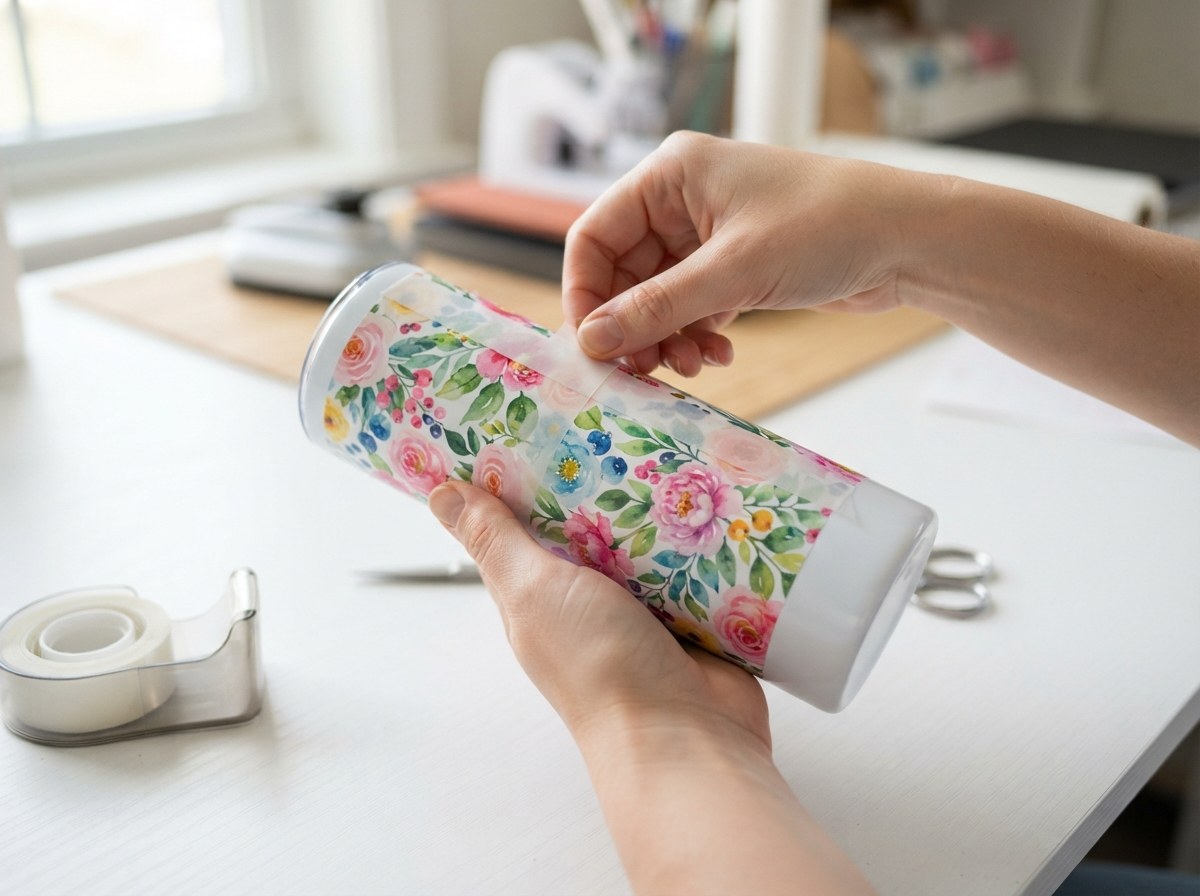
- Ignoring the seam. Every straight wrap has a seam where the two edges meet. If the design includes continuous text or a wraparound pattern, plan the seam placement deliberately — usually at the back — instead of letting the file end wherever it happens to.
- Assuming every supplier's 20oz blank is identical. As the numbers above show, it's close but not exact across brands. If a specific blank consistently prints slightly off, measure that one directly rather than trusting the average.
Which Should You Stock: Straight or Tapered?
| Straight 20oz | Tapered 20oz | |
|---|---|---|
| Template setup | One fixed size works for every straight blank | Needs your specific blank's measurements |
| Design difficulty | Any rectangular design fits directly | Needs a shape-matched or warped template |
| Supplier availability | Widest — most beginner-friendly blanks | Common, but fewer suppliers per exact profile |
| Look | Classic cylindrical silhouette | More modern, curved silhouette |
If you're stocking a 20oz tumbler for the first time, straight is the lower-risk starting point — one template covers every straight blank of that size, and there's no brand-to-brand measurement drift to account for. Tapered is worth adding once you're comfortable measuring a specific supplier's blank and want the more contemporary shape it offers; it isn't harder to sell, just more setup work the first time.
Print at 100% Before a Full Run
Whichever version you're making, print one test wrap at true size and check it against the actual tumbler before committing to a full batch — a template that's even slightly miscalibrated compounds across every unit once you scale up production.
Get Your 20oz Tumbler Template Free
Straight blank? Generate a ready-made 9.3 × 8.2in template instantly. Tapered? Enter your exact measurements and get a template that actually fits the curve.
Get My 20oz Template →