3D Cap Video Mockup
A 3D dad cap turns in front of the camera with your logo on the front panel, curved with the crown and lit like the real thing. The print area matches a standard embroidered front, and the colours follow the Yupoong 6245CM range.
Make your 3D video →Free · runs in your browser · no Photoshop
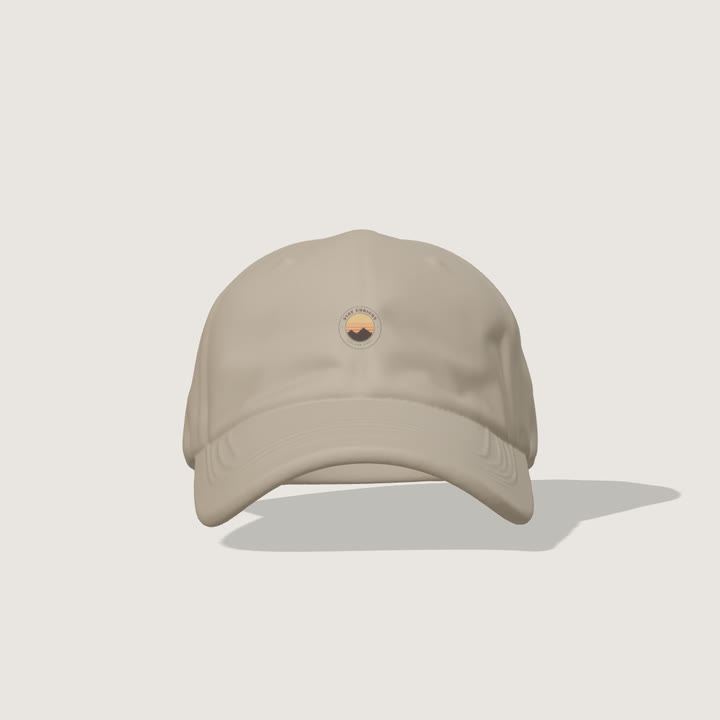
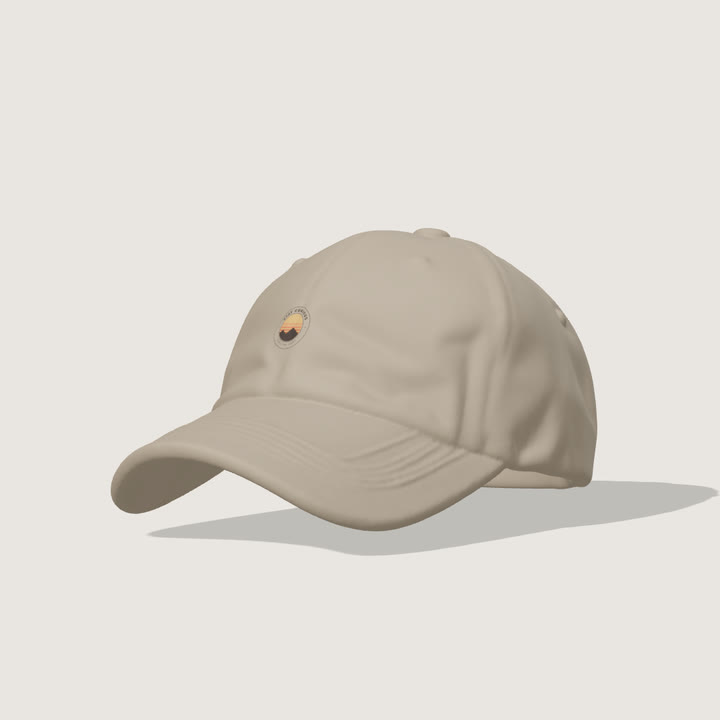
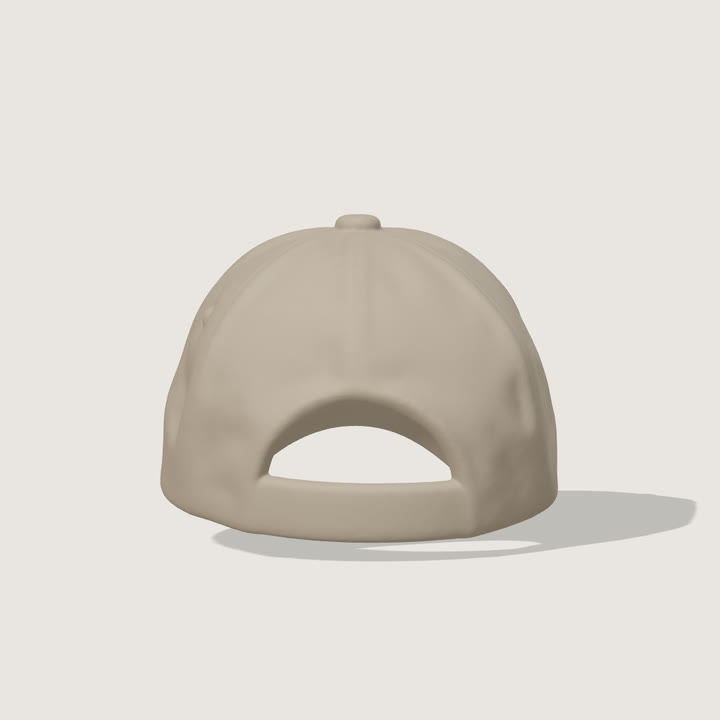
Colours
Yupoong 6245CM dad cap colours
12 colours, or any other colour with the custom colour picker.
- White
- Black
- Navy
- Khaki
- Stone
- Grey
- Dark Grey
- Spruce
- Red
- Cranberry
- Light Blue
- Pink
Design size
Best upload size for a sharp print, at 300 dpi. Use a PNG with a transparent background.
- Front panel 1380 × 480 px · 4.6 × 1.6 in
Smaller designs still work: below half these sizes (150 dpi) the print may look soft. The tool shows the size for each print style.
Video sizes and motion
- Square 1:1, portrait 4:5, vertical 9:16 for Reels and TikTok, or landscape 16:9.
- 3 to 20 seconds, for example 10 seconds for an Etsy listing video or 15 for a Reel. A perfect loop is on by default.
- Full turns, front → back → front, a gentle sway or still, with an optional slow push-in, camera circle or rise.
- Your own logo small in a corner, a plain, gradient or picture background, and stills from four angles.
Free and paid plans
- Signed out: 5 free 3D videos a day, with a small scaylr.io watermark.
- Free account: 20 videos a day, with the watermark.
- Starter: 50 videos a month, no watermark.
- Pro: unlimited videos, no watermark.
3D videos count toward your video mockups. See plans
More 3D video mockups
Questions
Is the 3D video mockup free?
Yes. Signed out you can make 5 videos a day, and 20 a day with a free account, both with a small scaylr.io watermark. Starter and Pro export without the watermark.
Do I need Photoshop or Blender?
No. Everything runs in your browser: the 3D model, your print and the video. Your designs are not uploaded anywhere.
Which files can I download?
MP4 videos (WebM in browsers without an MP4 encoder) and GIFs, plus still images from four angles.
Can I make videos for many designs at once?
Yes. Drop several designs and tick several colours: you get one video for every design in every colour.
Which browsers does it work in?
Current Chrome, Edge, Safari and Firefox. Making the videos is fastest on a computer.