Turn a photo of your product into a mockup templateBeta
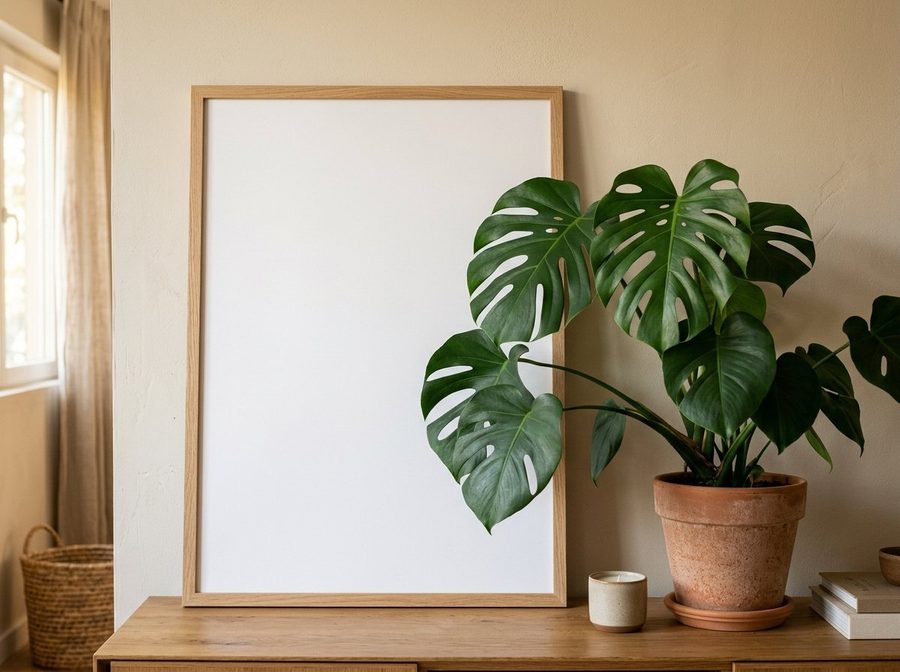
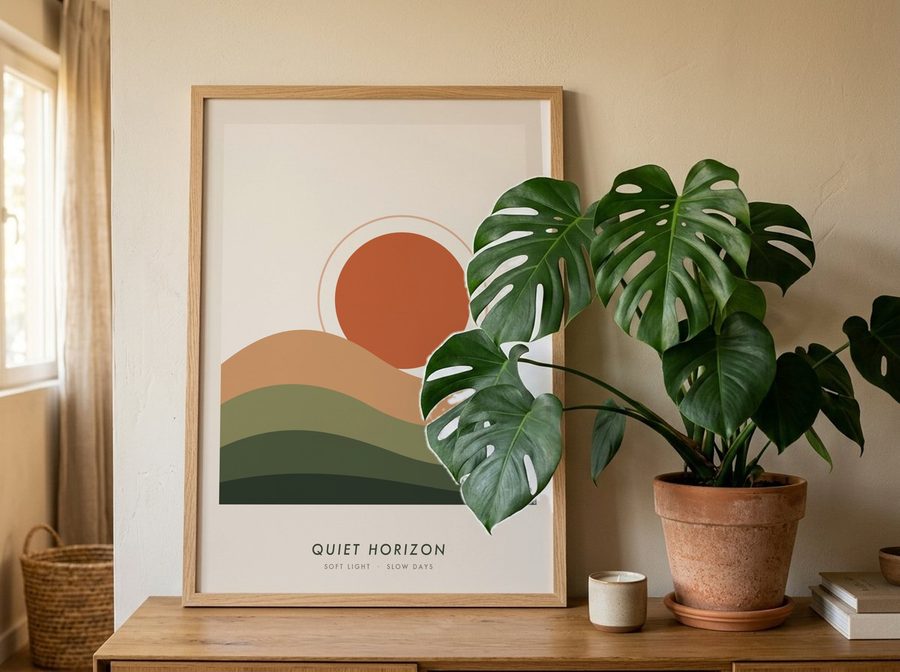
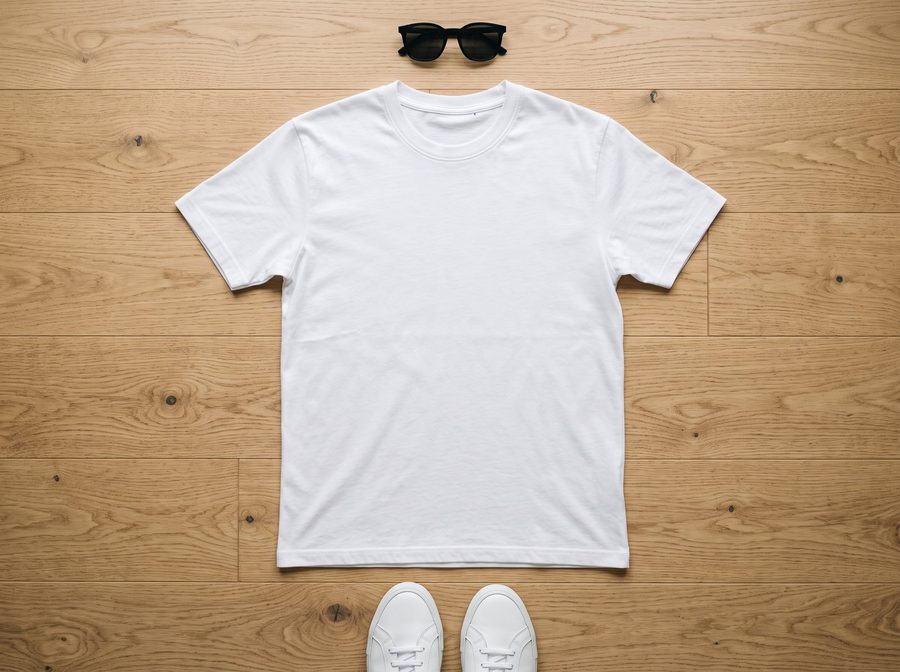
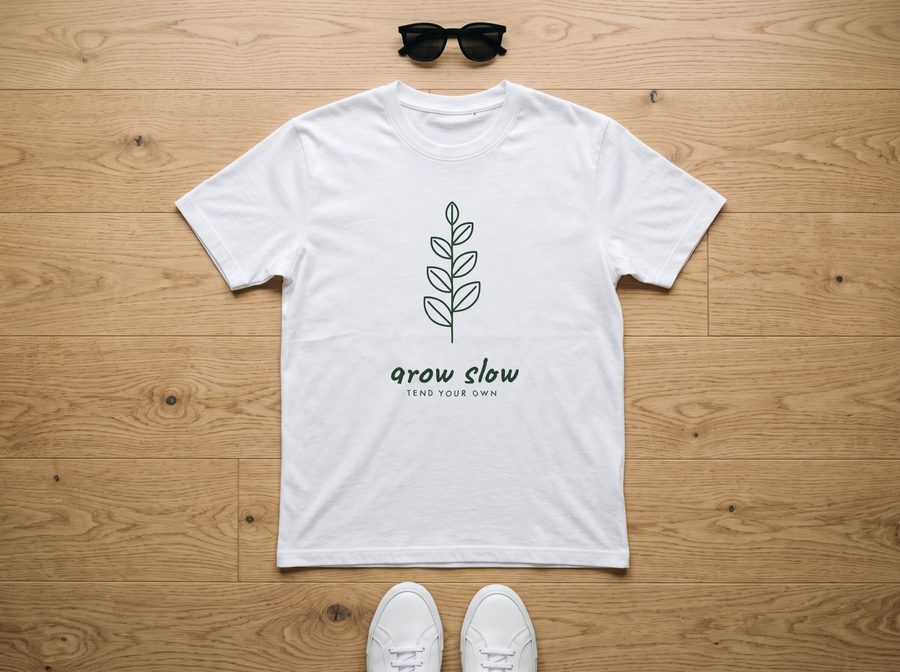
Upload a photo of a blank product, one you took or one made with AI. Scaylr finds where the print goes, keeps the photo's light and fabric folds, leaves things in front (a plant, a hand) in front of your design, and turns it into a template you can use with every design.
Try it free with a free account · no Photoshop needed
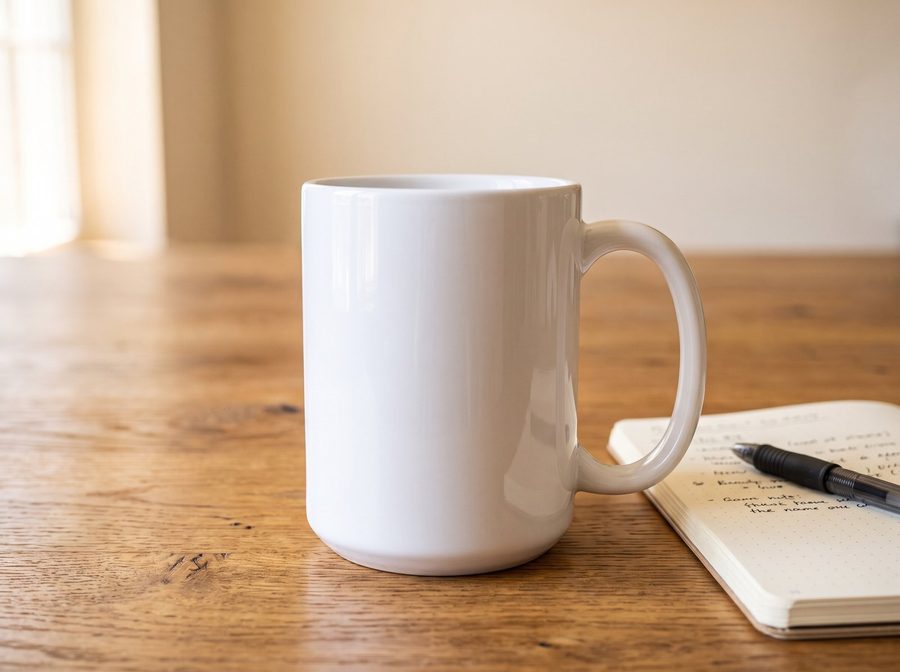
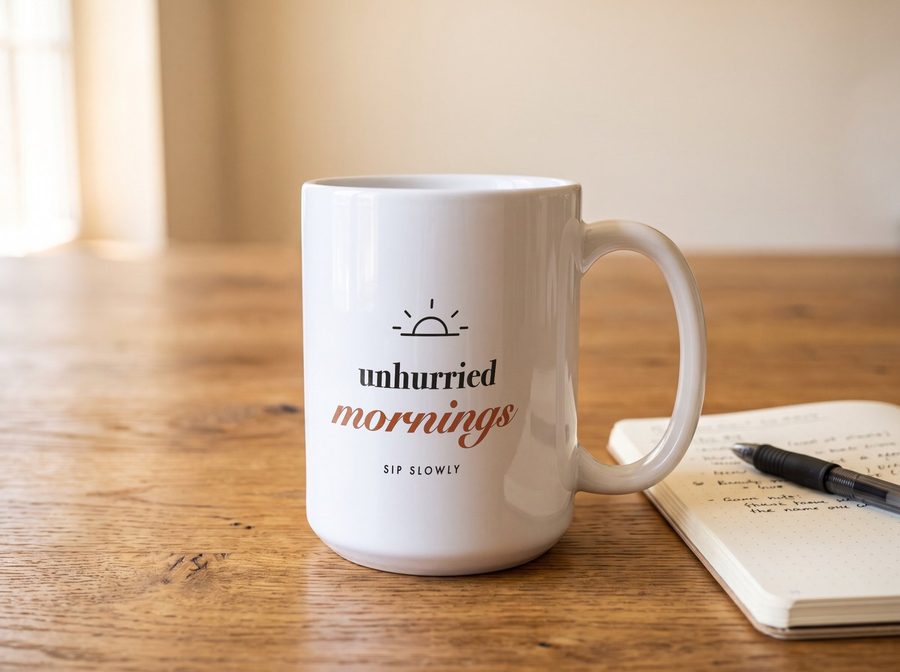
How it works
- Upload a photoA photo of the product with nothing printed on it. Scaylr recognises the product and finds the print area.
- Check the print areaDrag the corners if needed, move the whole area, or bend it with Warp. For soft shapes like pillows, Trace outline follows the edge.
- Save it and use itSave it as your template, then use it in the studio and batch like any library template, with every design.
Products it works with
- Wall art and paper: posters, frames, canvases, cards, notebooks.
- Apparel and bags: T-shirts, sweatshirts, hoodies, tote bags. The design can sit at the top of the print area, as on a real shirt.
- Printed all over: pillows, towels, blankets, tea towels.
- Drinkware: mugs, tumblers, bottles and candles, with the design bending round the body.
It's a beta: most photos are right straight away, and some need a little help with the corners. If one doesn't work, use "Send feedback" on the page and tell us.
Tips for a good photo
- A blank product: nothing printed where your design will go.
- The product fully in the photo, not cut off at the edge, and taking up a good part of it.
- Soft, even light. A gentle shadow looks real; a harsh glare hides the design.
- 2000 px or more on the long side. Smaller photos still work: Scaylr enlarges them, and can sharpen them with AI.
Which plan does what
Pro
Save templates to your account (20 GB for your own templates), download the PSD, and use them in the studio and batch with every design.
Try Pro free for 7 daysStarter
Make the print area and see a watermarked preview with your design. Starter keeps 5 GB of your own PSD templates in your account.
Free
Create a free account, upload a photo and see a watermarked preview with your design.
FAQ
Can I use a photo made with AI?
Yes. A photo of a blank product made with an AI image tool works the same as one you took yourself. Small photos are enlarged to 2048 px first, and you can sharpen them with AI.
Which products work?
Posters, frames, canvases, cards and notebooks; T-shirts, sweatshirts, hoodies and tote bags; pillows, towels and blankets that are printed all over; and mugs, tumblers and candles. Scaylr recognises the product, and you can pick it yourself if it guesses wrong.
What do I get?
A layered Photoshop template (PSD) with a smart object for your design and the photo's shading and highlights on top. It works in Photoshop and in the Scaylr studio, where batch puts every design on it in one go.
Is my photo uploaded?
No. Finding the product and the print area happens in your browser. Your photo and template are only stored if you save the template to your account, which is private to you.
Is it free?
You can try it with a free account and see a watermarked preview with your design. Saving the template to your account, downloading the PSD and using it in the studio and batch are part of Scaylr Pro, which has a 7-day free trial.
What if the print area is not quite right?
Drag the corners, move the whole area, or switch on Warp to bend the print with a grid of points. For pillows and other soft shapes, Trace outline follows the product's edge with AI.
Rather start from a ready-made scene? The template library has 300+ free mockup templates.