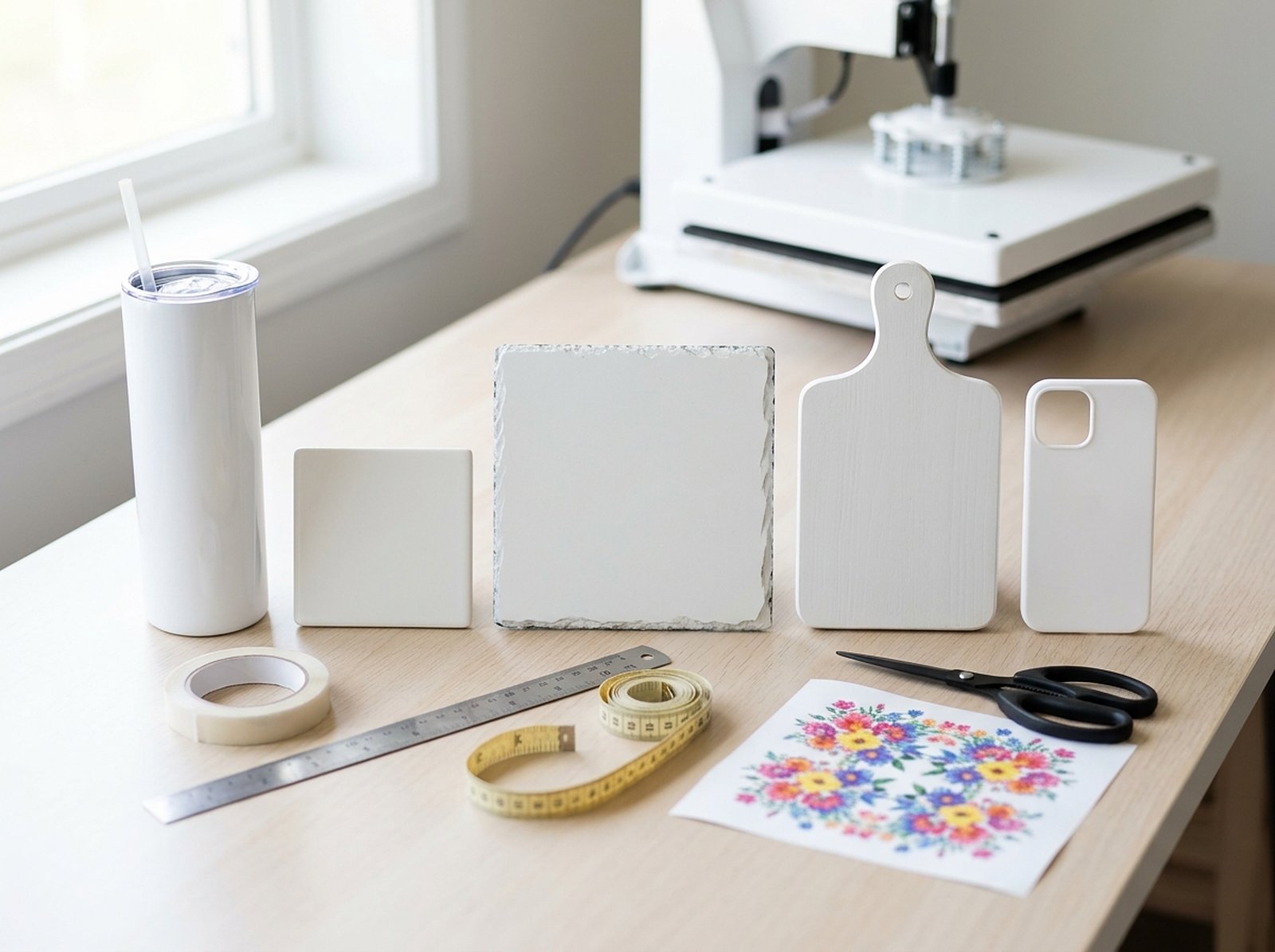
Most sublimation guides only cover mugs and tumblers, because those are the two blanks with the most ready-made templates floating around. The moment you want to print on something else — a cutting board, a phone case, a car coaster, a keychain, a water bottle with a weird taper — you're on your own. The good news: the actual method for building a template from any blank is the same five steps every time, whether or not anyone has published a template for your exact product yet.
Every sublimation blank — mug, tumbler, coaster, cutting board, phone case — needs the same thing: a flat, print-ready file sized to the exact area you're transferring onto, built from real measurements of your blank, not a generic size you found online. For a curved product (mug, tumbler, cylindrical bottle), that means measuring circumference and height and either using a mug & tumbler template generator or a tapered tumbler generator if the sides angle outward. For a flat blank (coaster, cutting board, phone case), it means measuring width and height directly and adding bleed. Skip the generic templates you find in Facebook groups — they're sized for someone else's supplier and blank, not yours.
Why doesn't "just download a template" work?
Search "sublimation tumbler template" and you'll find dozens of free downloads, most sized to whatever tumbler the person who made it happened to own. Blanks vary by brand even within the same nominal size — a 20oz skinny tumbler from one supplier isn't identical to a 20oz skinny tumbler from another, and the difference is usually just small enough to cause a wrap that overlaps unevenly or leaves a visible gap at the seam. The template itself isn't wrong; it's wrong for your blank.
The fix isn't finding a "better" template — it's measuring your actual blank and generating a template sized to it. That's a five-minute job once you know what to measure.
How do you make a template for curved blanks: mugs, tumblers, bottles?
Anything cylindrical or tapered unrolls into a flat shape when you print it, and getting that shape right is the entire trick.
Measure the print area, not the whole product
Wrap a flexible tape measure around the blank at the area you're actually printing — not the widest point of the whole mug or tumbler, just the section your design will cover. For a straight-sided blank you need one circumference and the height. For a tapered blank (most 20oz+ tumblers) you need the circumference near the top, the circumference near the base, and the height between them.
Pick the right generator for the shape
A straight-sided mug or tumbler unrolls into a plain rectangle — use the Mug & Tumbler Template Generator, which covers 11oz, 15oz, 20oz, 30oz and 40oz sizes with the standard dimensions built in, or a custom size if your blank doesn't match a standard one. A tapered tumbler doesn't unroll into a rectangle at all — it unrolls into a ring segment (an arc), wider on the outside than the inside. Forcing a rectangular wrap onto a taper is exactly what causes wrinkling and a spiral gap at the seam. The Tapered Tumbler Template Generator calculates the true arc from your two circumferences and the height, so the printed shape actually matches the cone.
With the wide circumference C1, the narrow circumference C2, and the height along the side s: outer radius R = s × C1 ÷ (C1 − C2), inner radius r = R − s, and the arc angle in radians = C1 ÷ R. You don't need to do this by hand — the generator runs it for you — but it's worth knowing why a plain rectangle can't work on a taper.
Mirror only if you're printing sublimation paper yourself
If you're pressing sublimation paper onto the blank yourself, the paper goes on face-down, so the design needs to be mirrored before you print it. If you're sending files to a print-on-demand supplier like Printify or Printful, don't mirror — they handle that on their end. Mirroring twice is the single most common reason a first attempt at a design comes out backwards.
Export and print at actual size
Download the PDF and print at 100% / Actual Size — never "fit to page," which silently rescales your carefully measured template. If the wrap is wider than your printer's paper, the file splits into overlapping pages with alignment marks so you can tape sections together accurately.
How do you make a template for flat blanks: coasters, cutting boards, phone cases?
Flat blanks are simpler because there's no wrap or seam to solve for — but the same "measure your specific blank" rule applies, because printable area varies more than product listings suggest.
| Blank type | What to measure | Common trap |
|---|---|---|
| Coaster | Full printable diameter or square | Cork backing eats a few mm of edge — measure the printable face, not the packaging spec |
| Cutting board | Width × height of the flat printable panel | Boards often have a raised lip or juice groove that isn't printable — measure inside it |
| Phone case | Case-specific template from your case supplier | Camera cutout position varies by phone model and case brand — always use the supplier's exact template, not a generic one |
Phone cases are the one category where "measure it yourself" genuinely doesn't work well — camera cutout position shifts by a few millimeters between phone models and even between case brands making the same model. Use the exact template your case supplier provides for that specific case, every time, rather than reusing one from a different model.
How much bleed and safe area do you need, regardless of shape?
Whatever you're printing on, build in a small amount of bleed — extra design that extends past the edge of your measured area — so a slightly imprecise press or a paper that shifts by a millimeter doesn't leave a thin unprinted strip. A standard 1/8in (0.125in) on every edge covers most home press setups. On a mug wrap specifically, keep your most important elements (text, faces, logos) out of the strip near the handle seam, since that area is the hardest to align precisely and the first place a slight print shift shows.
Build your template from real measurements
Whether it's a standard 11oz mug or a 30oz tapered tumbler, get a print-ready file sized to your exact blank — no guessing, no downloaded template built for someone else's supplier.
Try the Template Generator Free →