Updated 8 October 2026. Canva's mockup limits and prices re-checked on Canva's own pages; sources at the end.
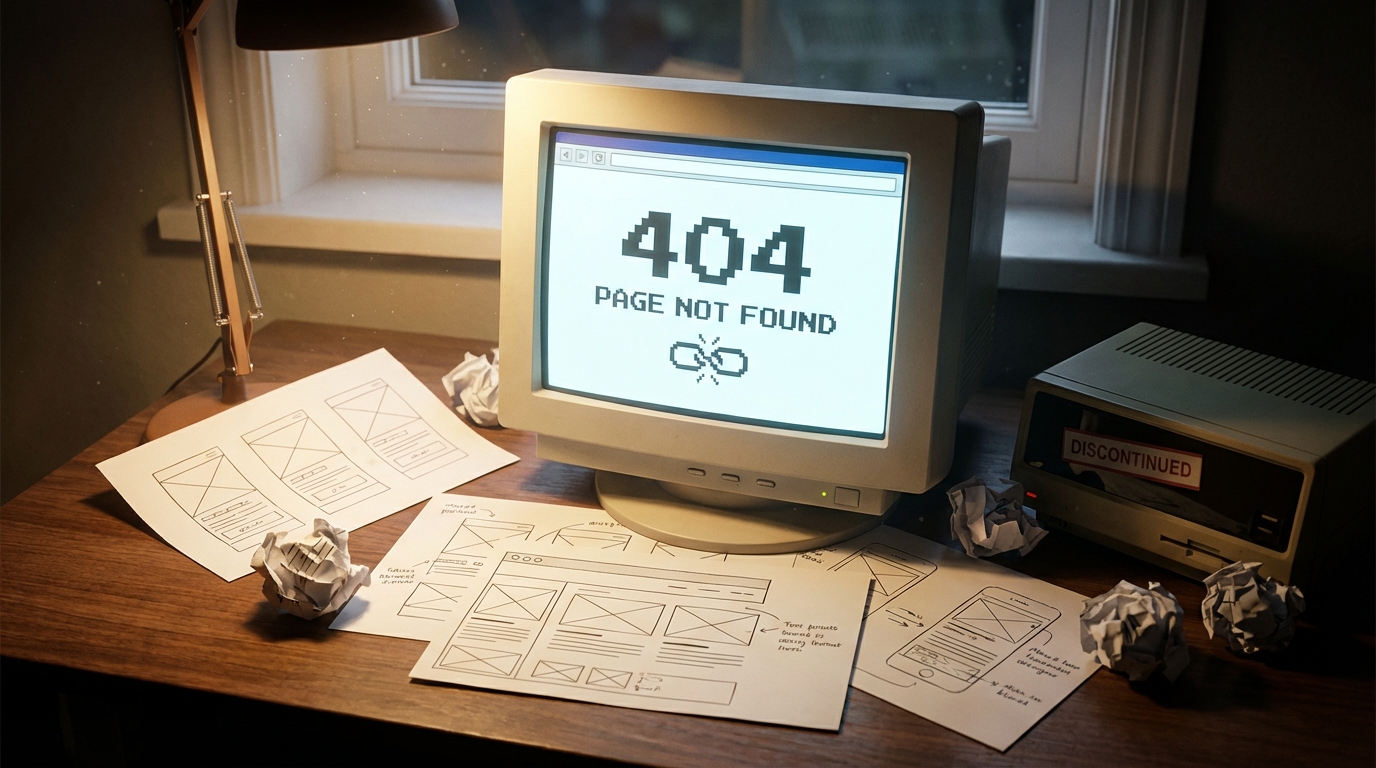
Smartmockups closed on 27 September 2024 and smartmockups.com now redirects to Canva's mockup tool (Canva Help). For batch mockups from your own PSD templates, Scaylr is the closest replacement: it runs in the browser and is free for 30 mockups a day. Canva's mockups are free for up to 2,500 uses, but you make them one at a time from JPG, PNG or PDF uploads, not PSD templates.
Smartmockups was shut down in September 2024 after Canva acquired it. Canva now offers mockups inside its design platform, made one design at a time and with no PSD support. Scaylr is a purpose-built batch mockup generator that lets you upload your own PSDs, process hundreds of mockups at once, and download them as an organized ZIP. If you relied on Smartmockups for your Etsy shop or POD business, Scaylr is the direct replacement you have been looking for.
What happened to Smartmockups?
If you are reading this, you probably already know: Smartmockups no longer exists as a standalone product. Canva acquired the platform in 2021, and Smartmockups.com closed on 27 September 2024. Canva says it is now focusing on mockup tools inside Canva, and mockups you exported from Smartmockups before the closure remain royalty-free for personal and commercial use.
For casual users, that might be fine. But if you are an Etsy seller or print-on-demand creator who depended on Smartmockups for your product listing workflow, you lost a tool that was central to your business. The Canva version works differently, and for many sellers, it does not fill the gap.
This post breaks down exactly what changed, how Canva Mockups compares to the original Smartmockups experience, and why Scaylr exists to solve the problem Canva left behind.
What can Canva Mockups do, and what can't it?
Canva absorbed Smartmockups into its broader design platform. You can still create mockups inside Canva, but the experience is fundamentally different from the standalone tool.
Here is what you get: a library of mockup templates, drag-and-drop placement, and browser-based editing. According to Canva's mockups page, free users can create and use up to 2,500 mockups; after that you need Canva Pro (US$120 a year for one person on Canva's pricing page).
Here is what you don't get:
- PSD uploads: Canva accepts JPG, PNG and PDF images (plus video) for its mockups, not Photoshop templates. You are limited to Canva's own mockup library.
- Batch processing: Canva mockups are made one design at a time, and Canva's "Design in bulk" feature is Pro-only. There is no way to run one design through many PSD mockup templates in one go.
- Standalone access: Mockups live inside Canva's large editor (Elements → Mockups). There is no dedicated workflow for mockup-heavy tasks.
If you only create a handful of mockups per month, Canva works. But if you list 20+ products a week on Etsy or manage a POD catalog with hundreds of designs, the one-at-a-time workflow becomes a serious bottleneck.
Why does batch processing matter?
This is the core difference between Scaylr and one-at-a-time tools like Canva Mockups.
With Scaylr's batch mockup generator, you upload multiple designs and multiple templates at the same time. Scaylr generates every combination automatically. Upload 10 designs and 5 templates, and you get 50 finished mockups in a single batch. Download them one by one, or on a paid plan as a ZIP file organized by design name.
For Etsy sellers running seasonal launches or POD creators adding new designs across multiple product types, this is not a nice-to-have. It is the difference between spending an entire afternoon on mockups and finishing in minutes.
Canva Mockups doesn't offer this kind of design-times-template batch processing. It is exactly what Scaylr was built to solve.
Use Scaylr's batch mode before a seasonal launch. Upload all your new designs at once against your go-to templates, and have every listing image ready before you even open Etsy.
How does Scaylr compare to Canva Mockups?
Here is a direct comparison across the features that matter most to Etsy sellers and POD creators:
| Feature | Scaylr | Canva Mockups |
|---|---|---|
| Batch processing | Yes — multi-design x multi-template | No — one at a time |
| PSD template upload | Yes — bring your own PSDs | No — Canva templates only |
| Free plan | 30 mockups/day (watermarked) | Yes, up to 2,500 mockups |
| Starting price | $9.99/mo or $99.99/yr (1,000 mockups a month) | US$120/yr (Canva Pro) |
| Unlimited mockups | $17.99/mo Pro plan | Included in Canva Pro |
| Download format | ZIP organized by design (paid plans) | One design at a time (PNG, JPG, PDF or SVG) |
| Template library | Free mockup library + own PSDs | Large Canva template library |
| Photoshop required | No — runs in browser | No — runs in browser |
| General design tools | Mockups only | Full design suite |
| Built for POD workflows | Yes — designed for sellers | No — general purpose |
When is Canva the better choice?
To be fair, Canva is not a bad product. If you already use Canva Pro for social media graphics, presentations, and general design work, the built-in mockup feature is a convenient bonus. You are already paying for it, and it handles simple one-off mockups without leaving the Canva ecosystem.
Canva also has a larger general template library that goes far beyond mockups. If your workflow is "design a social post, drop it into a mockup, and publish," staying inside Canva keeps things simple.
But Canva was not built for high-volume product mockups. It was built for design. Mockups are a feature, not the product. That distinction matters when you are trying to process dozens or hundreds of images for your shop.
When is Scaylr the better choice?
Scaylr was built for one thing: generating product mockups as fast as possible. Every decision in the product reflects that focus.
You should choose Scaylr if:
- You need to create mockups for multiple designs at once across different templates
- You want to upload your own PSD templates (or use marketplace PSDs you have purchased)
- You sell on Etsy, Shopify, or any platform where listing images directly impact sales
- You run a print-on-demand business with a growing catalog
- You want a free tier to test before committing
- You need organized downloads — not 50 individual files cluttering your desktop
If you previously used Smartmockups with your own Photoshop files, note that Canva's mockups don't accept PSD uploads. Browser-based batch tools such as Scaylr do let you bring your own PSD templates.
How much do Scaylr and Canva cost?
Cost matters, especially for small sellers watching margins. Here is how the pricing stacks up:
Scaylr:
- Free: 30 mockups/day, watermarked — $0
- Starter: 1,000 mockups/month — $9.99/mo or $99.99/yr
- Pro: Unlimited mockups — $17.99/mo
Canva:
- Free: up to 2,500 mockups
- Pro: US$120 a year for one person — all mockups plus everything else in Canva
If you only need mockups, Scaylr's Starter plan on yearly billing ($99.99) costs less than Canva Pro (US$120) and gives you batch processing that Canva does not offer. If you need unlimited volume, Pro at $17.99 is still competitive, and you get the batch workflow that makes high-volume generation practical.
If you already pay for Canva Pro and only need occasional mockups, Canva's bundled approach has value. But most serious sellers find that once they try batch processing, going back to one-at-a-time feels painfully slow.
For Etsy sellers and POD creators who need efficient, high-volume mockup generation: Scaylr wins. Batch processing, PSD support, organized downloads, and a free tier make it the strongest Smartmockups replacement available. Canva is excellent for general design, but its mockup feature is a side dish, not the main course. If mockups are central to your workflow, use the tool that was built specifically for them.
Related reading: Scaylr vs Placeit: Which Mockup Generator Is Better? and Best Mockup Generators for Etsy Sellers in 2026 (Compared).
Sources (checked October 2026): Canva Help: Smartmockups officially closed · Canva Mockups FAQ (free limit, upload formats) · Canva pricing · Scaylr plans.
Ready to Replace Your Smartmockups Workflow?
Try Scaylr free — generate up to 30 mockups per day with no account required. Upload your designs, pick your templates, and batch-generate every combination in one run.
Try Scaylr Free →