Updated 8 October 2026. Bulk Mockup's prices and requirements re-checked on its own website, Scaylr's on our pricing page.
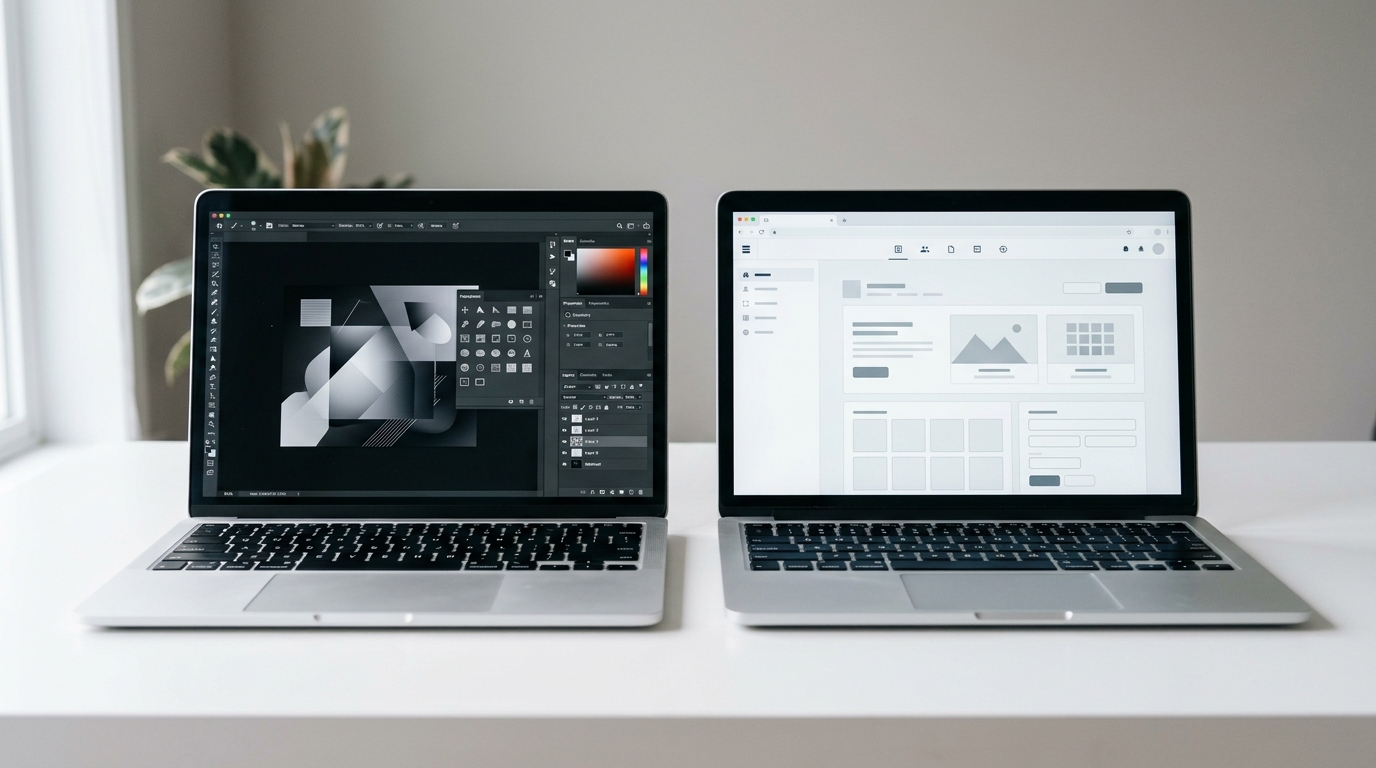
Bulk Mockup is a Photoshop plugin ($10 a month or $77 a year, and it needs Photoshop CC 2022 or later), while Scaylr is a batch mockup generator that runs in your browser, with a free plan of 30 mockups a day and paid plans from $9.99 a month. If you already pay for Photoshop and own a collection of PSD templates, Bulk Mockup is a good fit. If you don't, Scaylr is the shorter path.
| Scaylr | Bulk Mockup | |
|---|---|---|
| What it is | Browser app | Photoshop plugin |
| Needs Photoshop | No | Yes, CC 2022 or later |
| Price | Free (30/day) · $9.99/mo · $17.99/mo unlimited | $10/mo or $77/yr, unlimited |
| Template library | Yes, free | No, bring your own PSDs |
| Video mockups | Yes | Yes |
Both tools exist because the one-at-a-time mockup workflow doesn't scale. Once you're launching more than a handful of designs a month, opening every template in Photoshop by hand stops being sustainable. Where Scaylr and Bulk Mockup differ is in how they solve it, and that difference matters depending on your setup.
What is the difference between Bulk Mockup and Scaylr?
Bulk Mockup is a plugin for Photoshop CC 2022 or higher. You install it inside Photoshop, point it at folders containing your PSD templates and your design files, and it replaces the smart objects for you, locally on your machine. The processing happens through Photoshop's own rendering engine. Its website advertises "1,000+ mockups in 10 minutes".
Scaylr is a browser tool. You open it, add your designs, select templates from the library (or upload your own PSDs), and the batch runs in your browser tab. No Photoshop, no installation. It works on any computer that can open a modern browser.
That difference, plugin vs browser, shapes almost every other aspect of how they work.
Does either tool come with mockup templates?
Bulk Mockup doesn't have a template library. It works with whatever PSD files you bring to it. That's flexible if you already have a collection of templates, but it means you need to source them yourself: buying from marketplaces, downloading freebies, or creating your own. There's a setup cost before you generate a single mockup.
Scaylr includes a free template library with poster frames, mugs, t-shirts, tote bags, and more. You can start generating mockups straight away, with no external assets required. You can also upload your own PSD files if you have templates you prefer. The library is a starting point, not a ceiling.
Both tools work with PSD templates that have a smart object layer for the design. If you've already invested in premium PSD mockup packs, both tools can use them.
How much does Bulk Mockup cost compared to Scaylr?
On its pricing page, Bulk Mockup costs $10 a month or $77 a year. Both plans include unlimited mockup creation and installation on up to two devices. There is no free tier; instead there's a money-back guarantee (the pricing page says 7 days, the refund text on its homepage says 14). Remember to add the cost of a Photoshop subscription on top.
Scaylr has a free plan with 30 watermarked mockups a day, no account needed, plus 50 watermark-free mockups when you sign up. Starter is $9.99 a month for 1,000 watermark-free mockups, and Pro at $17.99 a month is unlimited. If you're testing whether batch generation fits your workflow before committing, the free plan lets you find out without spending anything.
What does Bulk Mockup do better?
Speed, for one. Local processing through Photoshop's rendering engine is fast. If you're generating thousands of mockups in a single session on a powerful computer, a local plugin will usually outpace a browser tab.
File organisation is another. Bulk Mockup lets you define your own file-naming structure and sorts exports into structured folders. If you have a specific folder system for your shop assets, you can configure the output to match it.
And if you already live in Photoshop, it simply adds batching to the tool you know.
What does Scaylr do better?
No Photoshop required is the obvious one. Photoshop costs money on top of any mockup tool, takes time to learn, and ties you to a computer that can run it. You can run Scaylr on any machine that can open a browser.
The built-in template library means zero setup before your first batch. For new sellers who don't yet have a PSD collection, that's a practical advantage.
The free plan lets you test the workflow before paying, and video mockups are included (20 a day with a watermark on the free plan). Most sellers know within a few sessions whether batch generation is going to change how they work.
Prefer video? Watch the tutorial: batching 100 mockups in one run with Scaylr.
Side-by-side
| Feature | Scaylr | Bulk Mockup |
|---|---|---|
| Requires Photoshop | No | Yes (CC 2022+) |
| Browser-based | Yes | No, desktop plugin |
| Free tier | Yes, 30 mockups a day | No (money-back guarantee only) |
| Built-in template library | Yes | No, bring your own PSDs |
| Custom PSD support | Yes | Yes |
| Batch processing | Yes | Yes |
| Where it runs | In your browser | Locally in Photoshop |
| Video/animated mockups | Yes | Yes |
| Bulk ZIP download | Paid plans | Saves to your folders |
| Starting price | Free / $9.99/mo | $10/mo ($77/yr) |
Which one should you choose?
If you already pay for Adobe Creative Cloud, have a library of PSD templates you've collected over time, and generate mockups in large volumes, Bulk Mockup is a logical fit. You're paying for Photoshop anyway, and at $77 a year the plugin is inexpensive for what it does.
If you don't have Photoshop, or don't want to depend on it, Scaylr is the more accessible option. The free plan makes it worth testing before committing, and the built-in library means you can start generating useful mockups on day one rather than spending time sourcing templates first.
For most Etsy and print-on-demand sellers who aren't already deep in the Adobe ecosystem, Scaylr is the shorter path to a working batch workflow. For Photoshop power users who want maximum speed and full control over file organisation, Bulk Mockup is a serious tool.
The choice usually comes down to whether you already use Photoshop. If yes, Bulk Mockup plugs into what you already have. If no, buying Photoshop to unlock a mockup plugin is an expensive route to a problem Scaylr solves for free.
Related reading: Scaylr vs Placeit: Which Mockup Generator Is Better? and Why Batch Mockups Save Etsy Sellers Hours Every Week.
Sources (checked October 2026): Bulk Mockup pricing · Bulk Mockup homepage (requirements, speed claim, features) · Scaylr plans.
Try Scaylr free, no Photoshop needed
Add your designs, pick templates from the free library, and generate the whole batch in your browser. Free to start, no credit card required.
Try Scaylr Free →