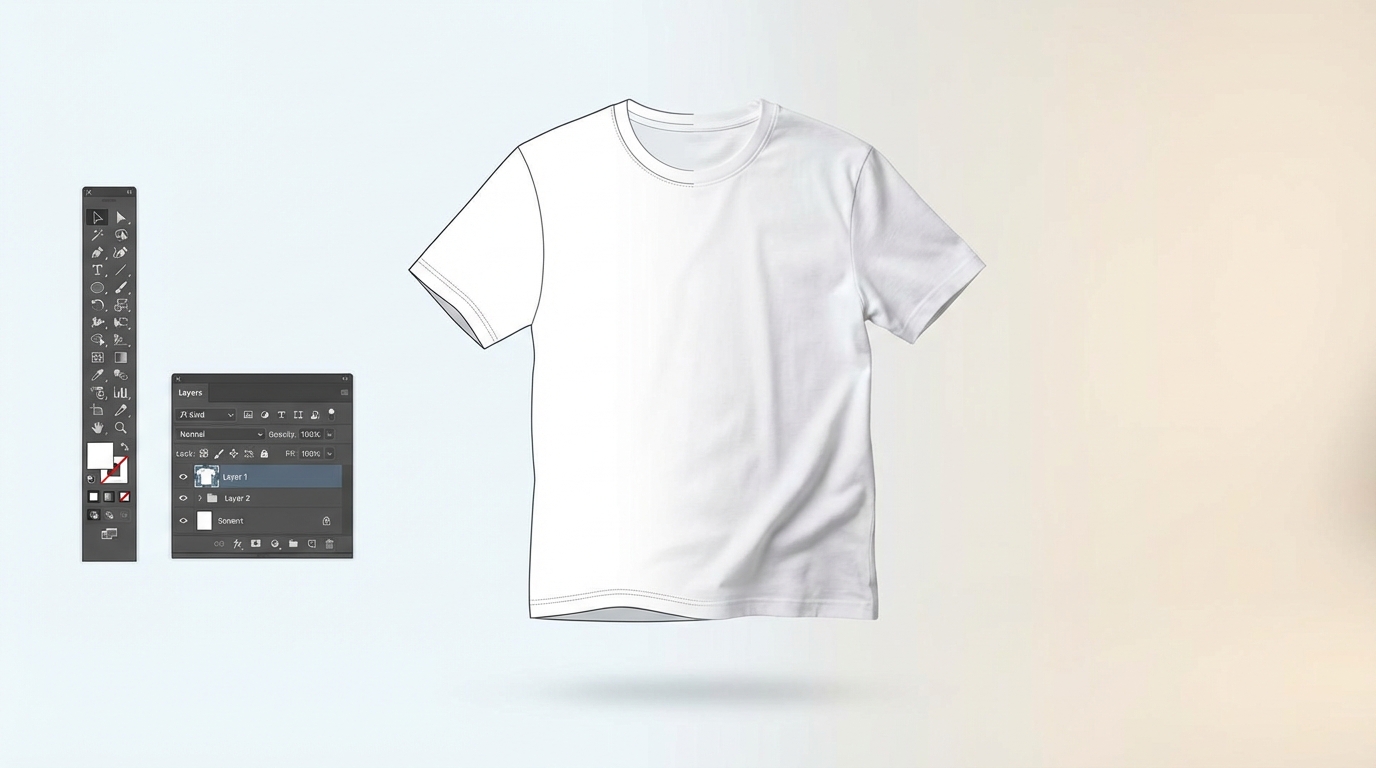
A mockup generator is a tool that places your design onto a realistic product image — like a poster in a frame, a logo on a t-shirt, or artwork on a mug — without needing to photograph the actual product. It uses PSD templates with Smart Object layers to apply your design automatically.
Whether you sell on Etsy, run a Shopify store, or manage a print-on-demand business, mockup generators are one of the most important tools in your workflow. They let you create professional product photos in minutes instead of hours.
This guide explains how mockup generators work, why they matter, and how to use them effectively.
How a Mockup Generator Works
At its core, a mockup generator takes two inputs and produces one output:
The PSD template contains a Smart Object layer — a special Photoshop layer that acts as a placeholder. When you feed your design into the generator, it opens the template, replaces the Smart Object content with your artwork, and exports the final image.
The template handles all the hard work: perspective warping, shadow casting, lighting effects, and texture overlays. Your flat design image comes out looking like it was professionally photographed on the actual product.
Smart Objects are special layers in PSD (Photoshop) files that preserve your design's quality while applying transformations. When a mockup template uses Smart Objects, your design gets automatically warped, scaled, and blended to look realistic — no manual editing needed.
Types of Mockup Generators
Browser-Based Generators
These run entirely in your web browser. You upload your design, pick a template, and download the result. No software installation needed. Examples include Scaylr, Placeit, and Smartmockups.
Desktop Software
Photoshop itself is the original mockup tool. You open a PSD template, double-click the Smart Object, paste your design, save, and export. This gives you maximum control but is slow for multiple mockups.
Batch Generators
A newer category that processes multiple designs across multiple templates automatically. Instead of creating one mockup at a time, you generate every combination in a single operation. Scaylr is an example of a batch mockup generator.
Who Uses Mockup Generators?
| User Type | Use Case | Volume |
|---|---|---|
| Etsy sellers | Product listing photos for wall art, apparel, mugs | High — 5-10 mockups per listing |
| POD creators | Showcase designs on printable products | Very high — hundreds per week |
| Graphic designers | Client presentations and portfolio pieces | Medium — a few per project |
| Marketing teams | Social media visuals, ad creatives | Medium — varies by campaign |
| App developers | Screenshot mockups for app stores | Low — per app release |
Mockups vs. Real Product Photography
Both have their place. Here is how they compare:
| Factor | Mockups | Real Photography |
|---|---|---|
| Cost | Free to low ($0-20/mo) | $500+ for setup, ongoing costs |
| Speed | Minutes per batch | Hours per session |
| Consistency | Identical lighting every time | Varies between sessions |
| Scalability | 100s of images in minutes | Limited by physical products |
| Authenticity | Realistic but not real | Genuine product photos |
| Customization | Limited to template options | Full creative control |
The most successful Etsy sellers use a mix of both — mockups for the majority of listing images and real photos for key hero shots. This gives you the efficiency of mockups with the authenticity buyers trust.
What Makes a Good Mockup?
Not all mockups are created equal. Here is what to look for:
- Realistic lighting and shadows. The design should look like it naturally belongs on the product, not pasted on top.
- Appropriate perspective. If a poster is at an angle, your design should warp accordingly.
- High resolution. Etsy recommends at least 2000px on the longest side for listing images.
- Context and lifestyle. A poster mockup in a styled room converts better than a poster floating on a white background.
- Consistent style. Your shop should have a cohesive look across all listings.
Getting Started with Mockups
If you are new to mockups, the simplest path is:
Choose a mockup tool
Pick a browser-based generator that matches your volume. For occasional use, any tool works. For regular POD selling, a batch generator saves significant time.
Find or upload templates
Most tools include a template library. You can also purchase PSD templates from Creative Market, Envato Elements, or free sources like Mockup World. For a curated list, see our guide to the best free PSD mockup templates for 2026.
Upload your designs
Use high-resolution PNG or JPG files. The larger the source image, the sharper the mockup.
Generate and download
Hit generate, wait for processing, and download your mockups. Upload them directly to your Etsy listings.
Try It Yourself — Free
See how batch mockup generation works. No account needed, no software to install.
Open Scaylr →