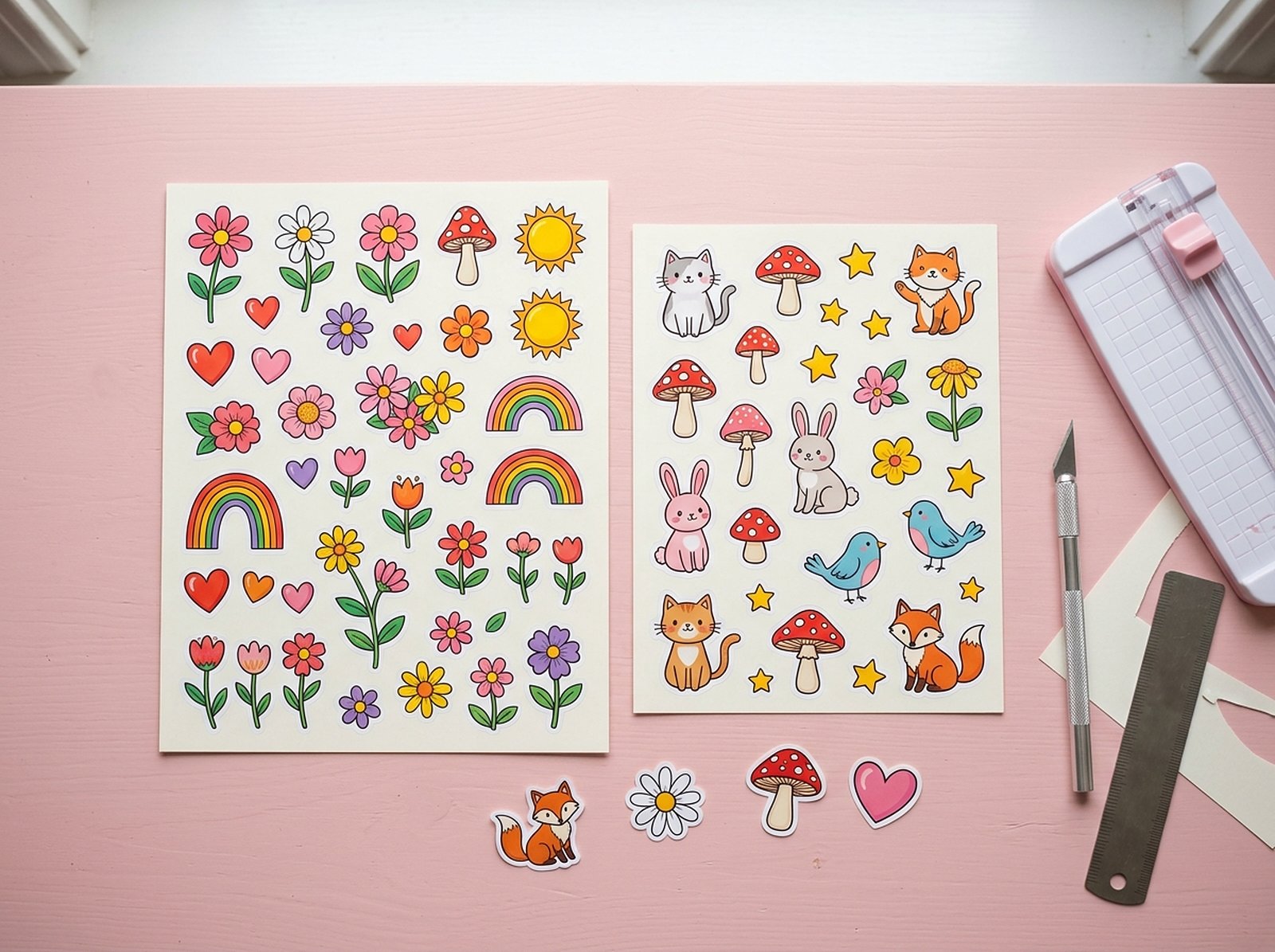
"Sticker sheet size" sounds like it should have one obvious answer, and then you start printing and realize the paper size, the sticker size, and the number of copies you can actually fit are three different decisions that all affect each other. Here's a plain-language breakdown of the two standard sheet sizes, how many stickers realistically fit on each, and how to lay a sheet out without doing the math by hand.
The two standard sticker sheet sizes are US Letter (8.5 × 11in / 215.9 × 279.4mm) and A4 (8.27 × 11.69in / 210 × 297mm) — Letter is standard in the US, A4 almost everywhere else. How many individual stickers fit on a sheet depends entirely on your sticker size and the gap between copies, not just the sheet dimensions. For Etsy sellers printing their own sheets, add 1/8in (0.125in) bleed per sticker if you're cutting yourself, and lay copies out at 300 DPI with spacing so the cutter (or scissors) has clearance. Scaylr's Sticker Border Maker does this layout automatically.
US Letter vs A4: what are the two sheet sizes that matter?
| US Letter | A4 | |
|---|---|---|
| Inches | 8.5 × 11in | 8.27 × 11.69in |
| Millimeters | 215.9 × 279.4mm | 210 × 297mm |
| Pixels at 300 DPI | 2550 × 3300px | 2480 × 3508px |
| Standard in | United States, Canada | UK, EU, most of the world |
A4 is slightly narrower but noticeably taller than Letter, which is why a layout built for one doesn't automatically fit the other — a sheet designed for A4's extra length can run out of room on Letter, and vice versa. If you're selling printable sticker sheets as a digital download, this is exactly why offering both sizes in your bundle (not just the one you personally print on) matters — a UK buyer printing your US-Letter-only file on A4 paper either loses part of the layout or has to rescale it themselves.
How many stickers actually fit on a sheet?
This is where sellers most often guess wrong — the sheet size alone doesn't tell you the count; the sticker size and the gap between copies do.
| Sticker size | Approx. count on Letter | Approx. count on A4 |
|---|---|---|
| 2 × 2in (small) | ~15-20 | ~15-20 |
| 3 × 3in (common Etsy size) | 6 (2 across, 3 down) | 6 (2 across, 3 down) |
| 4 × 4in (large) | ~2-4 | ~2-4 |
The lower numbers assume a 0.25in printer margin around the sheet and a 1/8in gap between copies; the higher ones fill the sheet edge to edge with no gap. Exact counts depend on how much gap you leave between copies and whether your stickers are square, round, or an irregular die-cut shape — an irregular shape wastes more sheet space than a clean square or circle of the same width/height, since the layout has to account for the widest and tallest point of the shape.
How do you lay out a sheet without doing the math yourself?
Start from a transparent design, bordered if needed
If your sticker needs a printed border (a white or colored outline around the artwork), build that first — the Sticker Border Maker grows a smooth, evenly-thick border using a real distance transform, so it stays rounded on curves and corners instead of turning jagged like a simple pixel-dilate border would.
Add bleed if you're cutting it yourself
Bleed is extra printed color extending past the intended cut line, so that if a blade or scissors land slightly outside the line, they still cut through color instead of exposing a thin white sliver. The standard is 1/8in (0.125in) on every side. Turn it on if you're printing and cutting at home or sending files to a print-and-cut shop; leave it off if a sticker printing service's own upload tool adds bleed automatically (check their upload instructions — adding it twice creates its own problems).
Turn on "Make a sheet of copies"
Choose US Letter or A4, and the tool works out how many copies fit at 300 DPI with a gap between them, then exports one sheet PNG ready to print, plus one matching SVG cut line with every copy already positioned — instead of arranging duplicates by hand in a design program.
300 DPI is the standard resolution for sharp home and commercial printing — below it, fine detail and small text on a sticker can look visibly soft, especially on a small 2×2in sticker where detail is already tight. Laying a sheet out below 300 DPI to squeeze more copies on is a false economy that shows up the moment it's printed.
Etsy-ready: should you sell printable sheets or pre-cut singles?
Selling a printable sticker sheet as a digital download is a different product from selling a physical pre-cut sticker, and the sizing considerations differ slightly:
- Printable digital sheets: deliver both Letter and A4 versions so buyers anywhere can print at full size without rescaling. Include the cut-line SVG alongside the printable PNG so buyers with a cutting machine can use it directly, and buyers without one can still cut by hand along a visible guide line.
- Physical pre-cut stickers: sheet size becomes your own production concern rather than the buyer's — optimize for however many copies your printer or supplier fits per sheet, since the buyer never sees the sheet layout at all, only the finished individual sticker.
Lay out a full sticker sheet automatically
Border, bleed, and sheet layout for US Letter or A4 at 300 DPI — free, in your browser, with a matching cut-line SVG.
Try the Sticker Border Maker Free →